
- Open the vehicle (see Search for Vehicle) and click Tasks in the vehicle menu. If you can’t see it, use the arrow at the right end of the menu to scroll.
- The Tasks menu has Tasks, Timesheets, Tasks Groups and Gantt View.
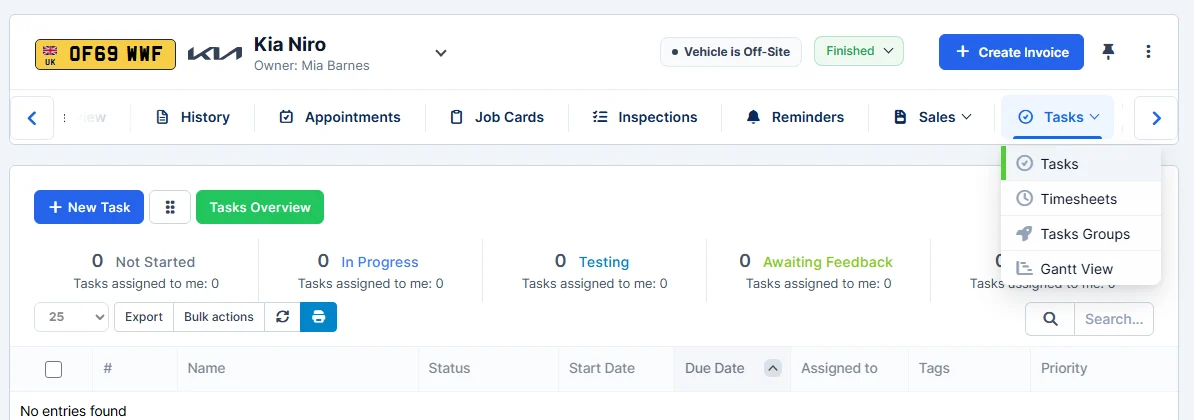
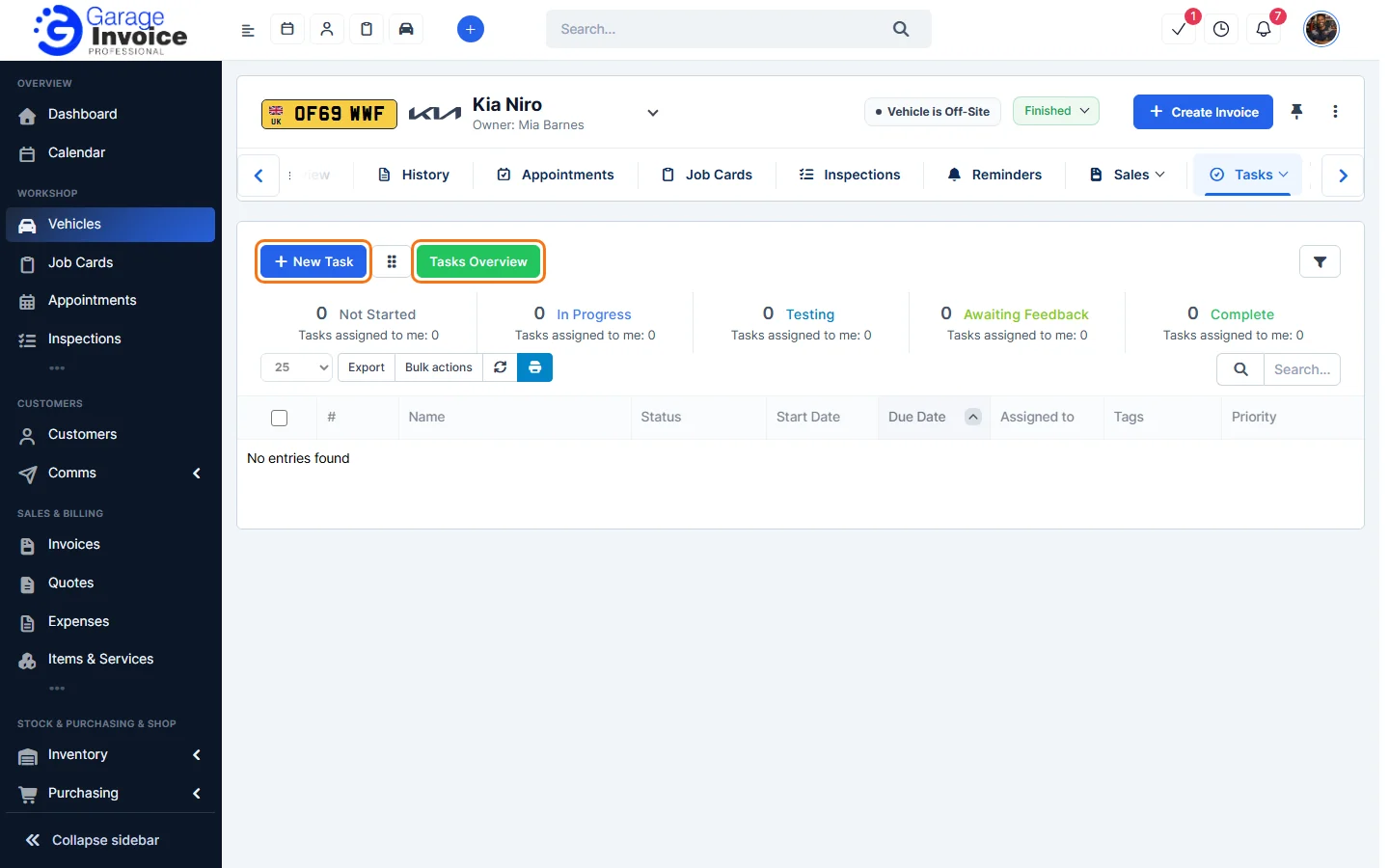
- On Tasks, the totals show how many tasks are Not Started, In Progress, Testing, Awaiting Feedback and Complete. Click a task’s name to open it.
- Click New Task to add a task for this vehicle. Click Tasks Overview to see an overview of tasks.
Step-by-step guides
These screens work in the same way as the main Tasks pages, so the full guides apply:
- Add New Task | Create Task
- Start Timer for Task
- Add Manual Timesheet to Task
- Create Task Checklist
- Mark/Unmark Tasks as Complete
- Tasks – Kan Ban View
All guides: Tasks
Feature Vehicle records: see what it does and how it fits your workshop.