
- Click Settings at the bottom of the sidebar, under Administration. In the panel on the left, open Sales & Operations and click Sales Configuration.
- Scroll to VAT / Tax Settings:
- Enable VAT/Tax: turn tax on or off on your sales documents.
- Require Tax Selection: staff must pick a tax rate on every item line.
- Default pre-selected VAT/TAX rate: the rate filled in when you add a new item, for example 20.00%.
- Allow Multiple Taxes: let an item have more than one tax rate.
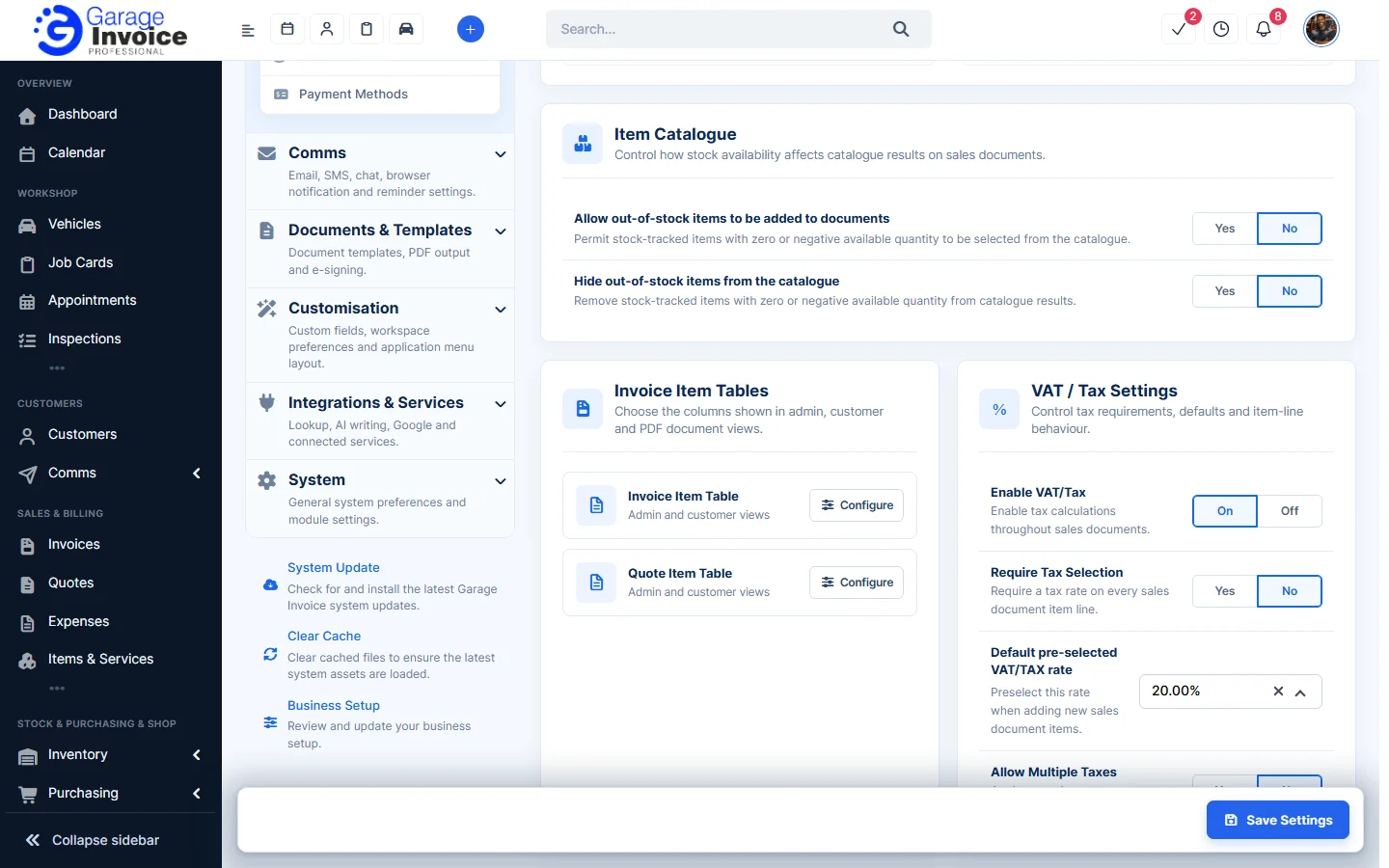
- Click Save Settings at the bottom right.
Tip: the rates you can choose come from Tax Rates. See Add New TAX/VAT Rate.