
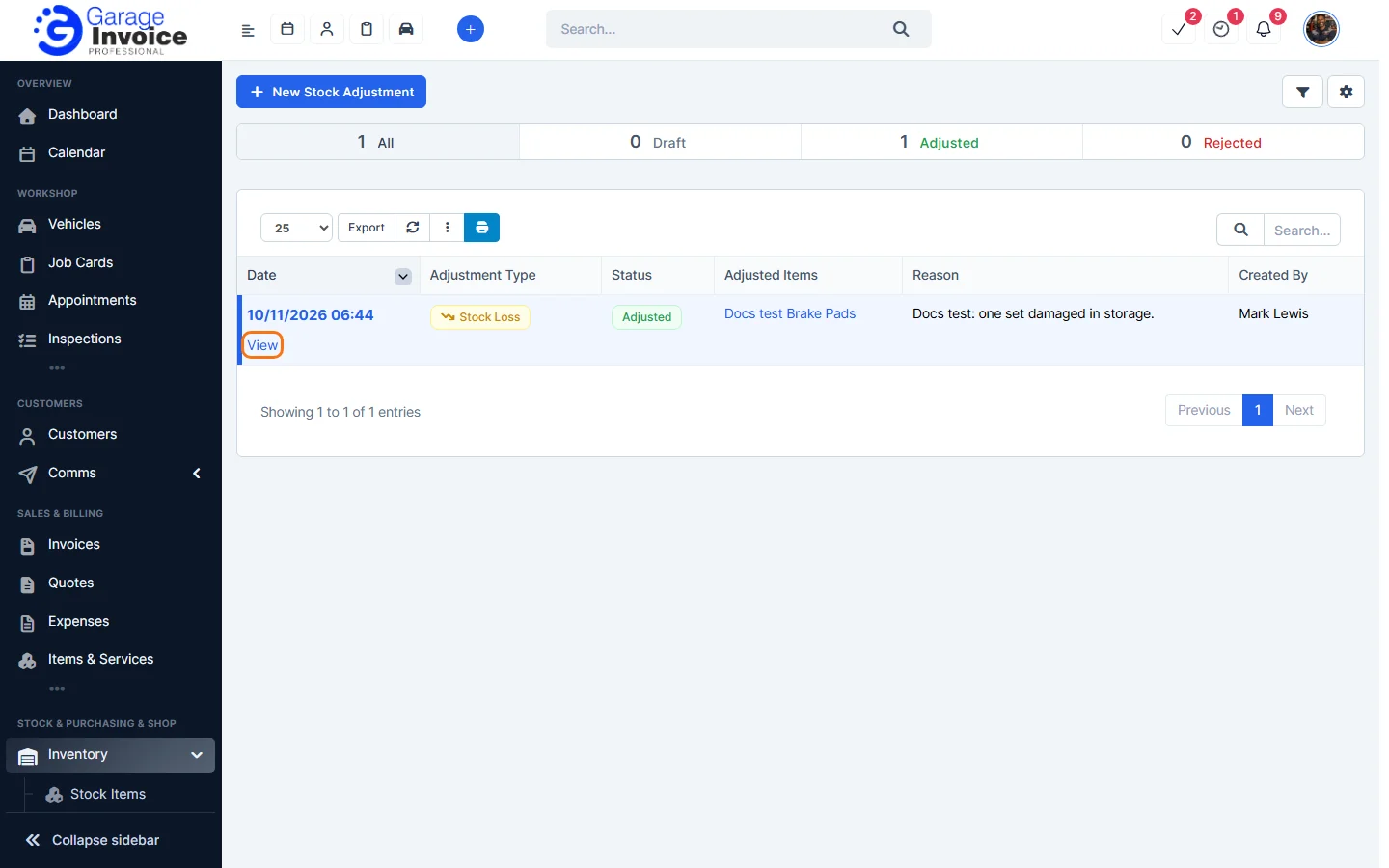
- Click Inventory in the sidebar (under Stock & Purchasing & Shop) and click Stock Adjustments. The bar at the top shows how many adjustments are Draft, Adjusted and Rejected. The list shows the date, type, status, items, reason and who created it.
- Hover over the date and click View.
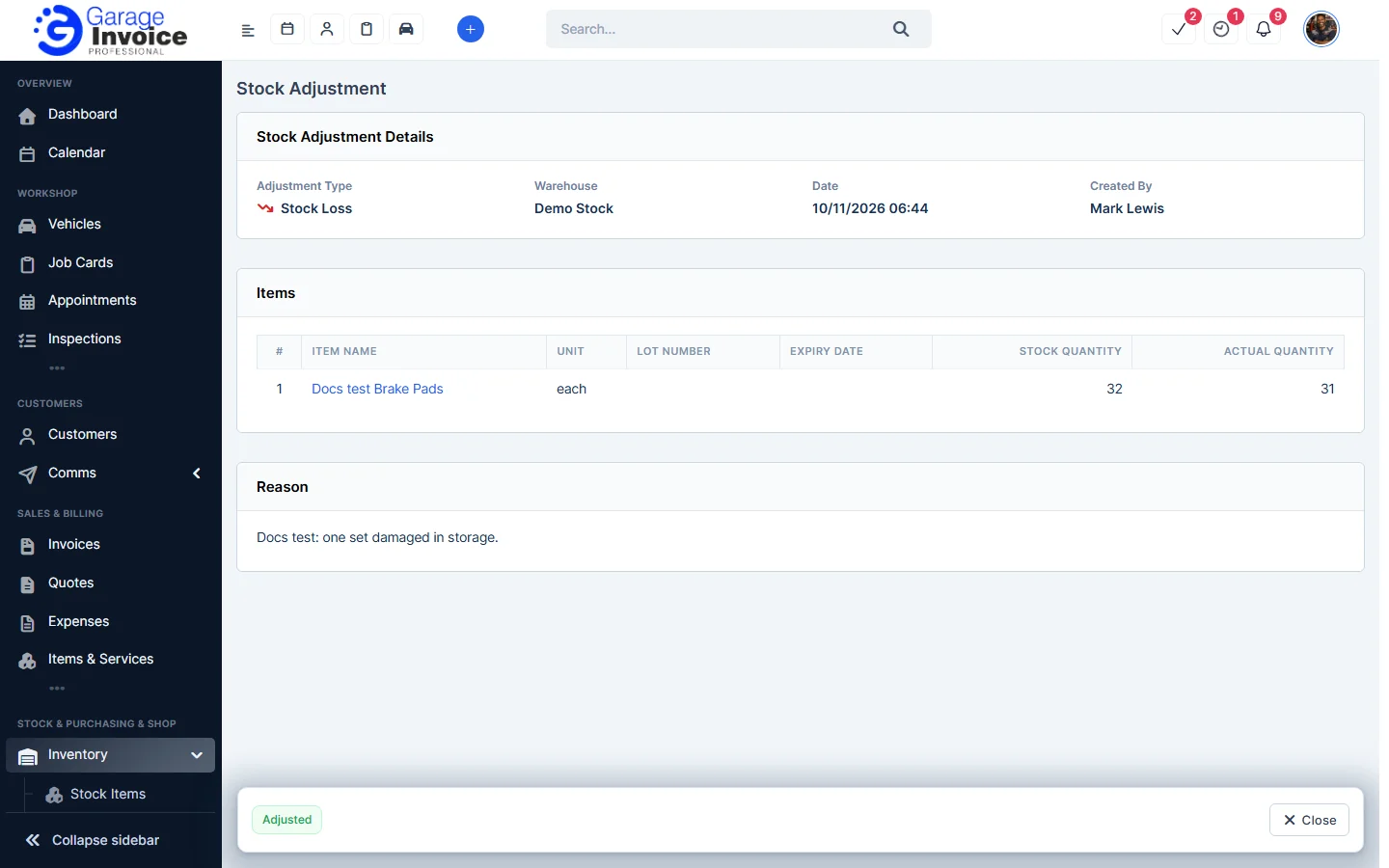
- The page shows the Adjustment Type, Warehouse, Date and Created By, each item’s stock quantity and actual quantity, and the reason. Click Close to go back.
Note: adjusted records can’t be deleted. If an adjustment was wrong, add a new one to correct it. See Add New Stock Adjustment.
Feature Stock and inventory control: see what it does and how it fits your workshop.