
- Click Reports in the sidebar (under Insights) and click Sales.
- Choose a Period (This month, Last month and so on) or enter your own From and To dates, set any other filters and click Filter. Reset clears them. The Active filters line shows what you are looking at.
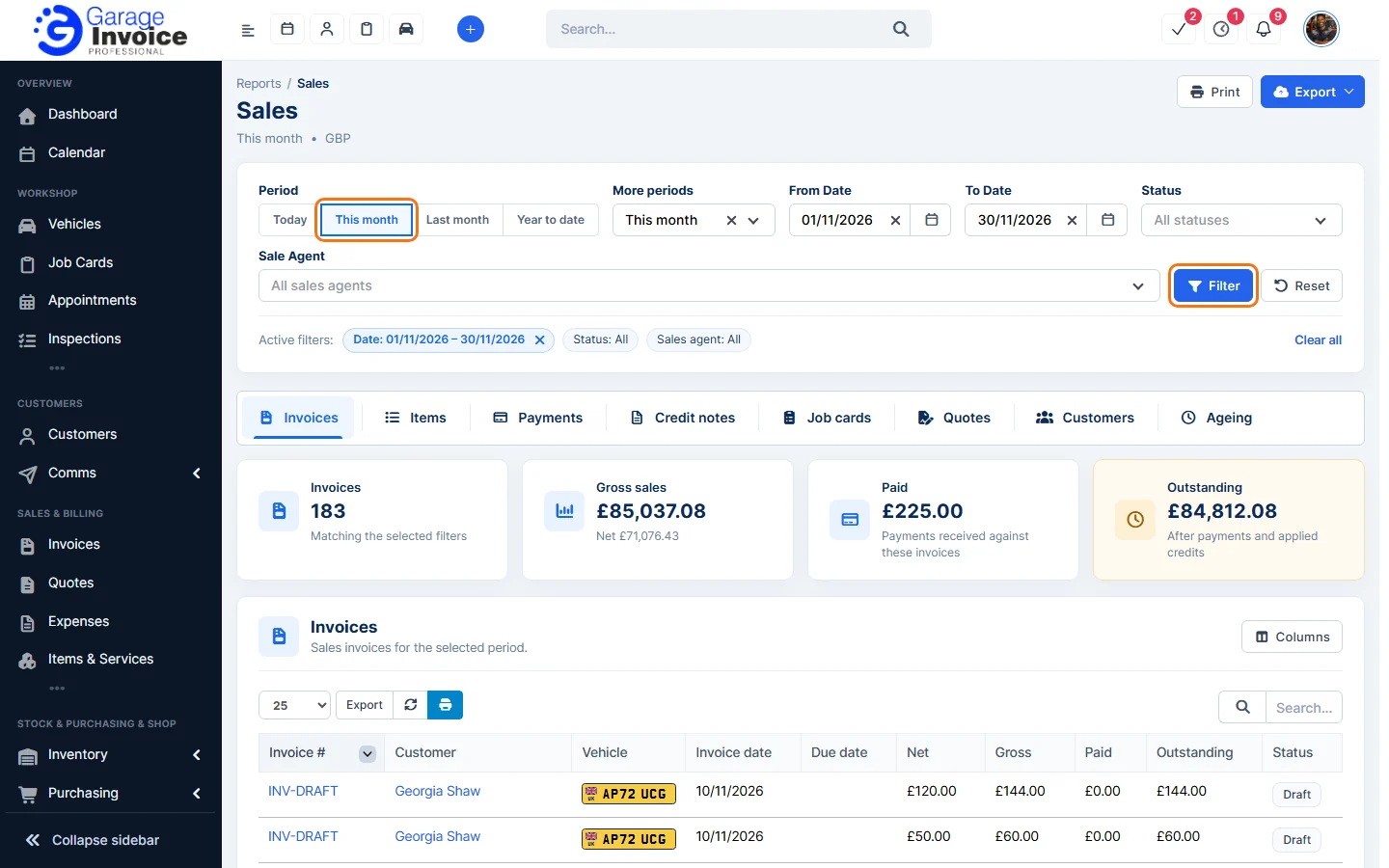
- Click the Customers tab.
- The cards show how many Customers were invoiced, Total invoiced, Amount paid and Outstanding. The table lists each customer with Total Invoices, Amount, Amount with Tax, Amount Paid and Outstanding.
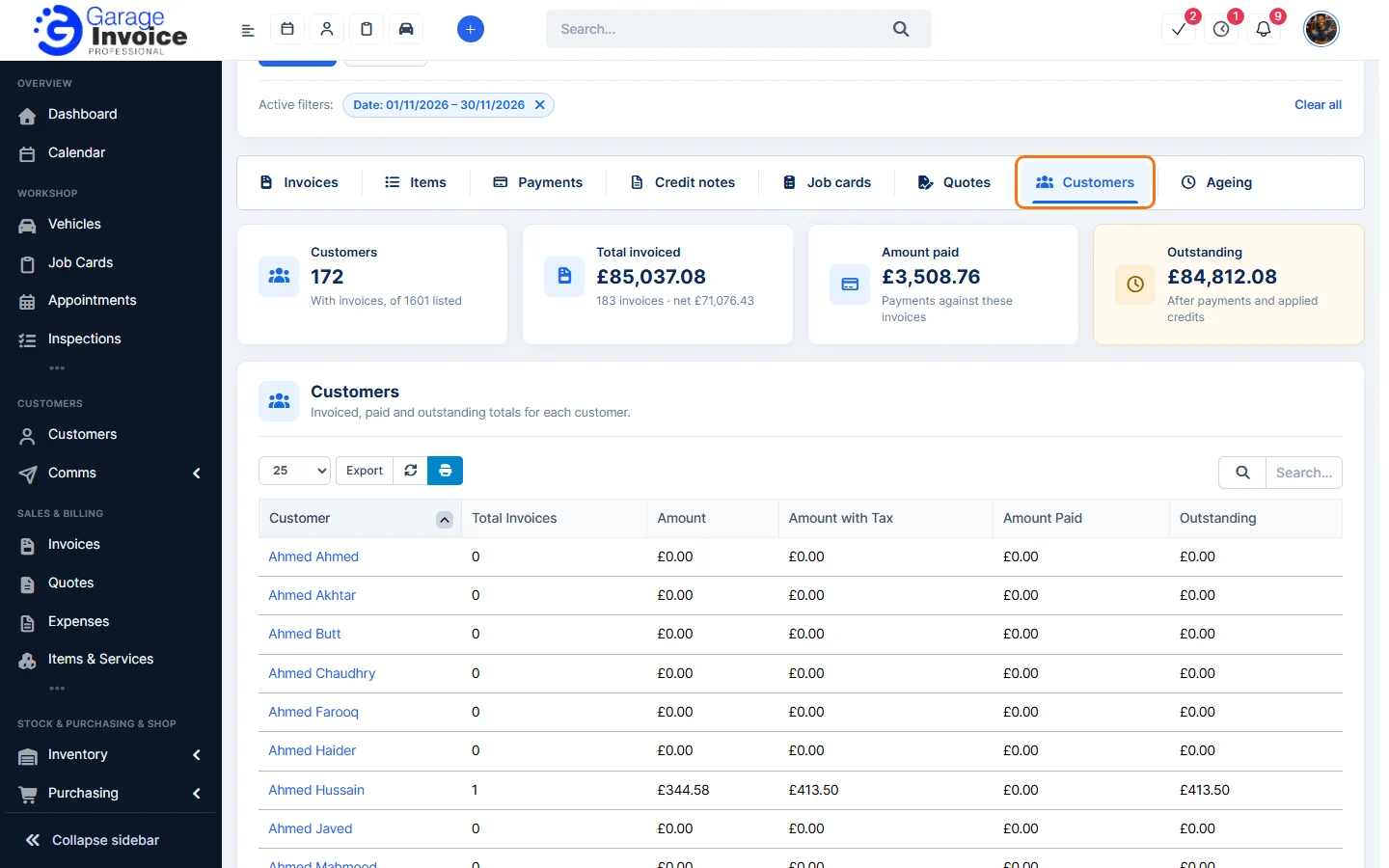
- Click a column heading to sort, for example by Outstanding. Use Export to save the list.
See also: Ageing Report · Customer Insights
Feature Garage reports: see what it does and how it fits your workshop.