
- Click Settings in the sidebar, open Business and click Bays & Providers. Each card shows the provider’s Assigned staff, Working schedule and Breaks.
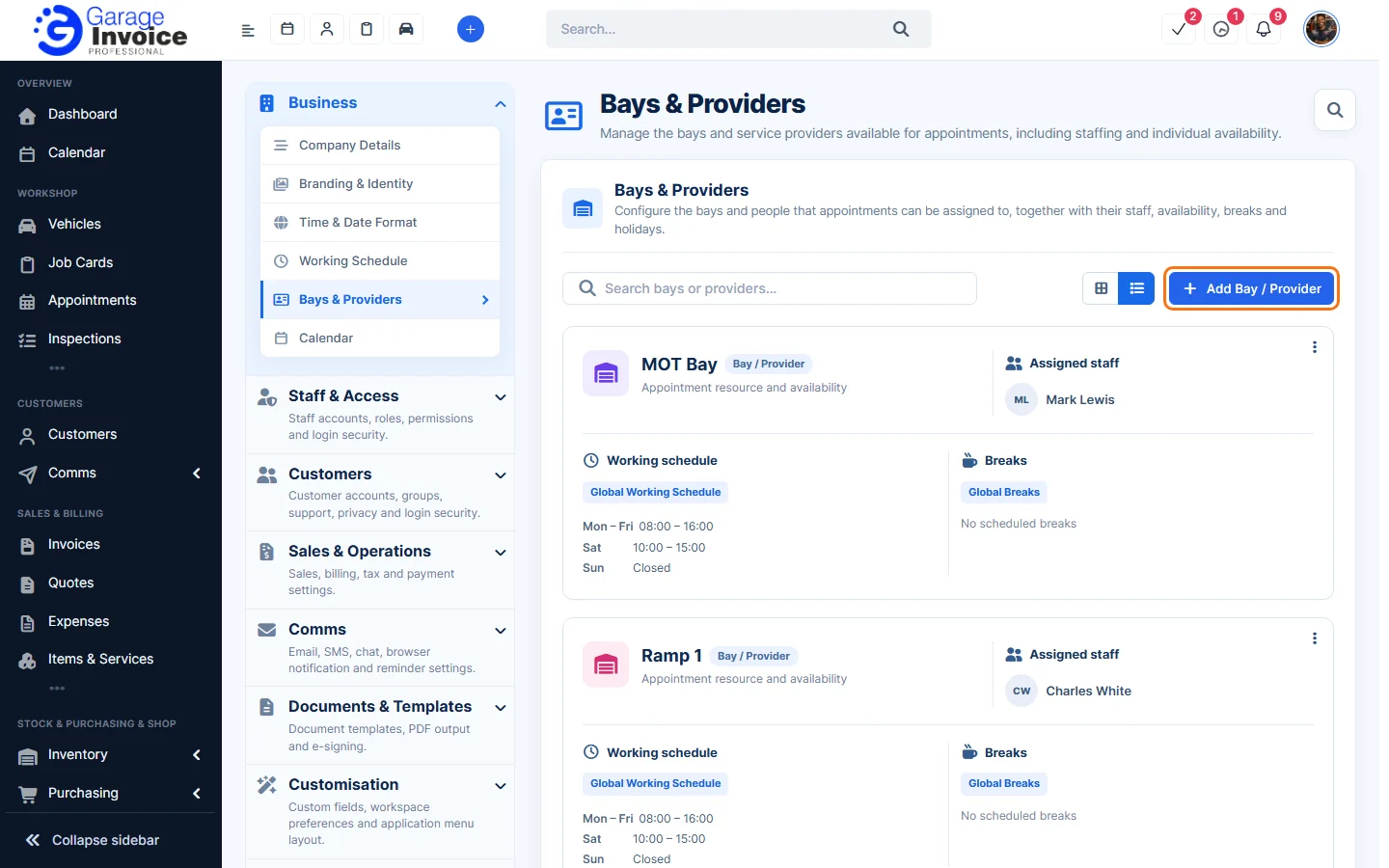
- Click Add Bay / Provider (or click a provider to change it).
- Fill in:
- Name and Assignee(s): the staff who work in this bay.
- Working Schedule: the provider follows the business working schedule. Turn on Custom schedule to set its own opening and closing times for each day.
- Breaks: turn on Custom breaks and click Add break for its own break times.
- Holiday Schedule: click Add holiday for days off (after the provider has been saved).
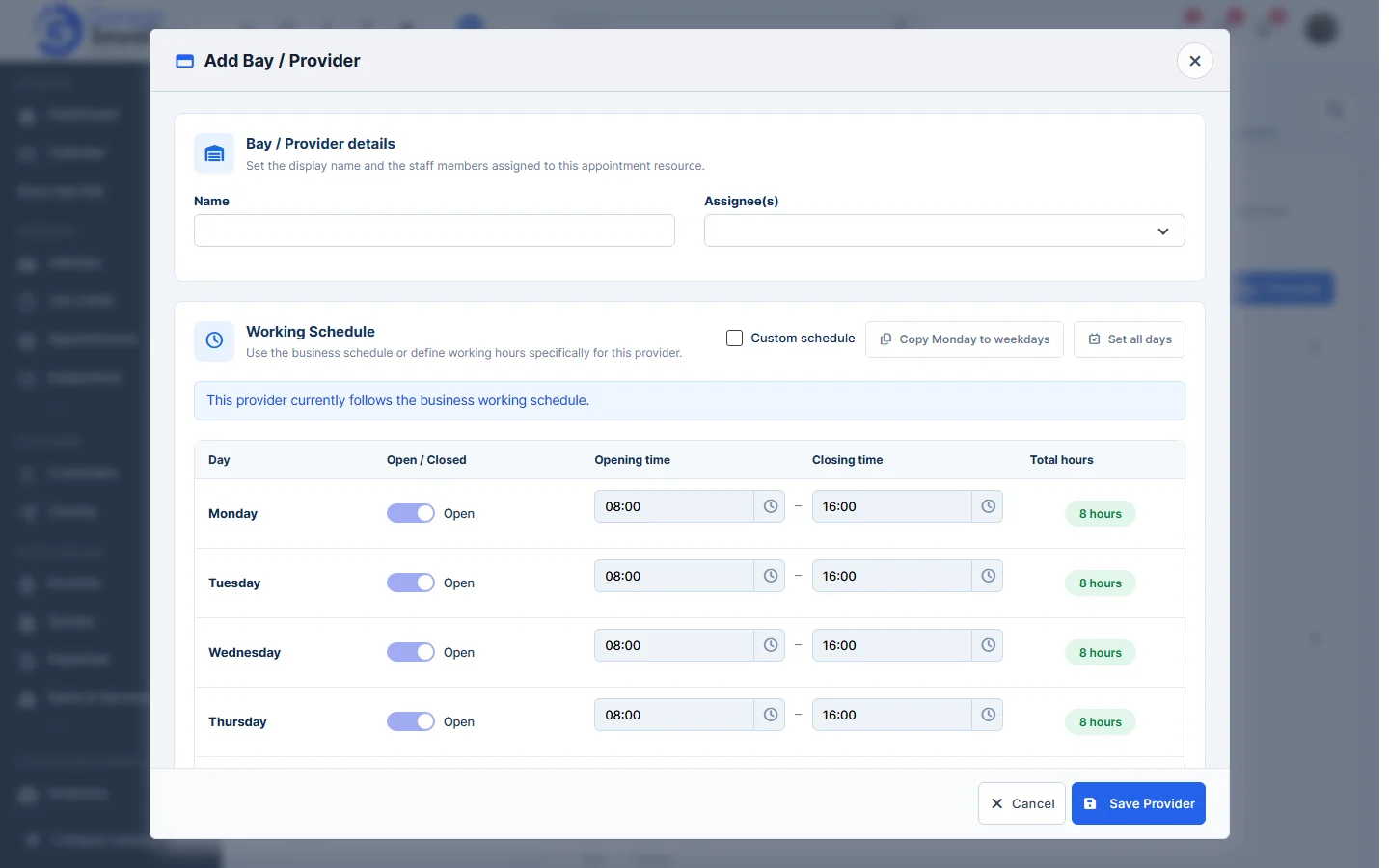
- Click Save Provider.
Note: customers and staff can only book a provider when it is open and not on a break or holiday, unless staff use Override Scheduling.
Feature Online booking and appointments: see what it does and how it fits your workshop.