
- Click Settings at the bottom of the sidebar, under Administration. Under the groups in the panel on the left, click System Update.
- The page shows:
- Whether Garage Invoice is up to date. When it is, you’ll see Garage Invoice is up to date.
- Installed version: the version you’re using, for example 2026.11.09.1, marked Latest version when no newer one is available.
- Check for updates: click it to check for a newer version straight away. If updates were checked recently, you’ll be told when you can check again.
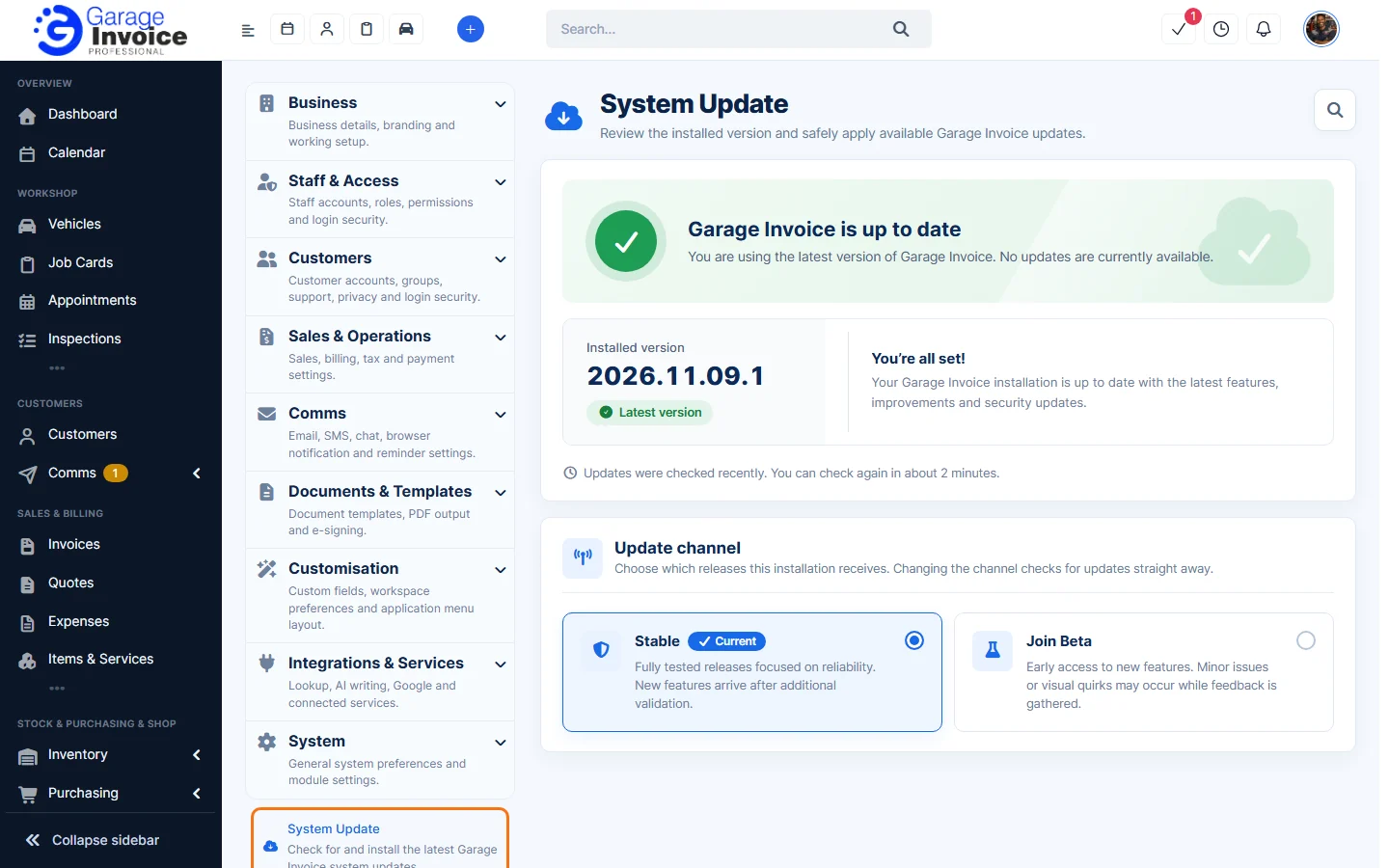
- Under Update channel, choose which releases you get:
- Stable: fully tested releases focused on reliability. New features arrive after more testing.
- Join Beta: early access to new features. Minor issues or visual quirks may occur while feedback is gathered.
The current channel is marked Current. Changing the channel checks for updates straight away.