
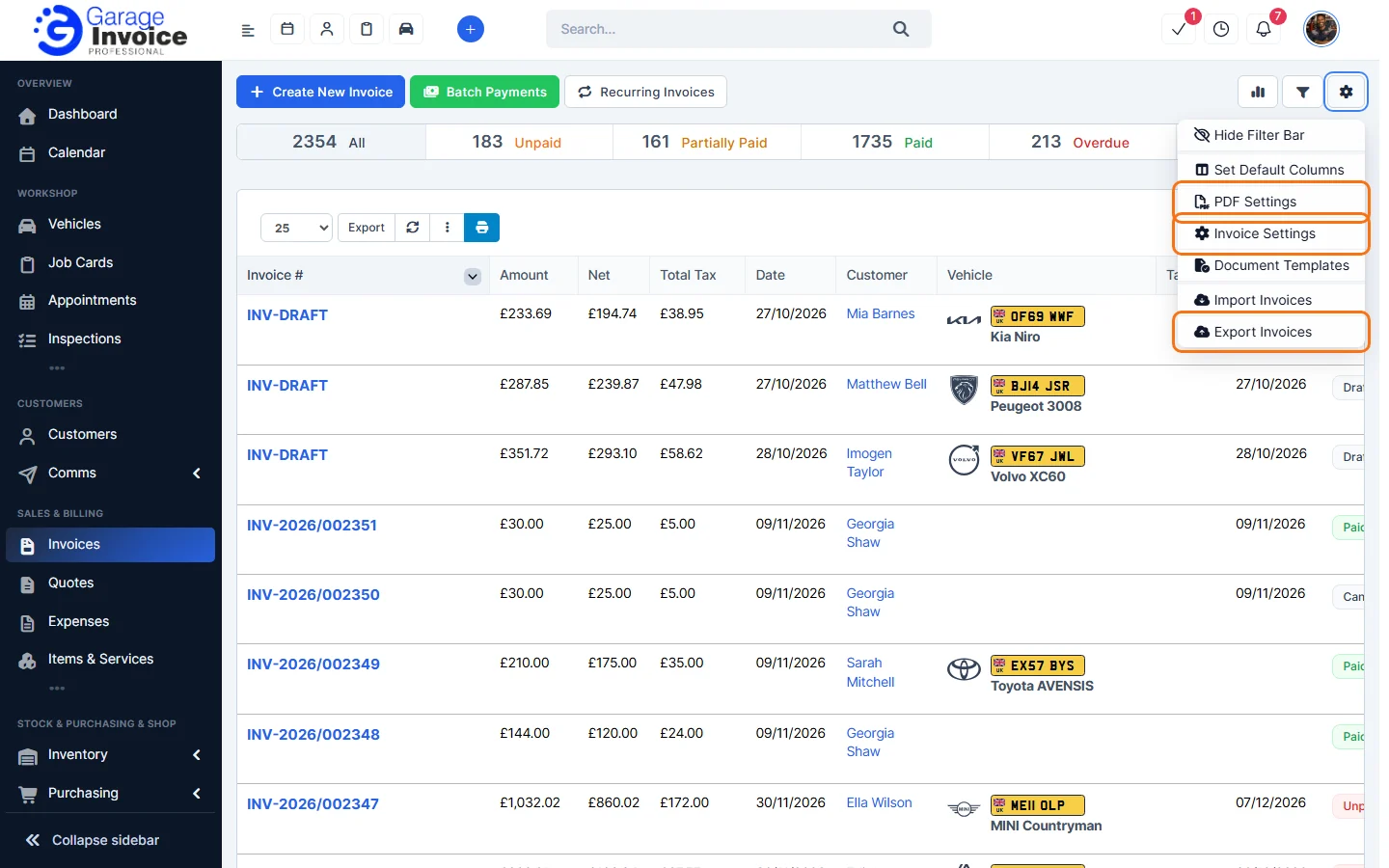
To open the invoice settings, click Settings near the bottom of the sidebar, open Sales & Operations and click Invoices. You can also click the cog button on the Invoices page and choose Invoice Settings.
- Prefix and Number: the invoice prefix, the next number and the number format. See Change Invoice Prefix and Set Next Invoice Number.
- Invoice Defaults: create group items on new invoices, Invoice due after (days), and automatically assign the logged-in staff member as sale agent.
- Invoice Workflow: show invoices available for merging, show expenses available to bill, and Delete invoice allowed only on last invoice.
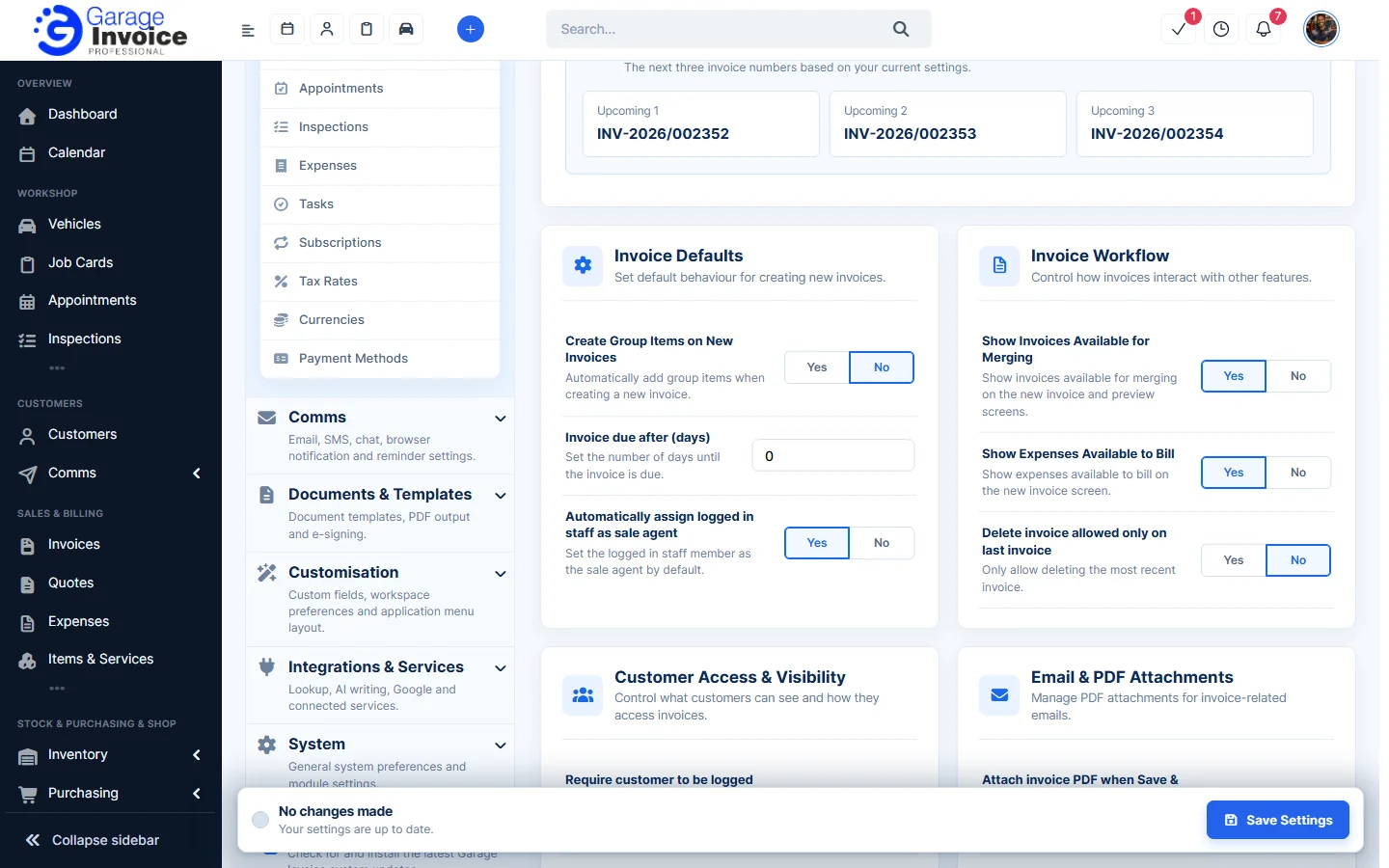
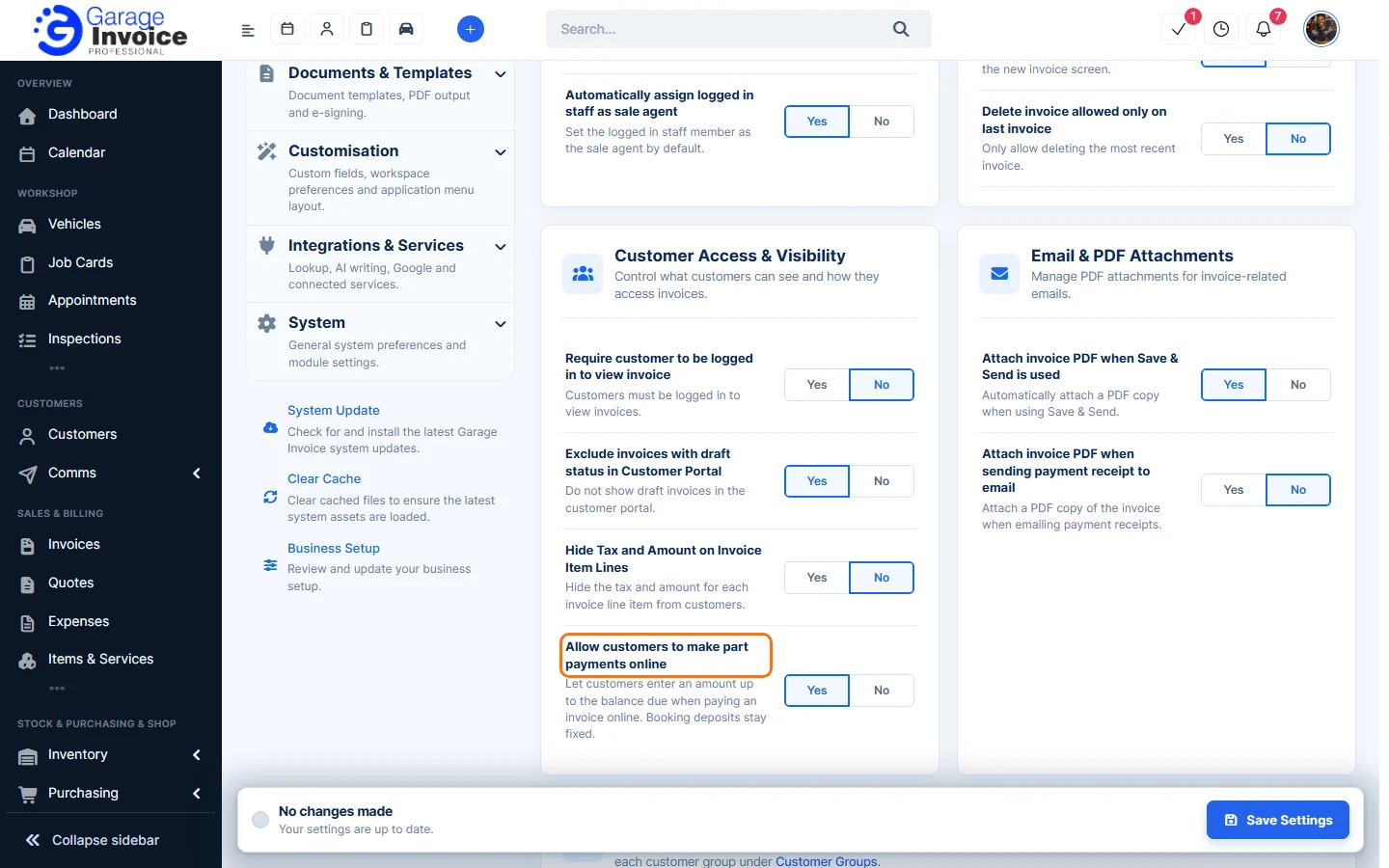
- Customer Access & Visibility: whether customers must log in to view invoices, hide draft invoices in the Customer Portal, hide tax and amounts on item lines, and allow part payments online.
- Email & PDF Attachments: attach the invoice PDF when using Save & Send, and when emailing payment receipts.
- Client Note & Predefined Terms. See Add Invoice Note and Add Invoice Terms.
Click Save Settings at the bottom right after making changes.
Feature Garage invoicing software: see what it does and how it fits your workshop.