
- Click Job Cards in the sidebar and click the job card number. The job card opens on the right, with Edit, Send, Print, More and Convert at the top.
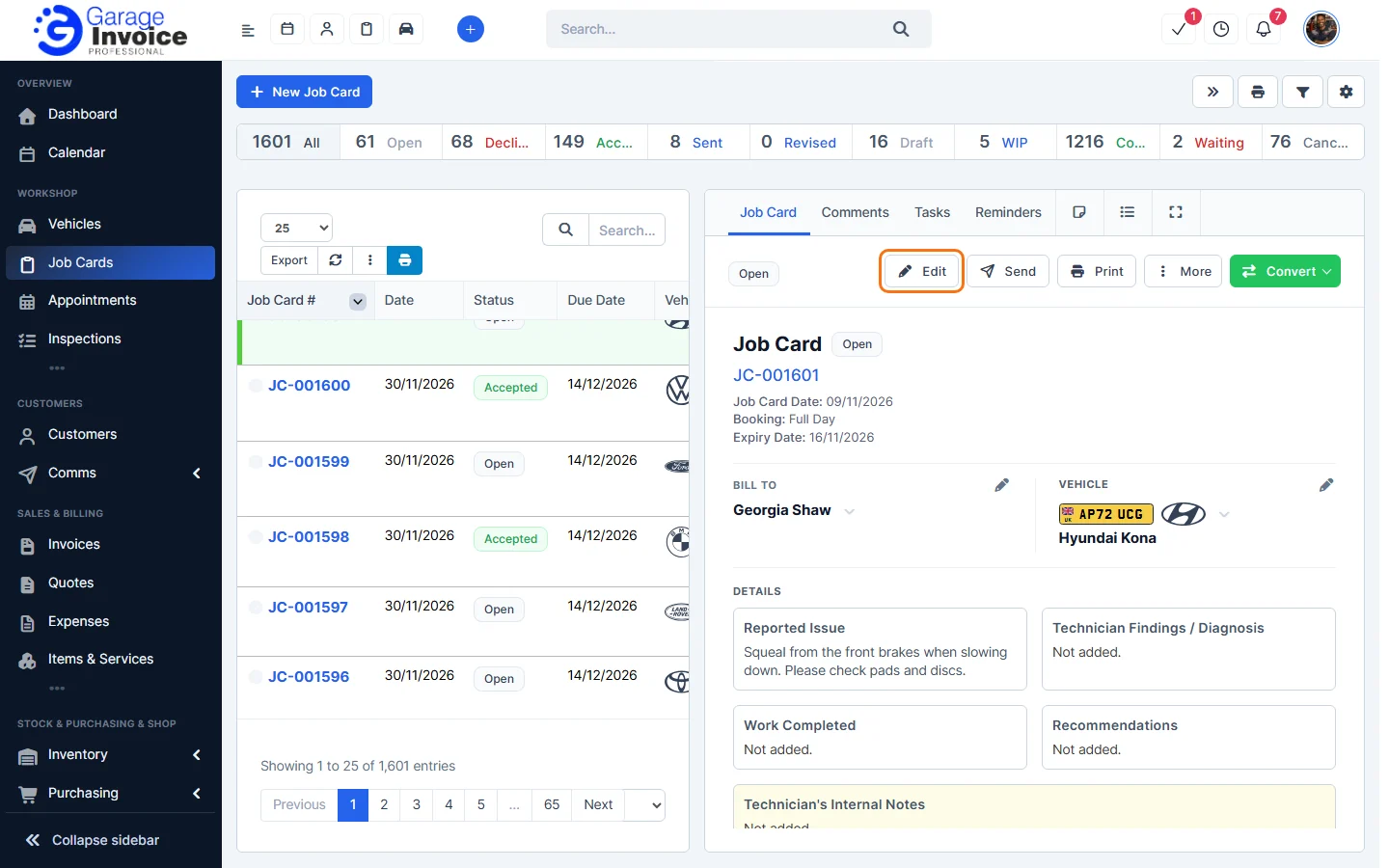
Tip: to see only one vehicle’s job cards, open the vehicle and click the Job Cards tab.
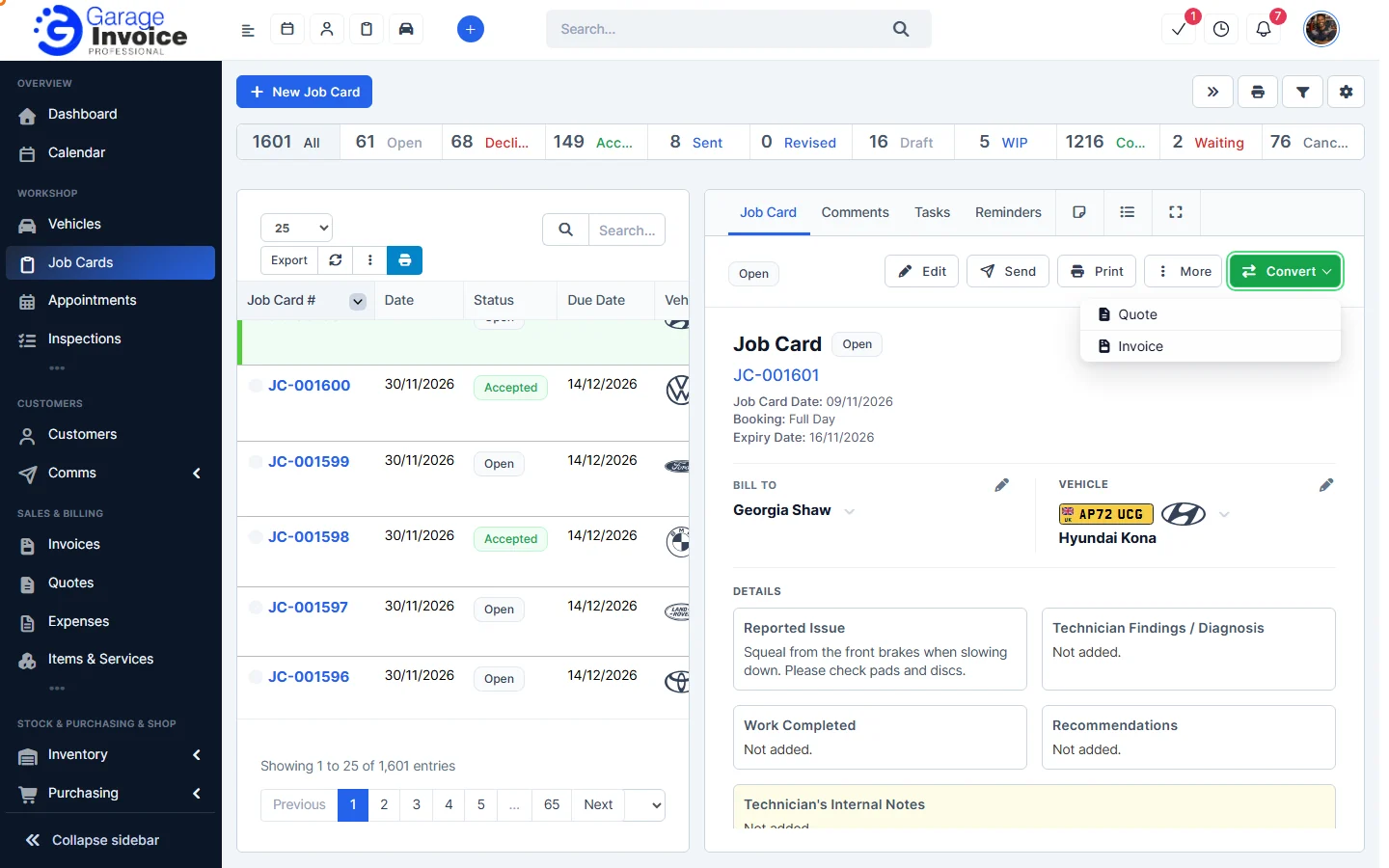
- Click Convert and choose Quote.
- The Convert to Quote window opens with the customer, contacts, vehicle and items copied from the job card. Check the Quote Number, Quote Date and Expiry Date, and change anything you need.
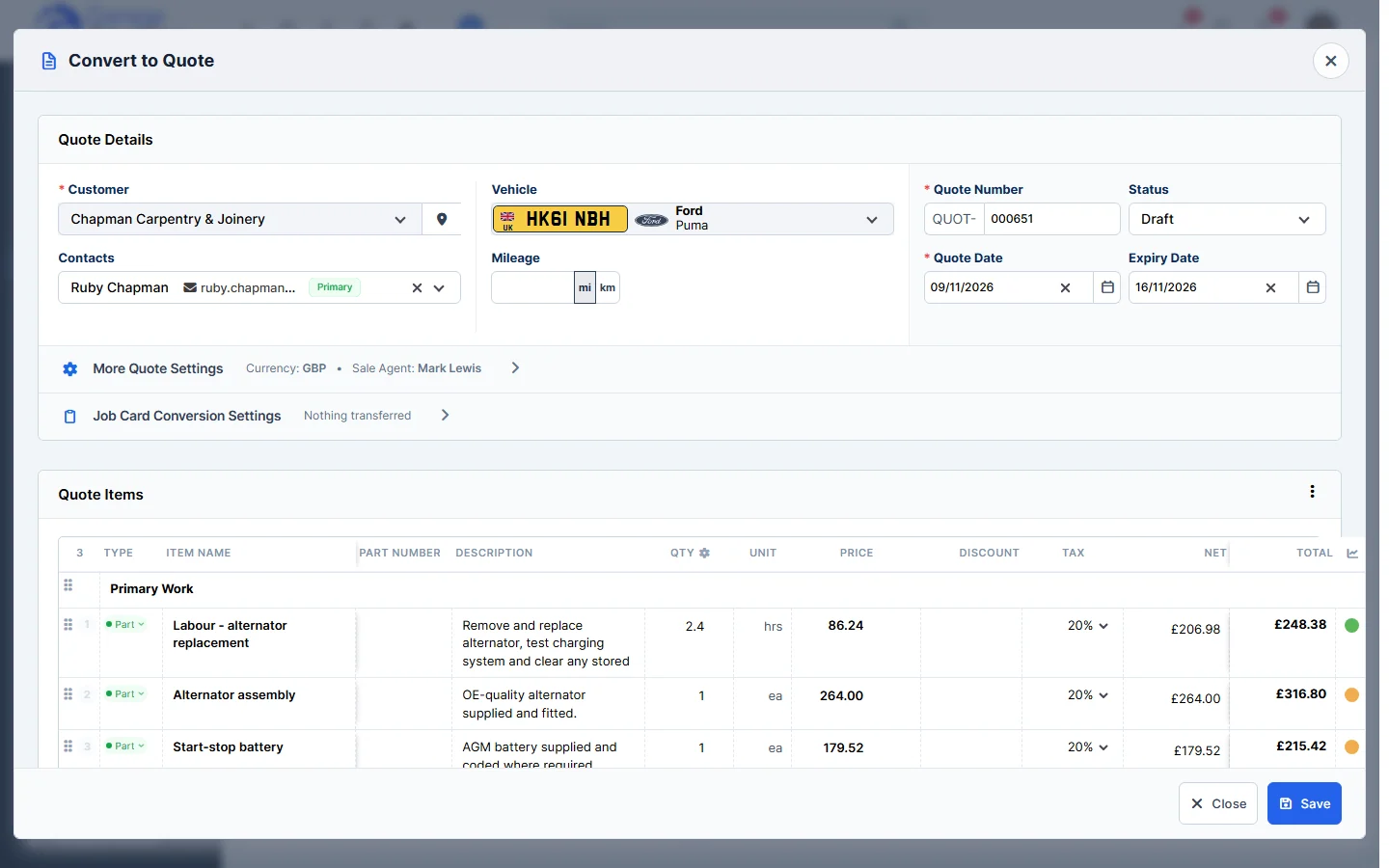
- Click Save, or Save as Draft if it isn’t ready yet.
Tip: to bill the customer straight away instead, convert the job card to an invoice. See Convert Job Card to Invoice.
Feature Digital job cards: see what it does and how it fits your workshop.