
- Click Settings at the bottom of the sidebar, under Administration. In the panel on the left, open Comms and click SMS. Click the SMS Providers tab. SMS Connections lists every provider and whether it’s connected.
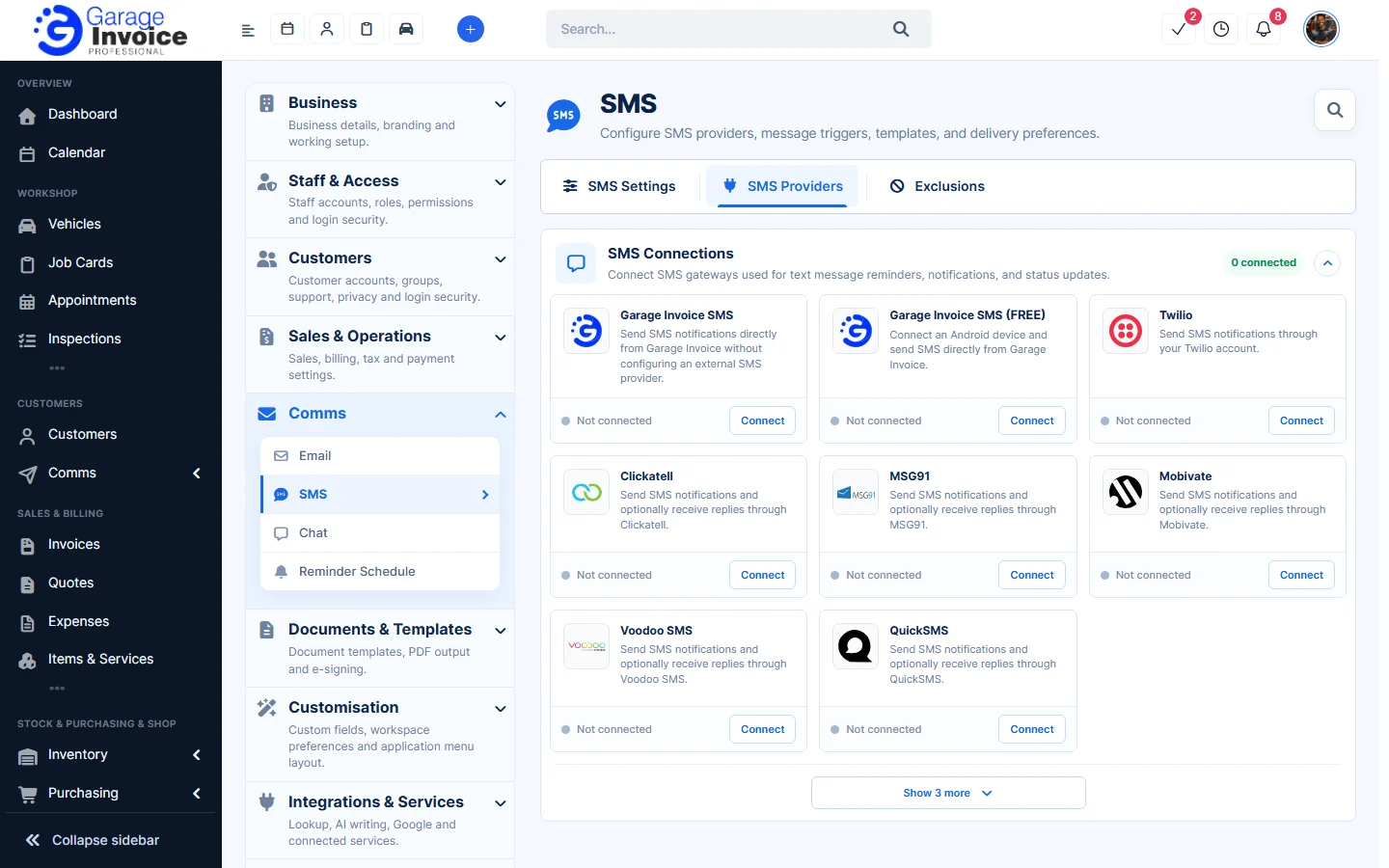
- Next to Garage Invoice SMS, click Connect.
- Under How would you like to use SMS?, choose:
- Send messages only: customers get your messages but can’t reply. No dedicated number needed; you pay only for messages you send.
- Send & receive messages: customers can reply. Includes a dedicated messaging number (monthly number charge plus message usage).
- Under What name should customers see?, pick a name or type your own (3–11 characters), for example BestGarage.
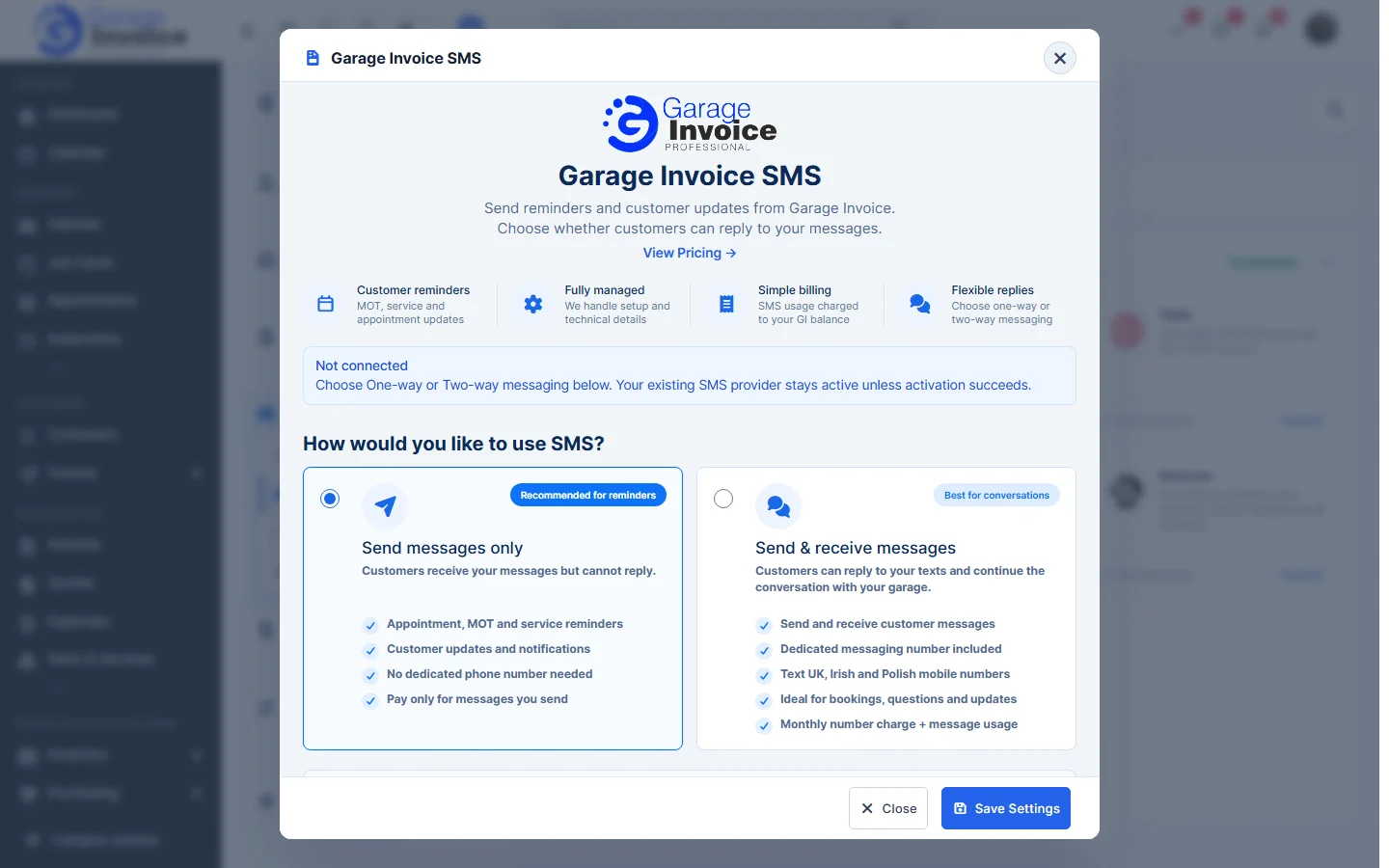
- Click Save Settings.
Note: click View Pricing in the same window to see the charges. Your existing SMS provider stays active unless activation succeeds.
Feature Email and SMS notifications: see what it does and how it fits your workshop.