
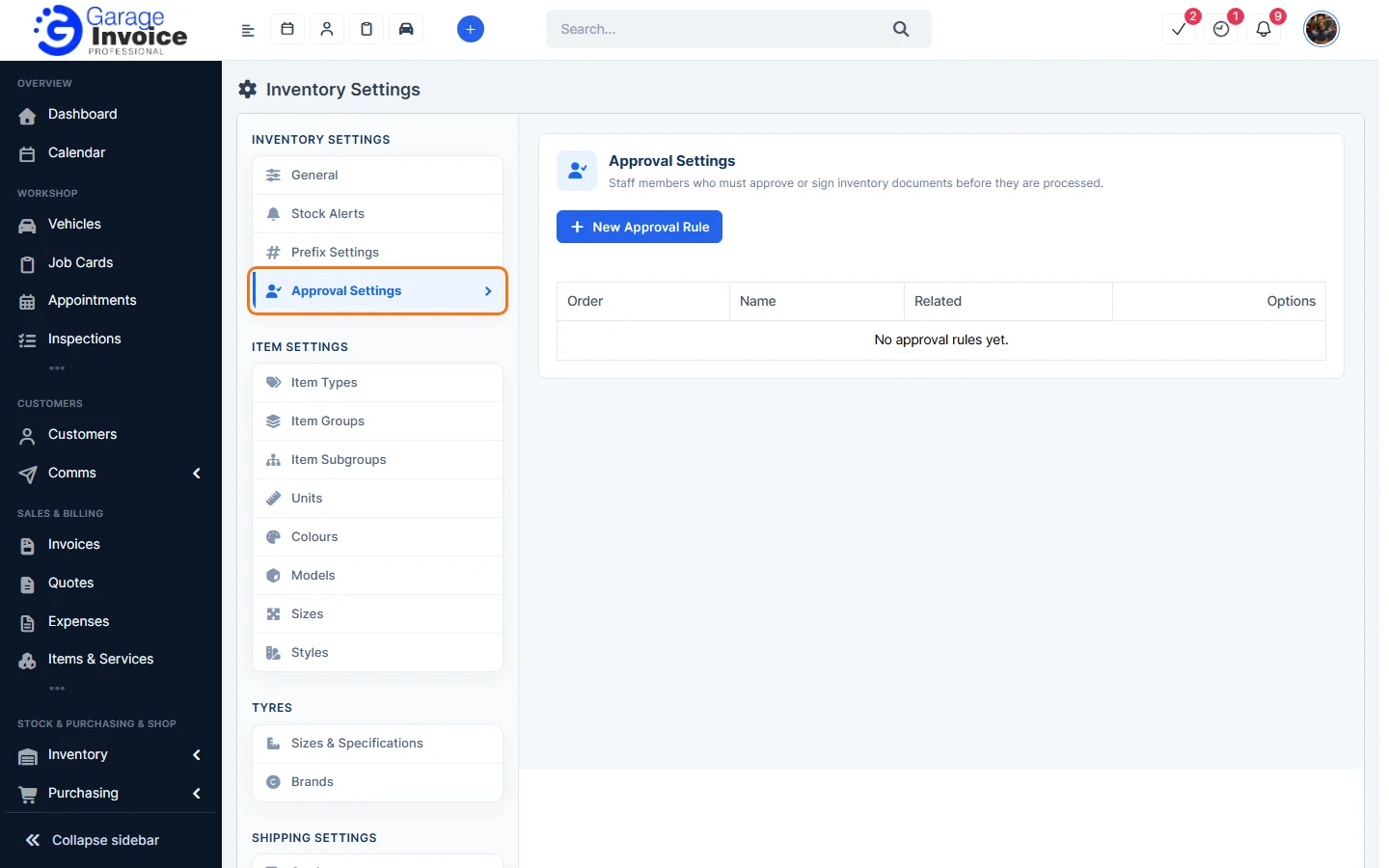
- Click Inventory in the sidebar (under Stock & Purchasing & Shop) and click Stock Items. Click the gear button at the top right to open Inventory Settings, then click Approval Settings on the left.
- Click New Approval Rule.
- Fill in the rule:
- Subject: a name for the rule.
- Approval Rule Name: the document type, such as Goods Received Note, Dispatch Note, Stock Adjustments, Internal Transfer, Packing List or Return Order.
- Staff Member and will have to Approve or Sign. Click the green + to add more staff.
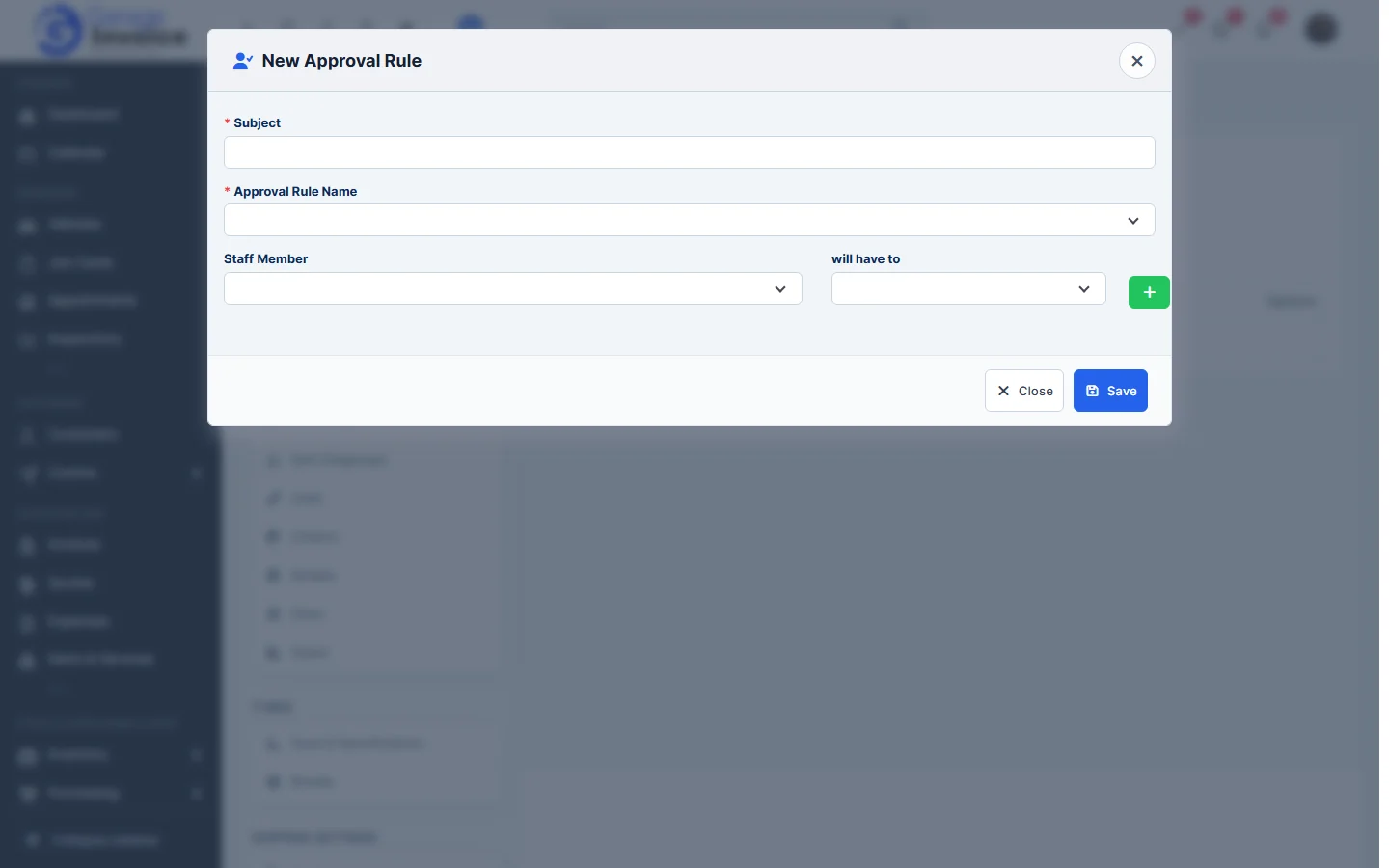
- Click Save.
Without approval rules, stock documents are approved as soon as you save them.
Feature Stock and inventory control: see what it does and how it fits your workshop.