
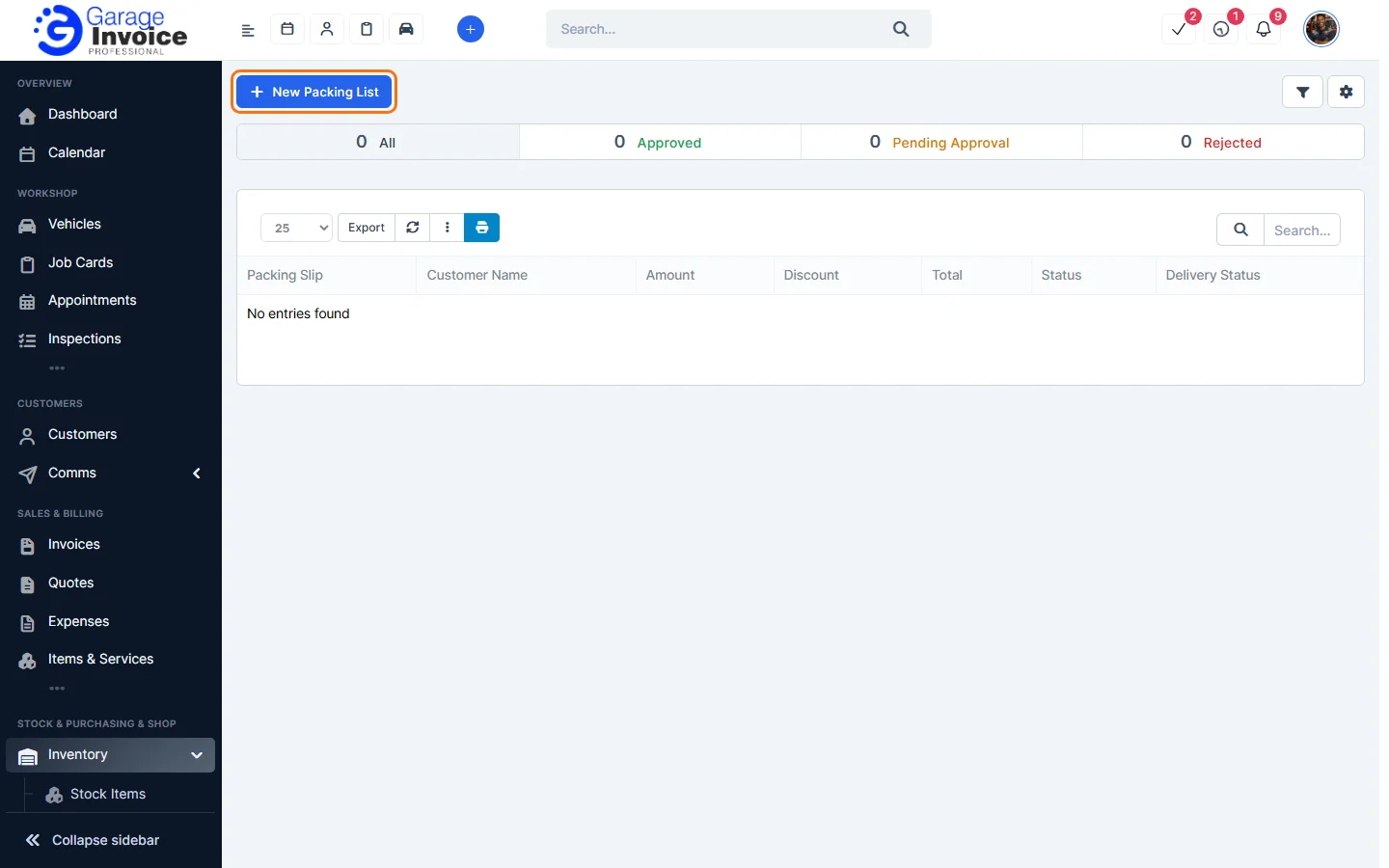
- Click Inventory in the sidebar (under Stock & Purchasing & Shop) and click Packing Lists. Click New Packing List.
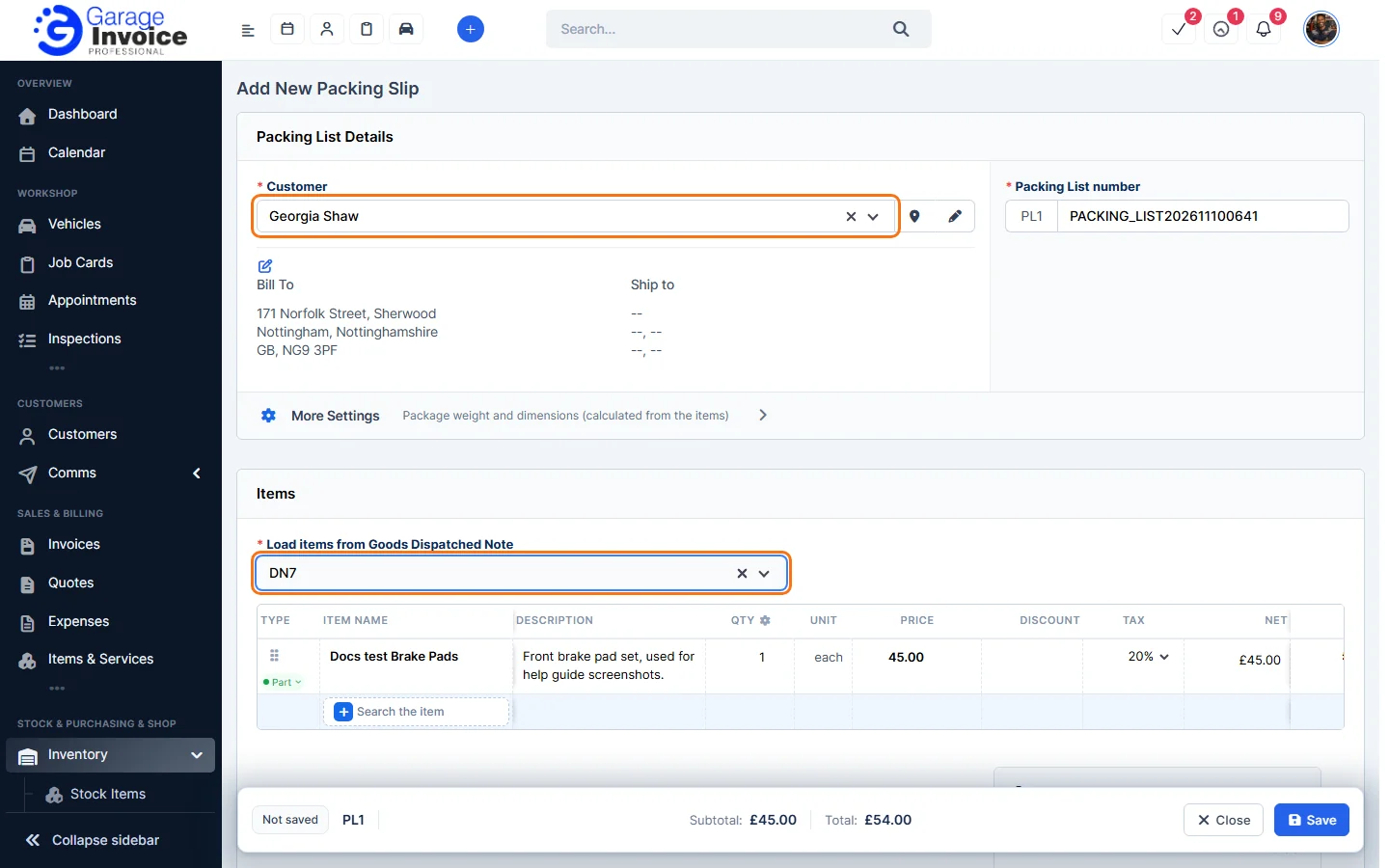
- Choose the Customer. Their Bill To and Ship to addresses are shown. The Packing List number is filled in for you. Click More Settings to enter the package weight and dimensions.
- Under Items, click Load items from Goods Dispatched Note, type the note number and choose it. The items are copied onto the packing list.
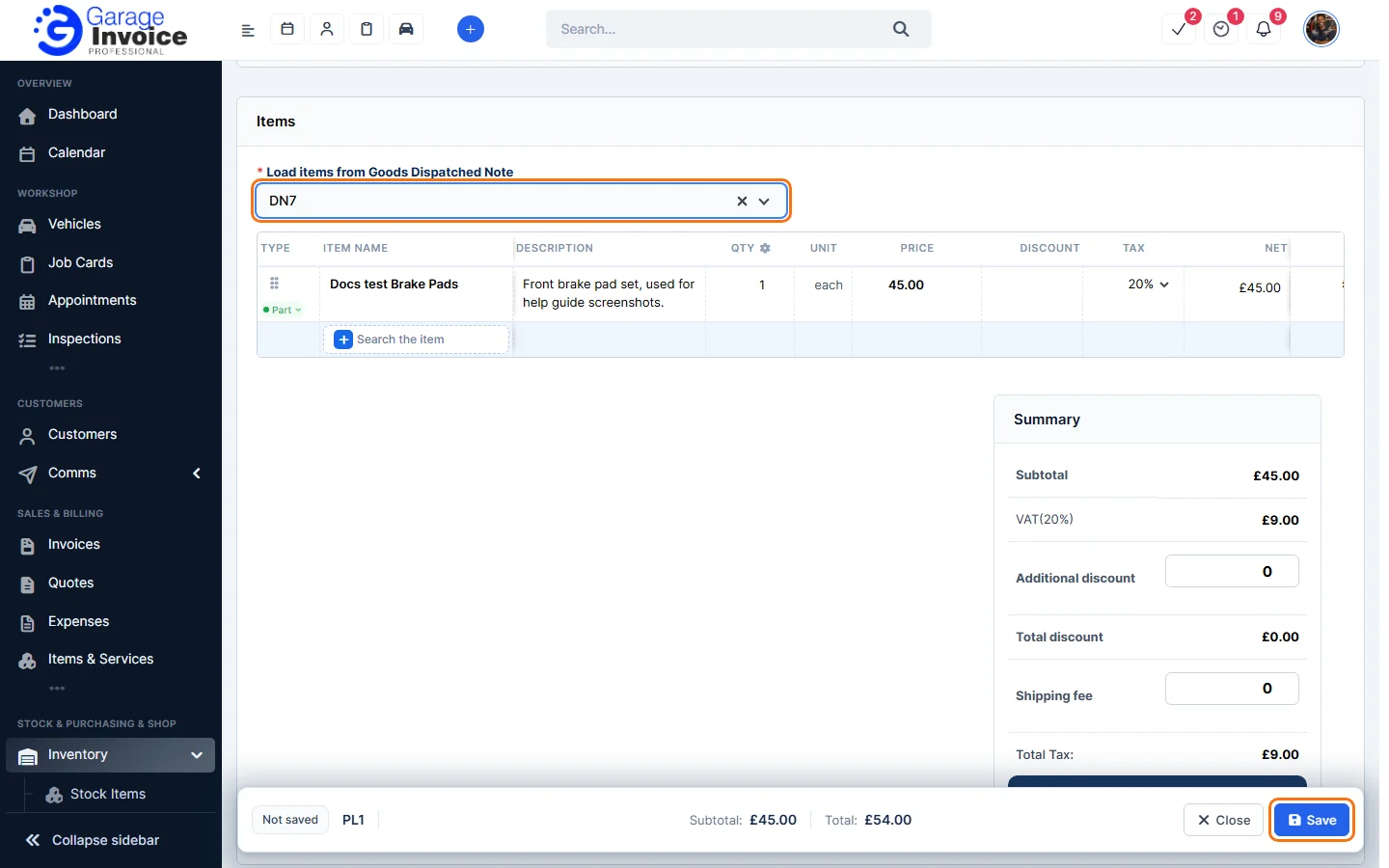
- Check the items. Under Notes, you can add a Client note and an Admin Note.
- Click Save in the bar at the bottom of the screen.
The packing list opens on the right. See View or Print Packing List.
Feature Stock and inventory control: see what it does and how it fits your workshop.