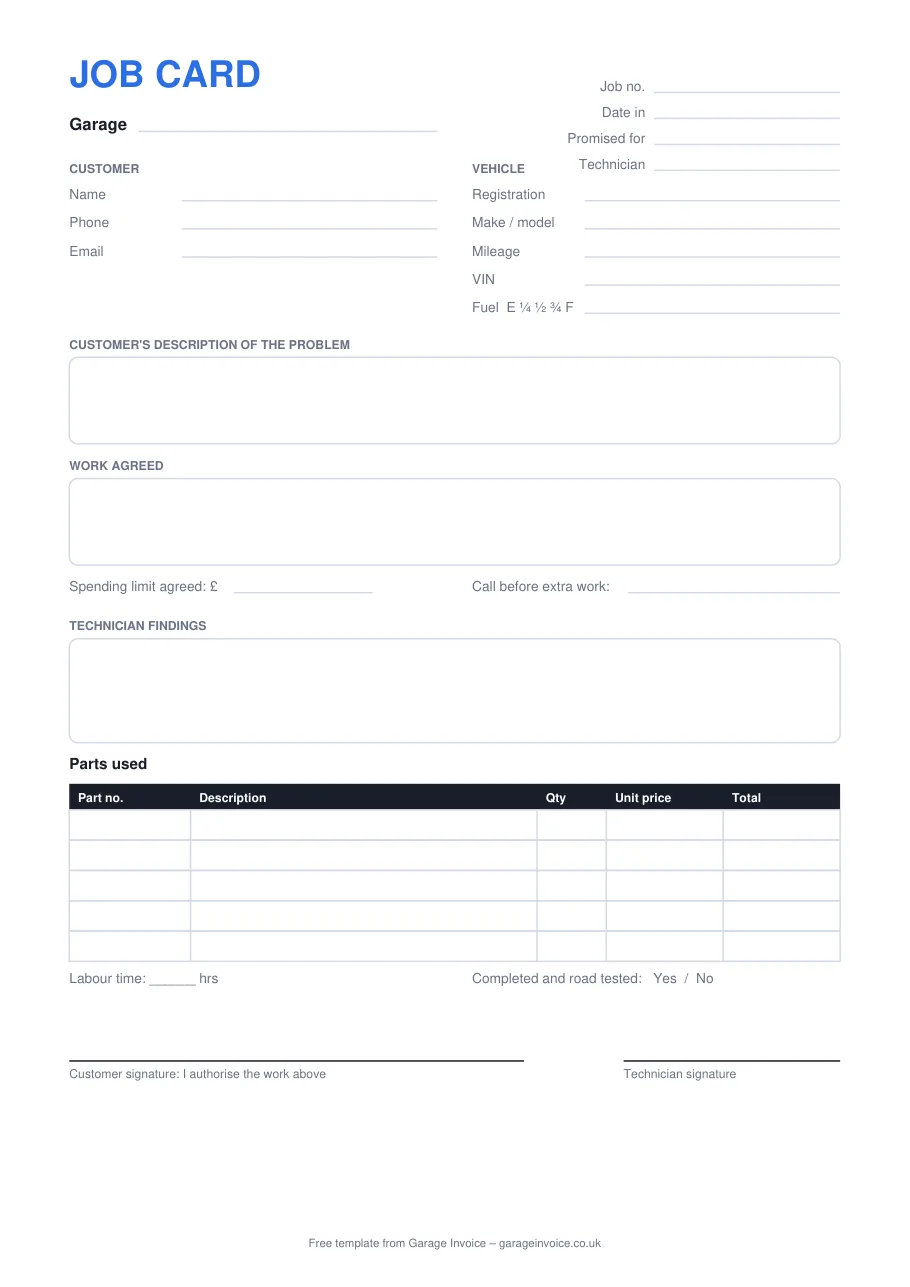
Online job card
Type the details, then print it or save it as a PDF. Your garage details can be remembered on this device for next time. Nothing you type is uploaded.
Three formats
All three have the same layout, so the workshop can use whichever suits them.
An A4 card to keep in the workshop. Print a pad of them and clip one to each set of keys.
Open the PDFPut your logo and garage details at the top, then save it as your own template.
Download .docxThe parts table works out each line for you, and the fuel level and road test have drop-down choices. Opens in Google Sheets too.
Download .xlsxA job card is the instruction to the technician and your record of what the customer agreed to. Most disputes start when one of these is missing.
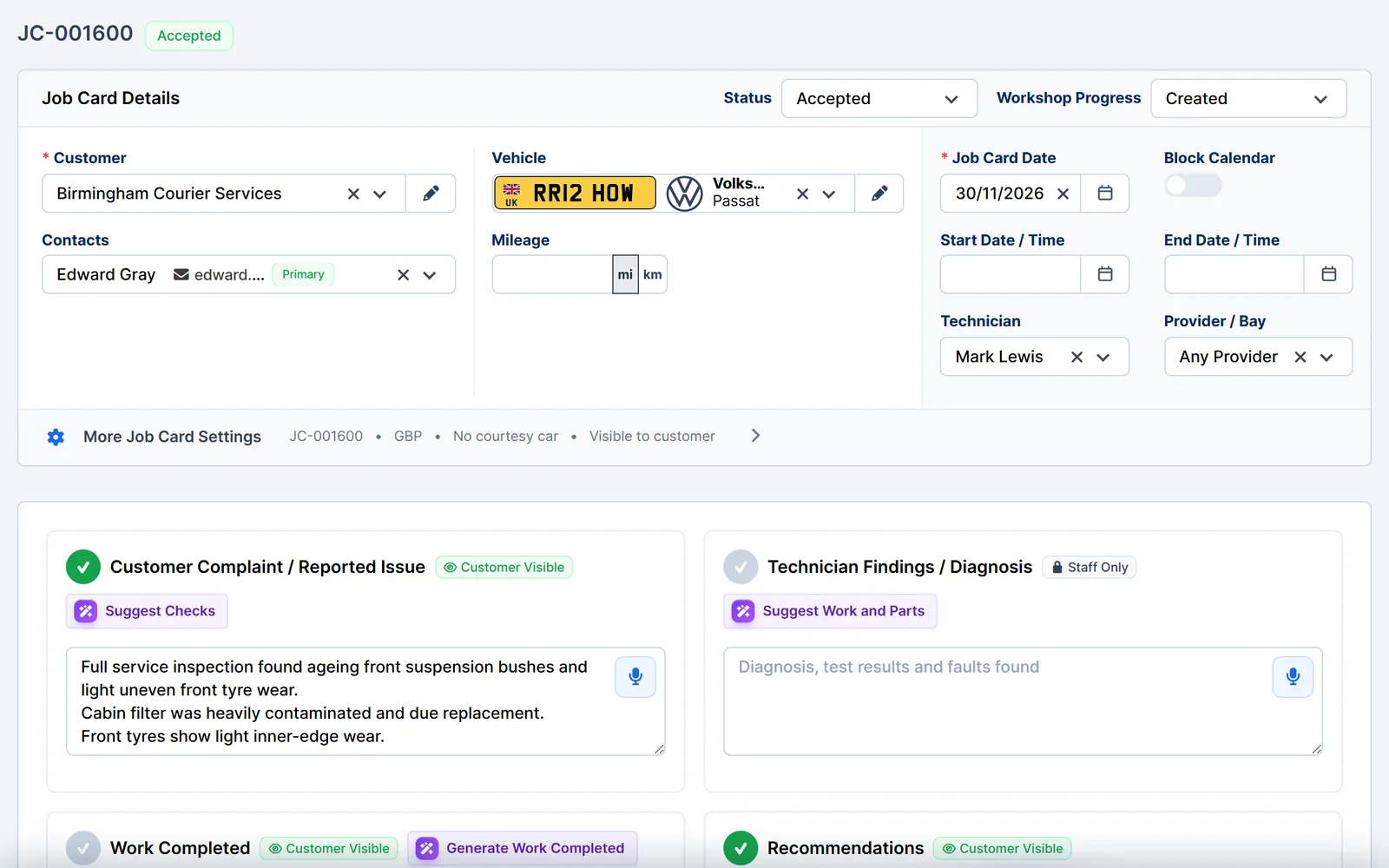
Paper cards get lost, oily and hard to read, and every one has to be typed up again for the invoice. Garage Invoice keeps the job card, the customer's approval and the invoice in one place.
Questions
Yes. Use the online version or download the Word, Excel or PDF file and use it as often as you like. You don't need to sign up or give an email address.
No. The online job card works in your browser and nothing is sent to us. If you tick "Remember my garage details", only your garage name and contact details are kept on your own device.
Press "Print or save as PDF", then choose "Save as PDF" as the printer. On a phone, use the share or print option and save to files.
A signature shows the customer agreed to the work and the spending limit before you started. It's your best protection if there's a disagreement about the bill later.
The job card is the instruction to the workshop and the record of what was found. The invoice is the bill you give the customer at the end. Use our free garage invoice template for that.
More free tools
Price the job before you start and get the customer's approval in writing.
Open the templateA health check with OK, advise and urgent results and tyre tread depths.
Open the checklistParts, labour, VAT and MOT lines, online or for Excel, Word and PDF.
Open the templateSee how Garage Invoice handles bookings, job cards and invoices in one place, with example data already loaded.