Free calculator
Enter what you paid for a part and get the selling price, the price including VAT and your profit. Work from a markup, a margin you want, or check a price you already have in mind.
Mixing them up is one of the most common ways garages undercharge for parts. Both use the same profit, but divide it by a different number.
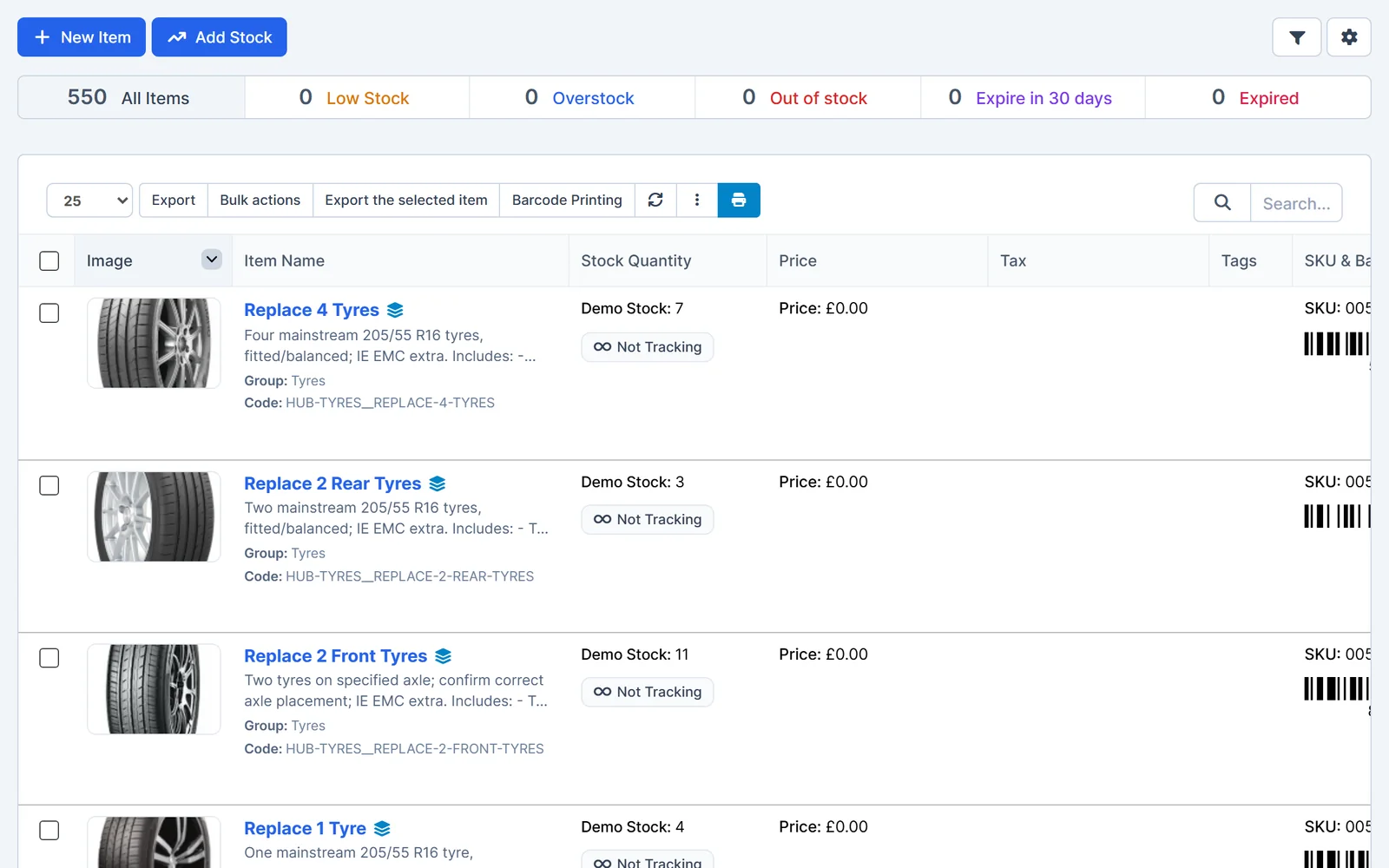
A calculator is fine for one part. On a busy day, Garage Invoice prices parts for you.
Questions
It depends on the part, your trade discount and your area. Many garages use a higher markup on small, cheap parts and a lower one on expensive items such as gearboxes. Decide the margin you need, then use the calculator to find the price.
Margin = markup ÷ (100 + markup). For example, 30% markup is 30 ÷ 130 = 23.1% margin. The table in the calculator shows common values side by side.
After. Work out the price from the cost before VAT, then add VAT to the selling price. Adding markup to a price that already includes VAT overcharges the customer and makes your figures wrong.
Use the full price you paid, including VAT, because you can't reclaim it. Then choose "Not VAT registered" in the calculator so no VAT is added to the price.
More free tools
Work out the hourly rate you need from your own costs.
Open the calculatorPut your part prices on a quote and get it approved in writing.
Open the templateParts, labour, VAT and MOT lines, online or for Excel, Word and PDF.
Open the templateSee saved parts, markups and stock in Garage Invoice, with example data already loaded.
