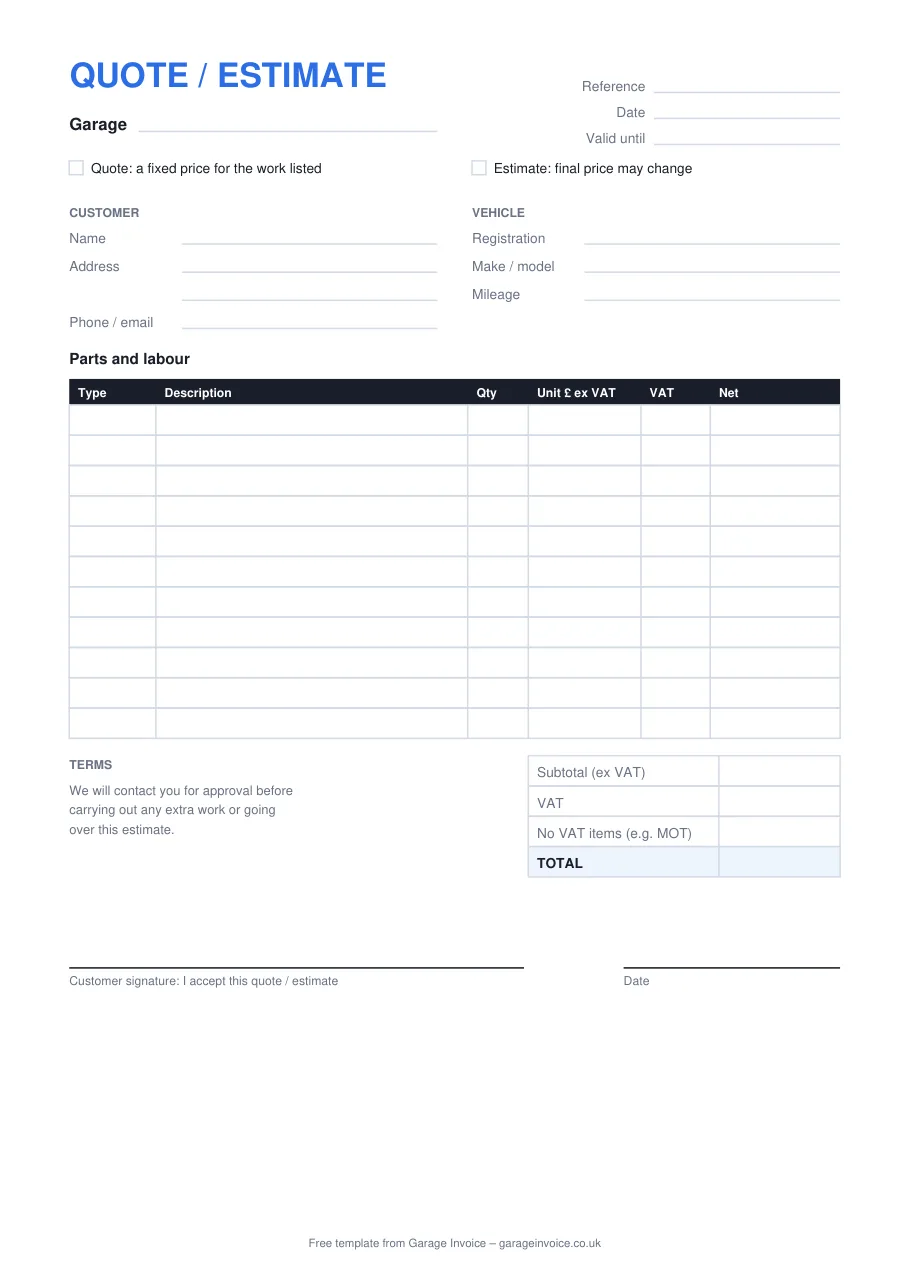
Online estimate
Add each part and the labour, then print it or save it as a PDF to send. MOT fees can be added with no VAT. Nothing you type is uploaded.
Customers often treat the two words as the same thing. They aren't, and using the right one avoids arguments when the bill comes.
Three formats
The same layout in each format, with a tick box for quote or estimate and a space for the customer's signature.
Enter quantities and prices and the lines, VAT and total fill in. Choose 20%, 5%, 0% or No VAT on each line.
Download .xlsxAdd your logo and terms, then save a copy for each customer.
Download .docxA clean A4 form for the counter, with ruled lines for every part and labour line.
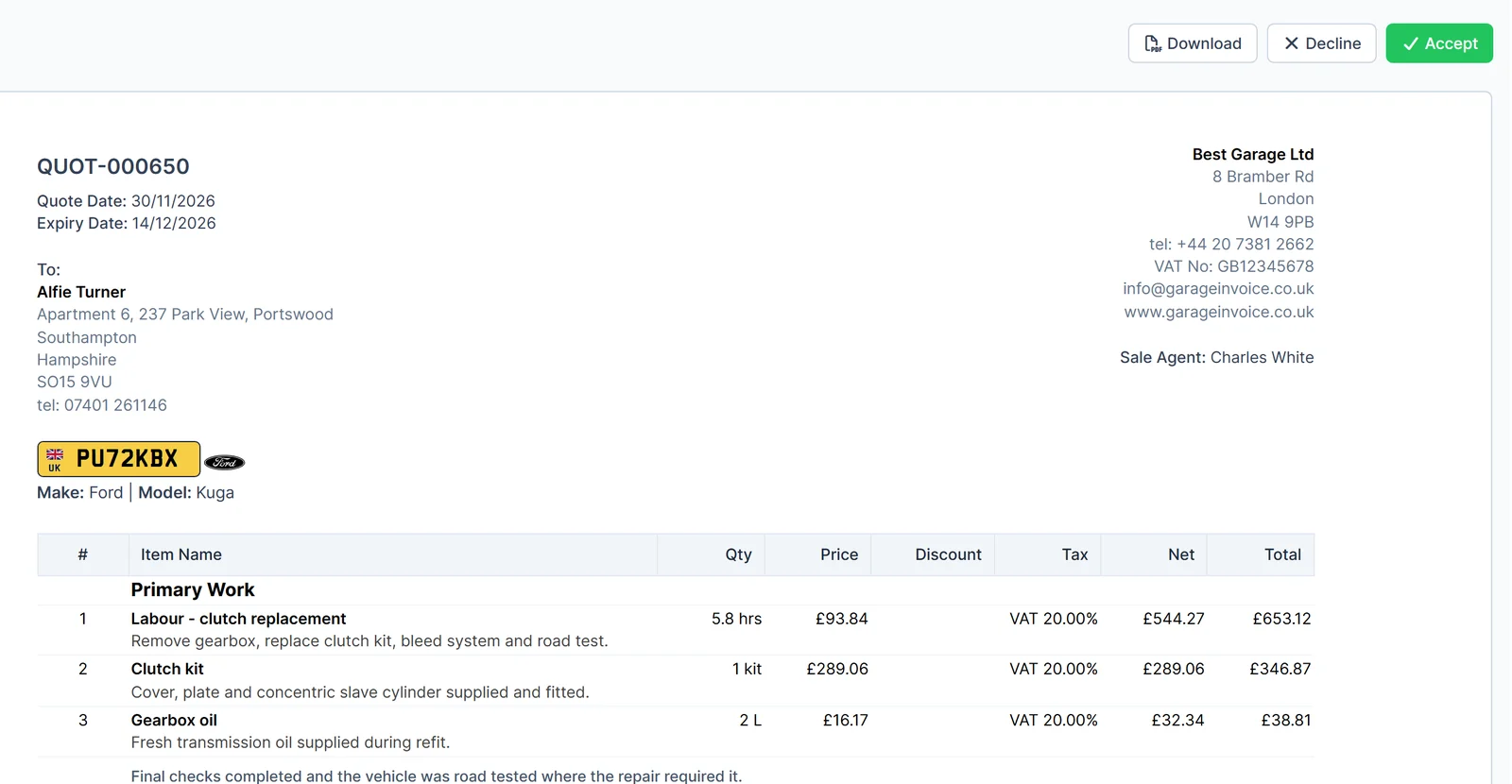
Open the PDFPrinting a quote and waiting for a phone call slows jobs down. Garage Invoice sends the quote by text or email, and the customer accepts it online.
Questions
Yes. Use it online or download the Excel, Word or PDF version, as often as you like. There's no sign-up.
An estimate is a guide, so the final price can change, but customers expect to be told first. The safest approach is to agree that you'll contact them for approval before going over the estimate or doing extra work. The template includes wording for this. A fixed-price quote should be kept to.
Many garages use 30 days. Make it shorter if your parts prices change often. The online template fills in a date 30 days ahead, which you can change.
Enter each price before VAT and choose the rate. The total shows VAT separately, which is clearer for business customers and still shows private customers the full price. If you're not VAT registered, set every line to 0%.
Open a job card for the workshop, then use the invoice template when the work is done.
More free tools
Work out the hourly rate you need from your own costs before you price a job.
Open the calculatorTurn what you paid for a part into a selling price, with markup and margin side by side.
Open the calculatorRecord the problem, the work agreed and a spending limit, with signatures.
Open the templateSee how Garage Invoice turns quotes into jobs and invoices, with example data already loaded.