
Reports
Garage reports for sales, profit, VAT and cash flow
Choose a period and see how the business is doing, from sales and outstanding balances to profit and the VAT you owe.
Opens the demo garage with example data. No sign-up or payment card needed.
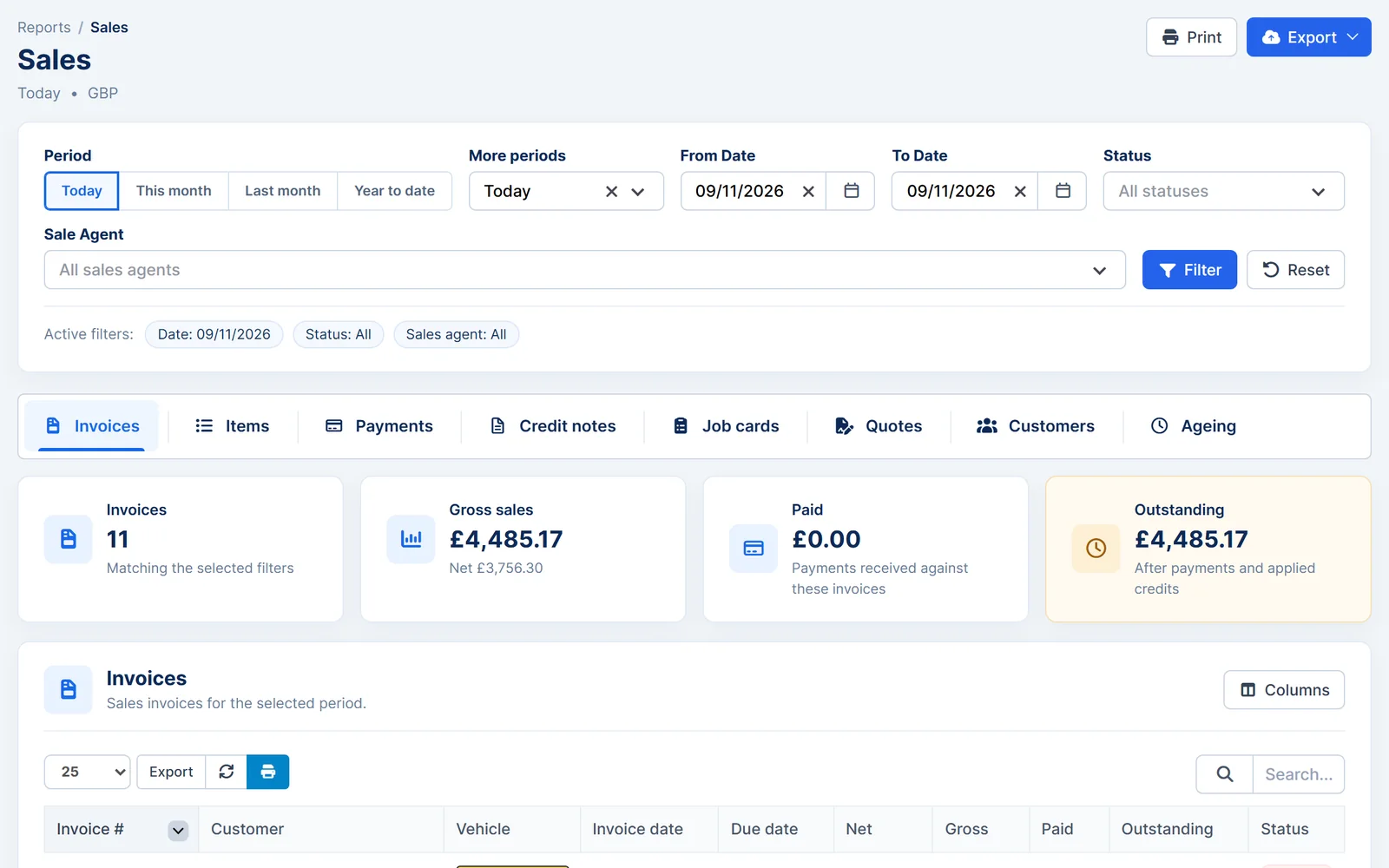
Sales and outstanding balances
Filter by period and staff member to see exactly what's been sold and what's still owed.
- Sales in detail. Invoices, items, payments, credit notes, job cards and quotes for any period.
- Outstanding balances. See what each customer owes and how long it has been outstanding.
- By staff member. Filter sales by the member of staff responsible.
- Charts and insights. Chart reports and customer insights show trends at a glance.
- Sales
- Invoices, items, payments, credit notes, job cards, quotes, customers and ageing.
- Finance
- Profit and loss, profit and margin, VAT summary and cash flow.
- Workshop
- Daily capacity, vehicle overview and timesheets.
- Other
- Expenses, shop and till, purchasing and suppliers, accounting export.
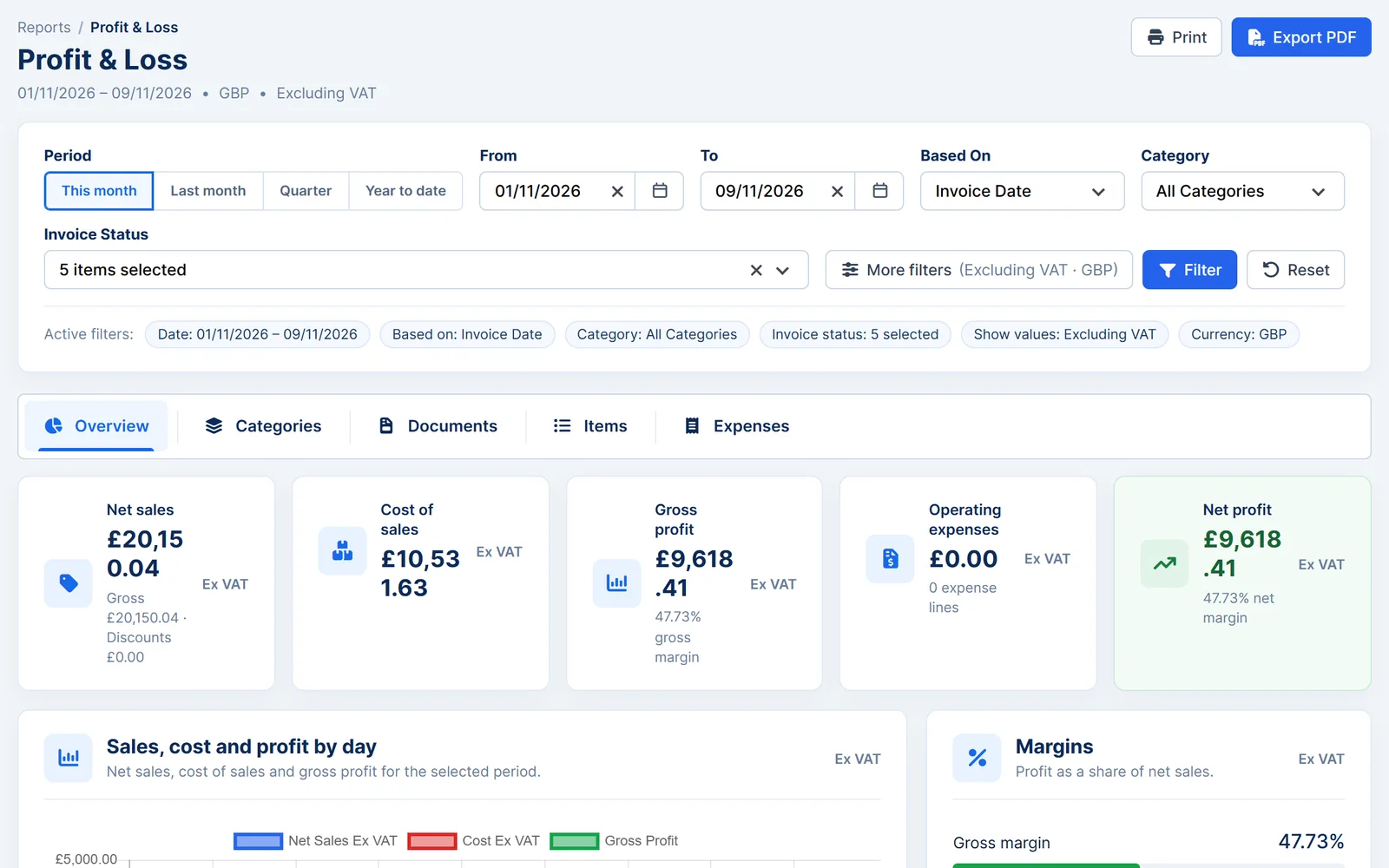
Profit, VAT and cash flow
Understand what the business is making and what it owes.
- Profit and loss. Net sales, cost of goods, gross profit, operating expenses and net profit.
- Profit and margin. See the margin on the work you do.
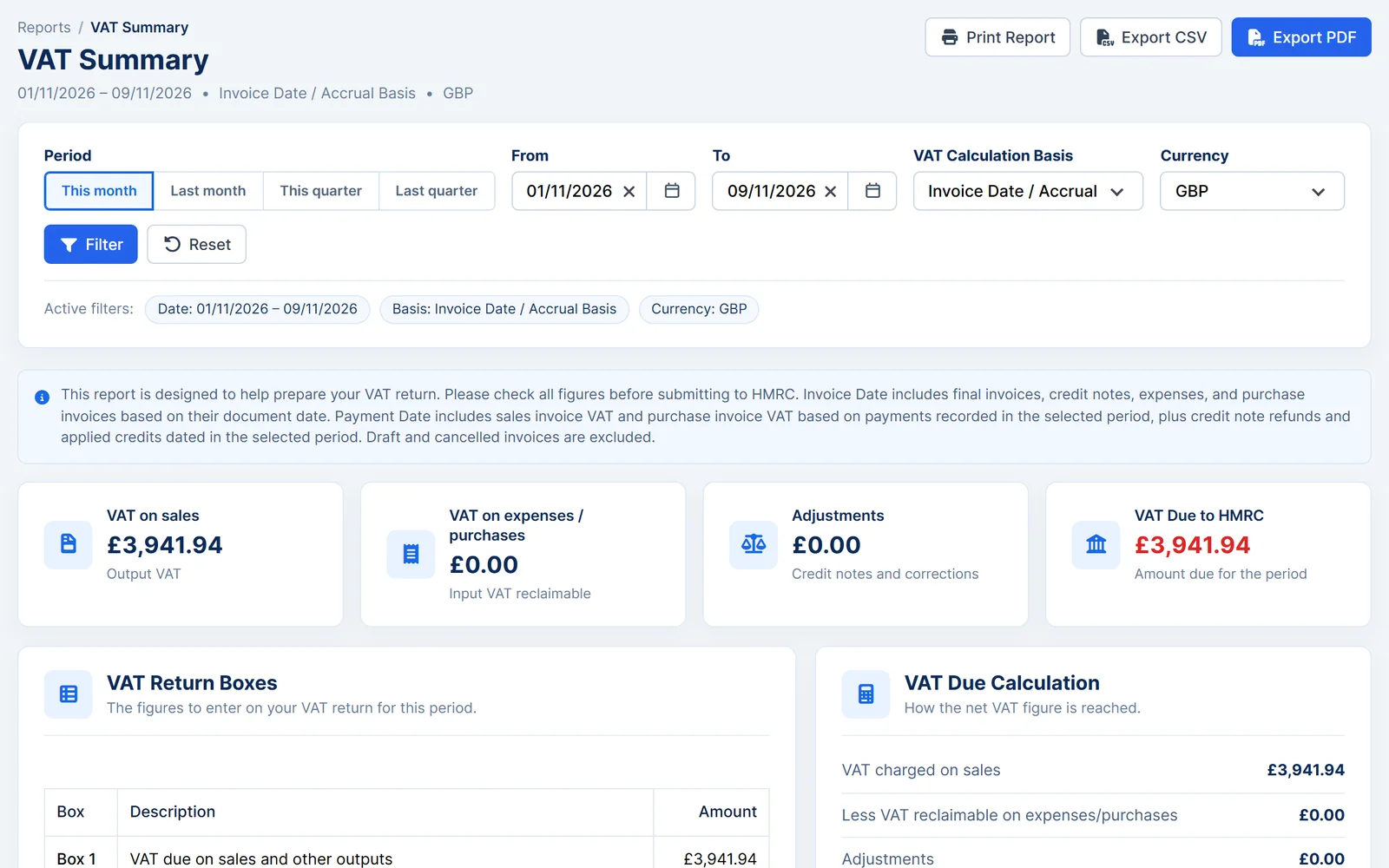
- VAT summary. VAT on sales and purchases and the VAT due, on an invoice date or cash basis.
- Cash flow. Compare income with expenses over time.
The VAT summary helps you prepare your VAT return. Check the figures before you submit them to HMRC.
Workshop reports and exports
Keep an eye on the workshop as well as the money, and take the figures wherever you need them.
- Daily capacity. See how busy each day is.
- Vehicle overview and timesheets. Review work by vehicle and time spent by staff.
- Print and export. Print reports or download them as Excel, CSV or PDF files.
- Accounting export. Prepare data to take into your accounting software.
Works together
Related features
Garage Invoice keeps these records connected, so you don't enter the same details twice.
Help centre
Reports step-by-step guides
Short guides with screenshots that show you how to set it up and use it day to day.
- Reports Overview
- Vehicle Overview Report
- Accounting Export Overview
- Chart Reports
- Sales Report: Invoices
- Sales Report: Items
See how Garage Invoice fits your workshop
Explore the demo garage, try the features and choose the right plan for your business.