
- Click Reports in the sidebar (under Insights) and click Vehicle Overview.
- Choose the MOT Test Date / Report Period and filter by Registration, Customer, Make, Model, Fuel Type, Customer Group, Active / Inactive, Vehicle Status, MOT Status (Expired, Due within 7, 30 or 60 days and so on) and Currency. Advanced filters adds more. Click Filter.
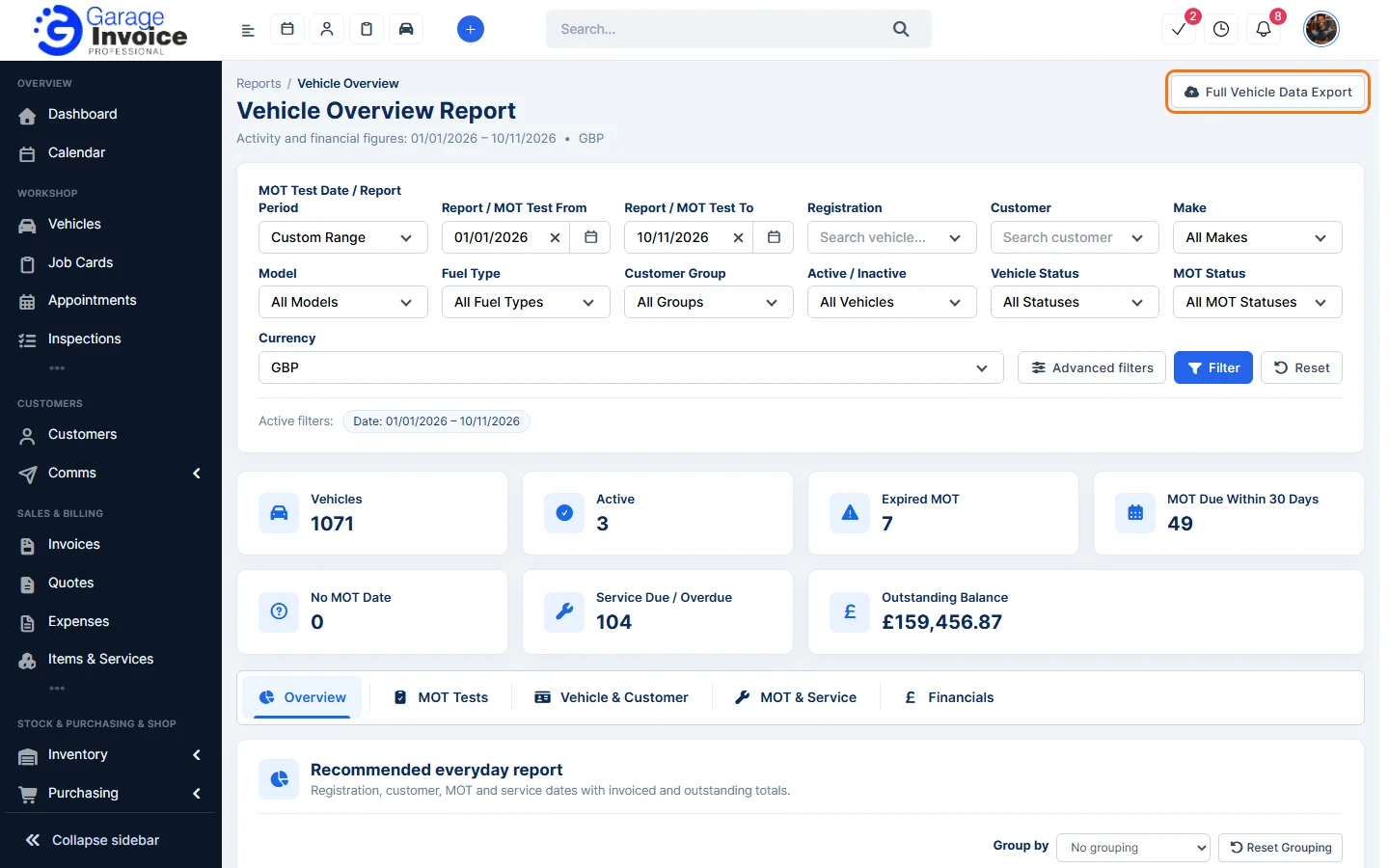
- The cards count Vehicles, Expired MOT, MOT Due Within 30 Days, No MOT Date, Service Due / Overdue and the Outstanding Balance.
- Use the tabs Overview (the everyday list), MOT Tests, Vehicle & Customer, MOT & Service and Financials. Use Group by to group rows, and Reset Grouping to undo it.
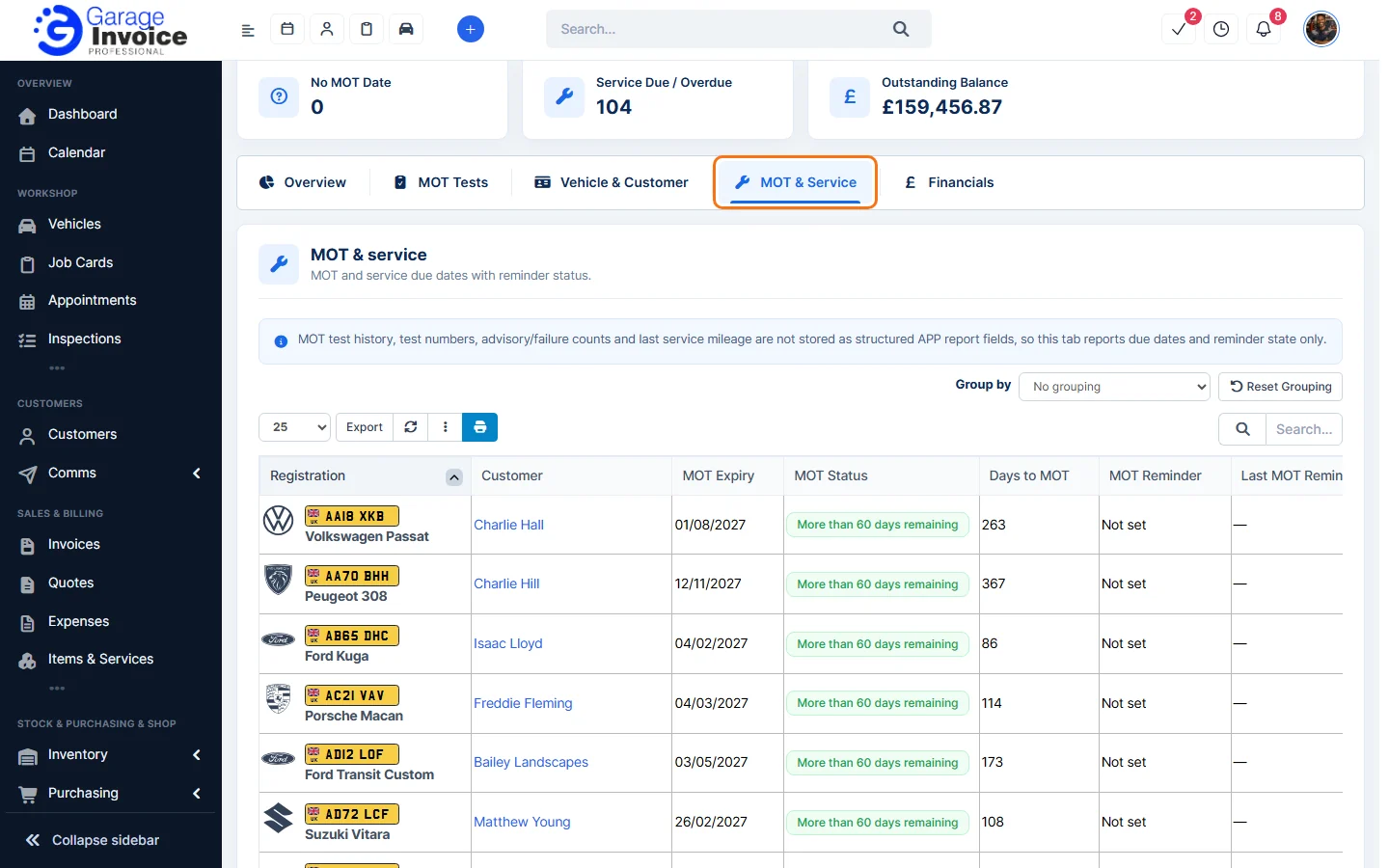
- Click Full Vehicle Data Export at the top right to export all vehicle data, or Export above a table to export that list.
See also: Customer Insights · Daily Capacity Report
Feature Garage reports: see what it does and how it fits your workshop.