
- Click Settings at the bottom of the sidebar, under Administration. In the panel on the left, open Staff & Access and click Staff. Click New Staff Member.
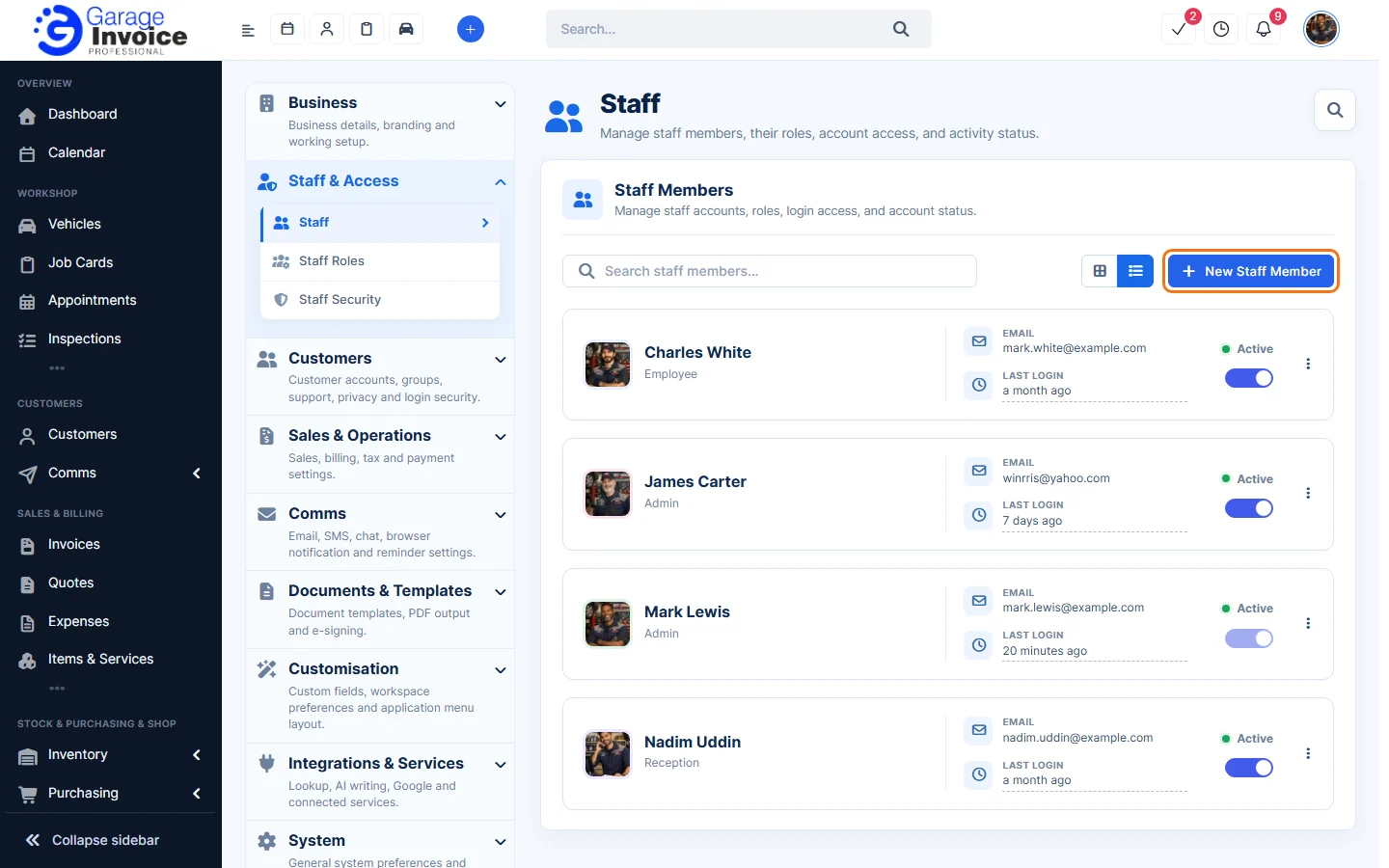
- On the Profile tab, fill in:
- Role, First Name, Last Name and Email (required).
- Profile Image, Telephone and Departments (optional).
- Password: type one or click the refresh button to generate one. Tick Send welcome email to email the login details.
- Optional details: preferences, social profiles and email signature.
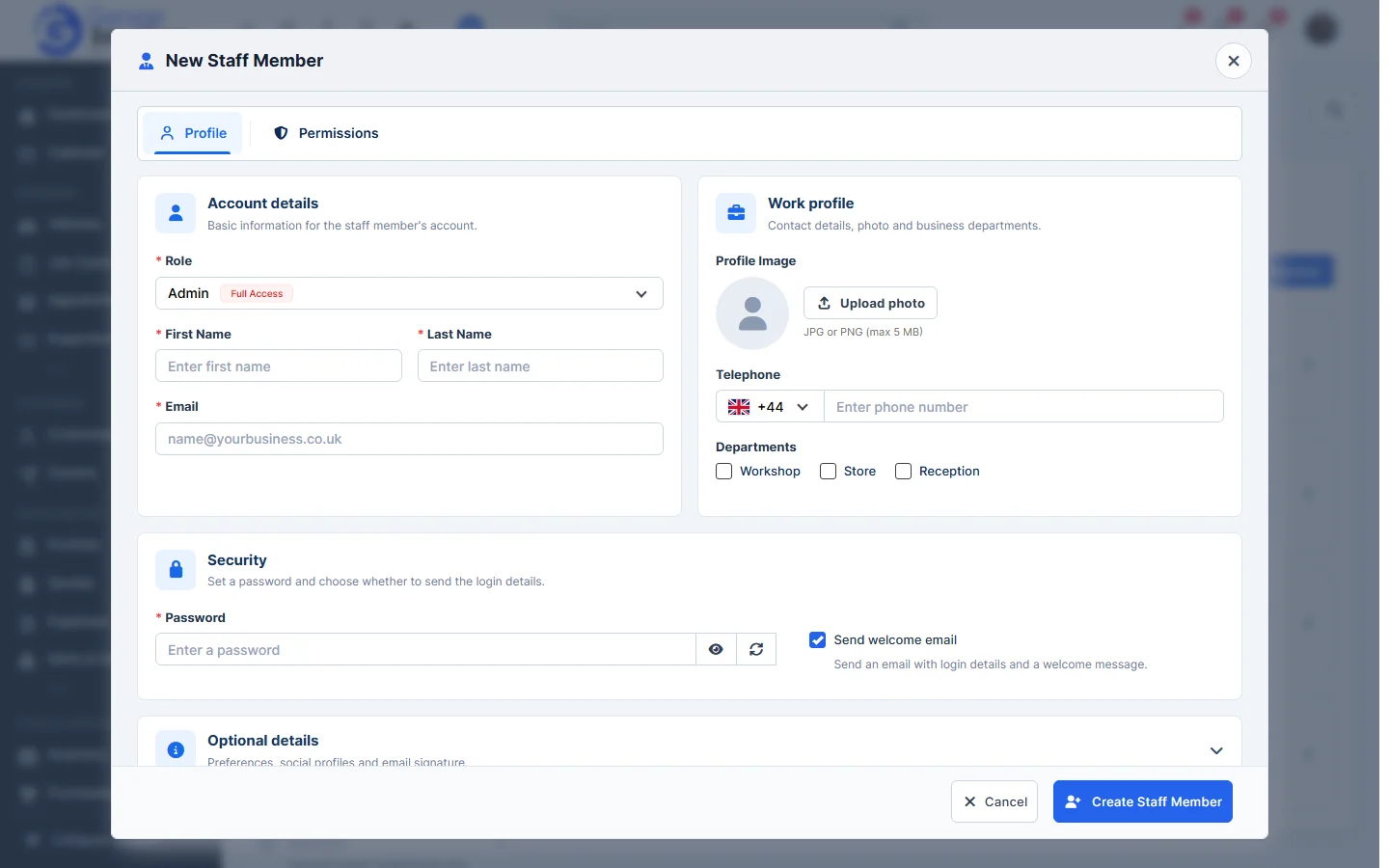
- On the Permissions tab, check what this person can do. The role fills these in; you can change them for this person. The Admin role always has full access.
- Click Create Staff Member.
Tip: roles save you setting permissions one by one. See Manage Staff Roles.