
- Click Appointments in the sidebar, under Workshop, and click the appointment’s date and time (or hover over it and click View).
- Click the blue button at the top right. It shows the recommended next document, for example Create Job Card or Create Invoice.
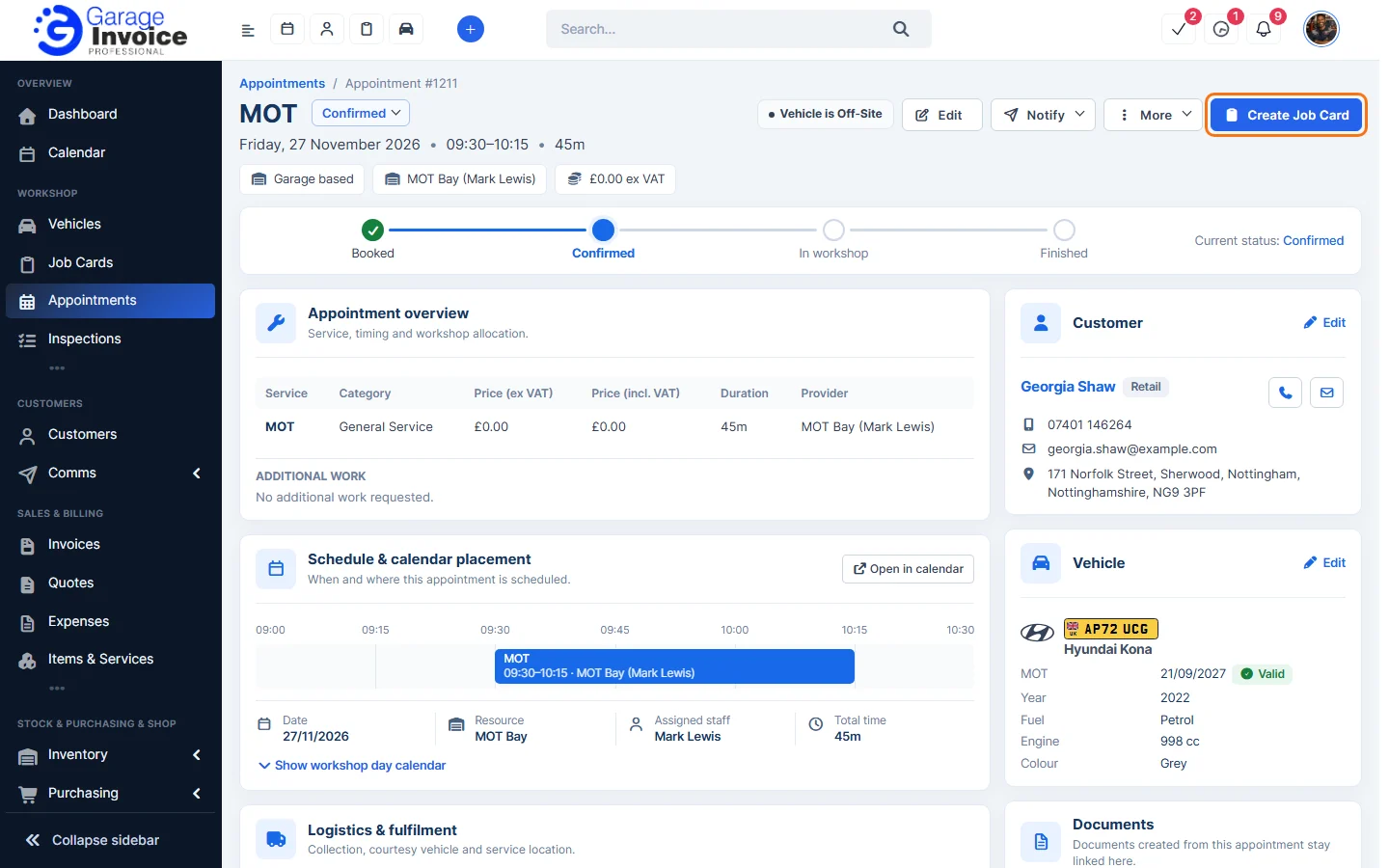
- Or scroll to the Documents panel and click Create next to Job Card, Quote or Invoice. Click the link button next to it to link a document that already exists. Once a document is linked, click View to open it.
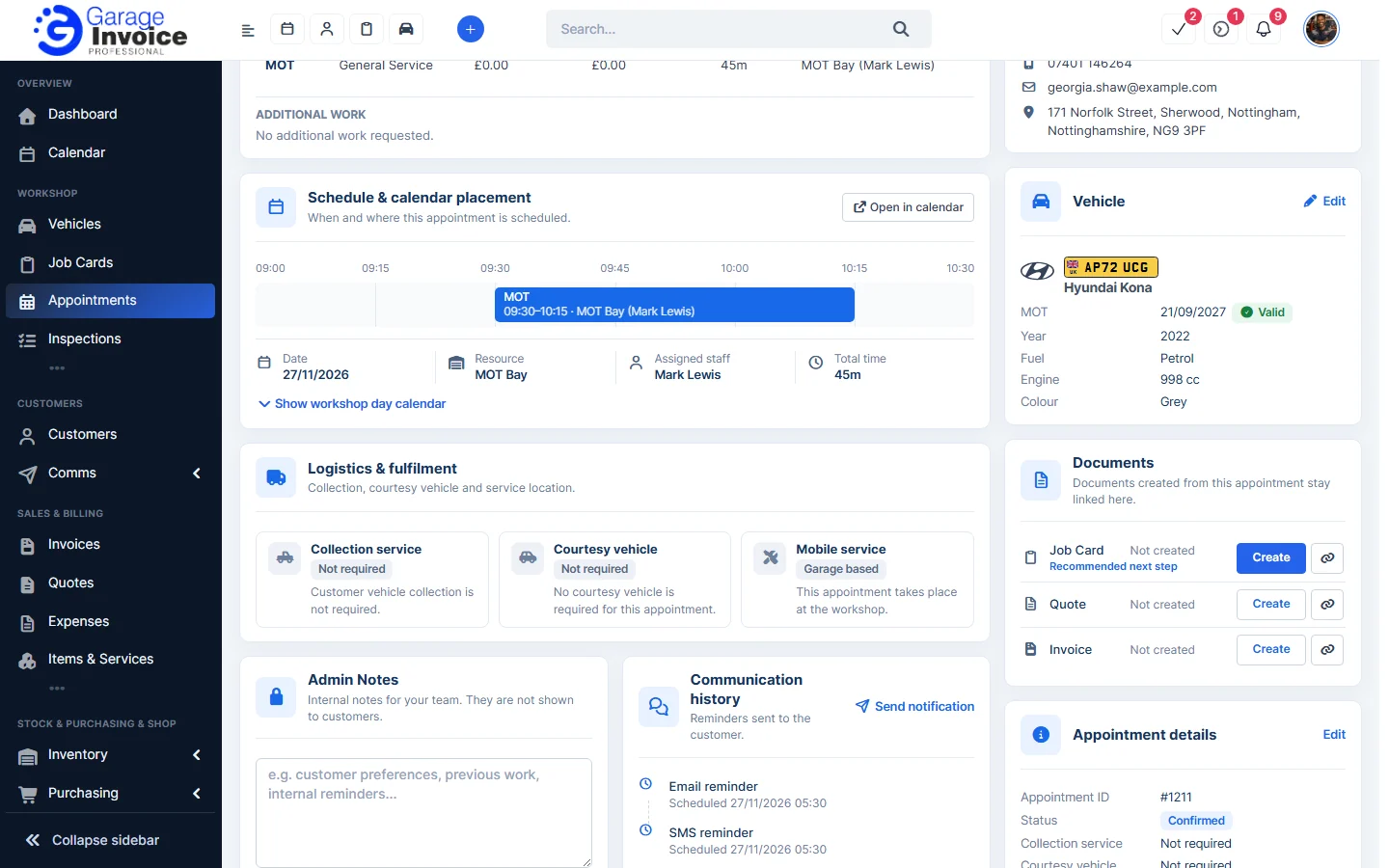
- The new document opens with the customer, vehicle and appointment services filled in. Check it and save it.
Note: you choose what is copied into the document (durations, additional work requested, admin note) in Appointment Settings under Documents Created from Appointments.
Feature Online booking and appointments: see what it does and how it fits your workshop.