
- Click Shop & POS in the sidebar (under Stock & Purchasing & Shop) and click Sales Channels.
- Each channel has a switch: POS System (sell in person at the counter) and Online Shop (sell through the customer portal). Click the switch to make the channel ACTIVE or inactive. Inactive channels are hidden from staff and customers.
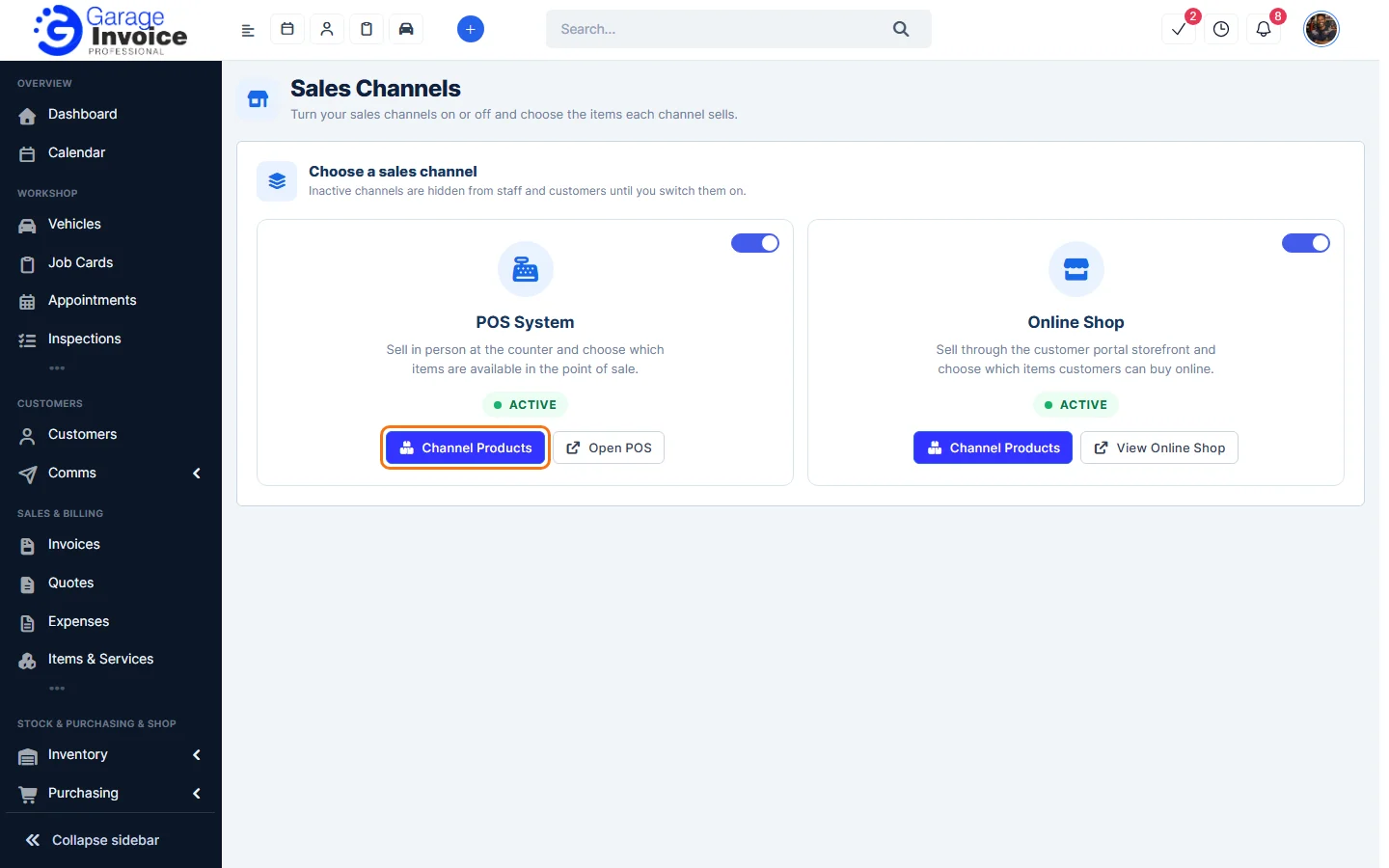
- Click Channel Products to choose the items that channel sells. Click Open POS or View Online Shop to go to the channel.
See also: Add Products to POS · Add Products to Online Shop
Feature Online shop and POS: see what it does and how it fits your workshop.