
- Click Payments in the sidebar (under Sales & Billing; click the ••• if you can’t see it) and click the payment number, or hover over the payment and click View.
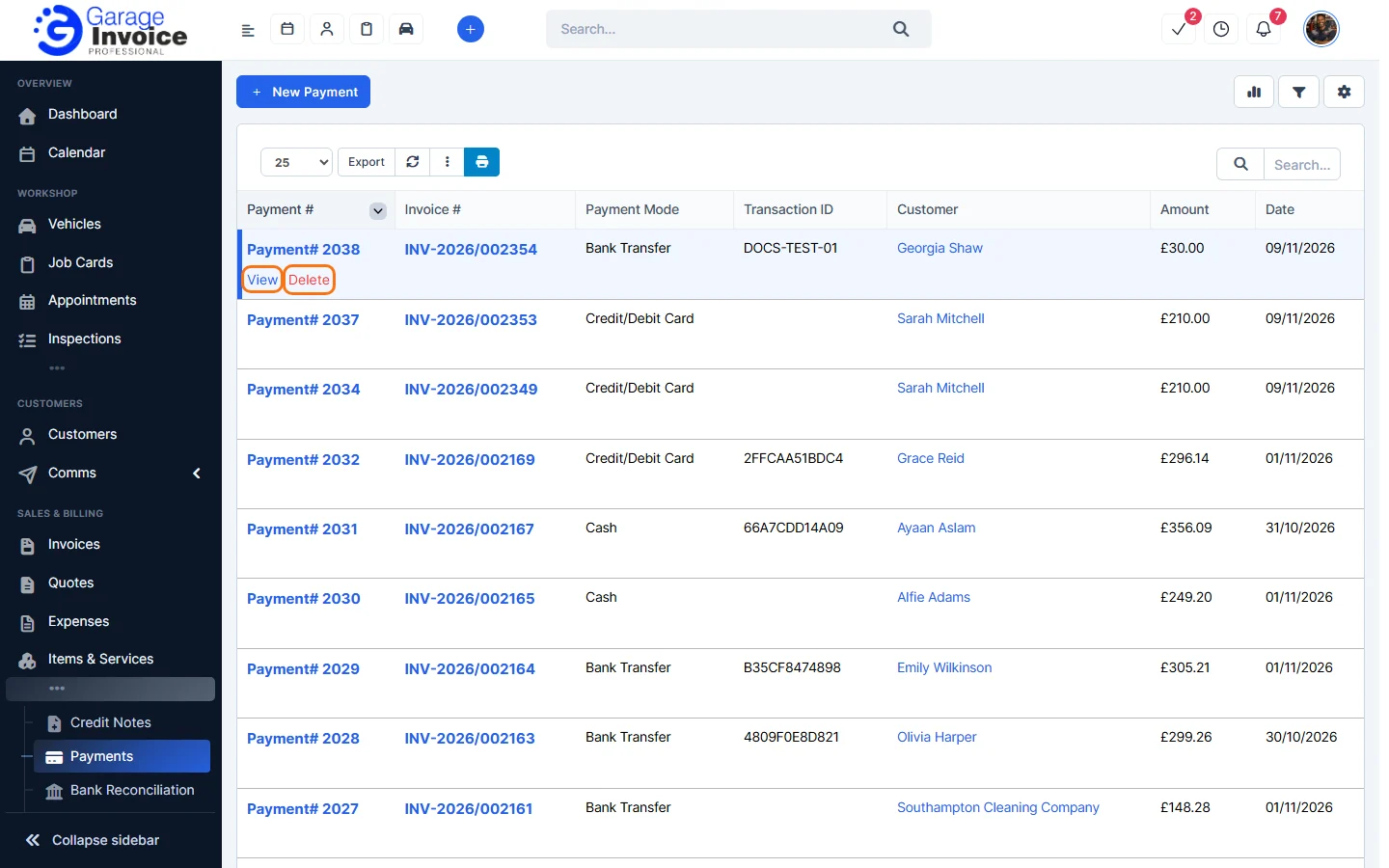
Tip: you can also open a payment from its invoice: open the invoice’s Payments tab and click the payment number.
- Click the red × button at the top right of the payment.
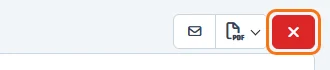
You can also hover over the payment in the Payments list and click Delete, or use ⋮ → Delete Payment on the invoice’s Payments tab. - Your browser asks “Are you sure you want to delete this?” Click OK.
The payment is removed and the invoice’s status goes back to Unpaid or Partially Paid.
Note: deleting a payment can’t be undone. You need to delete an invoice’s payments before you can delete the invoice. See Delete Invoice.
Feature Payments and online payments: see what it does and how it fits your workshop.