
Notes are for your team only. Customers never see them.
- Open the vehicle (see Search for Vehicle) and scroll down to Notes on the Vehicle Overview.
- Click Add note. If the vehicle already has notes, the button says Edit note.
- Write your note in one or both boxes:
- Admin Notes: visible to all staff members.
- Personal Notes: visible only to you and administrators.
You can format the text and add pictures, emojis and tables.
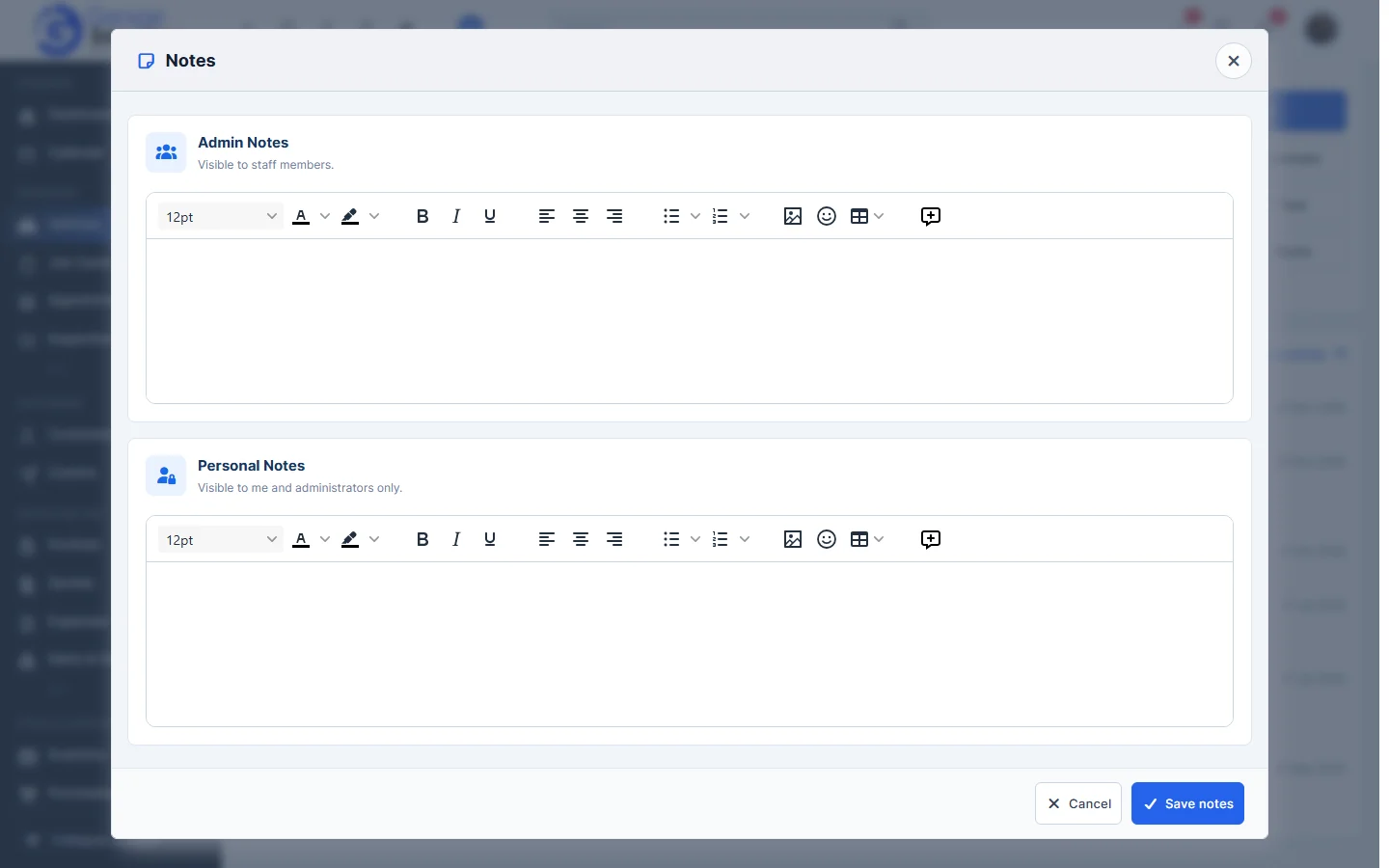
- Click Save notes. You’ll see Updated successfully and the note appears in the Notes card.
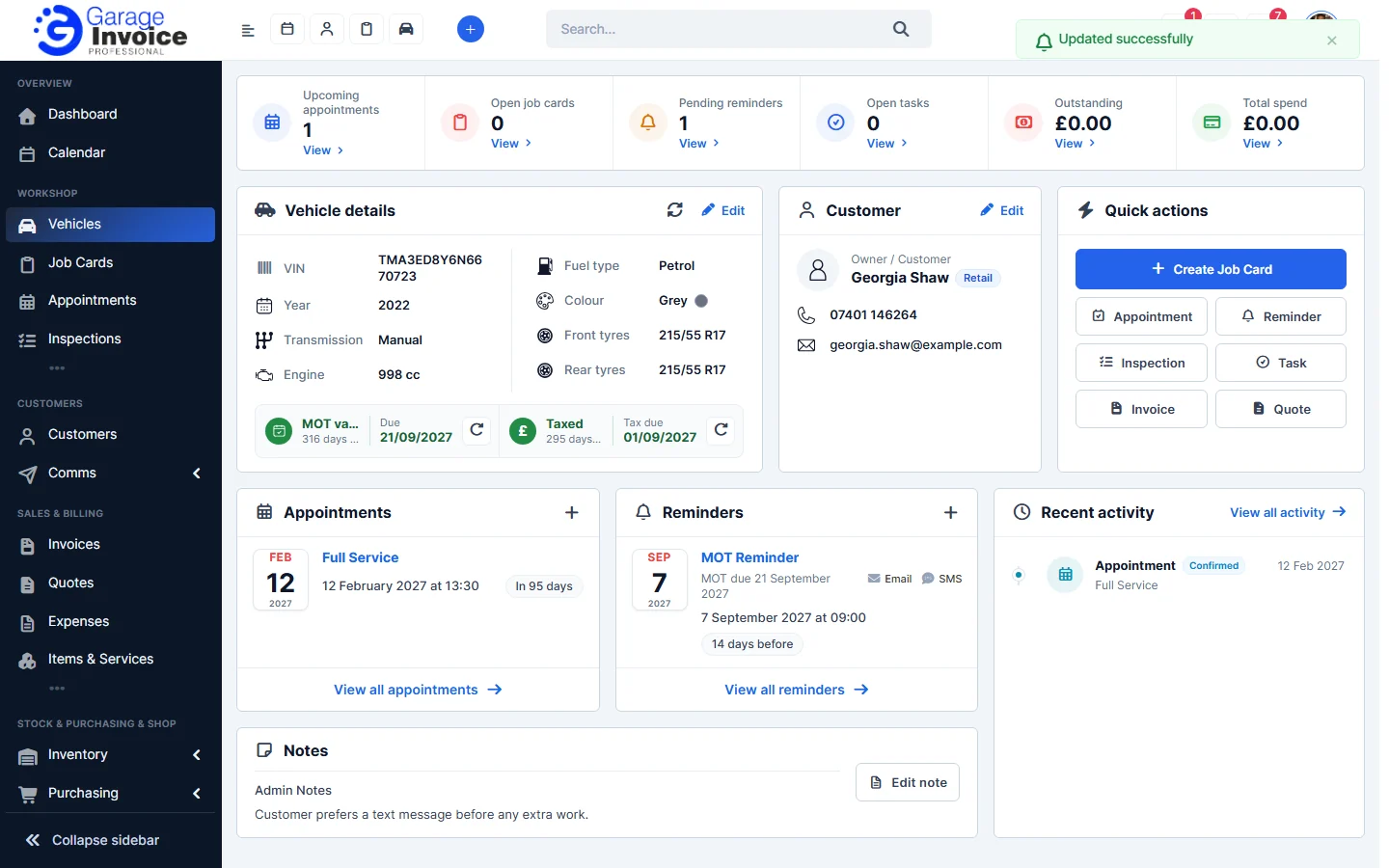
Tip: to remove a note, click Edit note, clear the text and click Save notes.
Feature Vehicle records: see what it does and how it fits your workshop.