
- Click Payments in the sidebar (under Sales & Billing; click the ••• if you can’t see it) and click the payment number, or hover over the payment and click View.
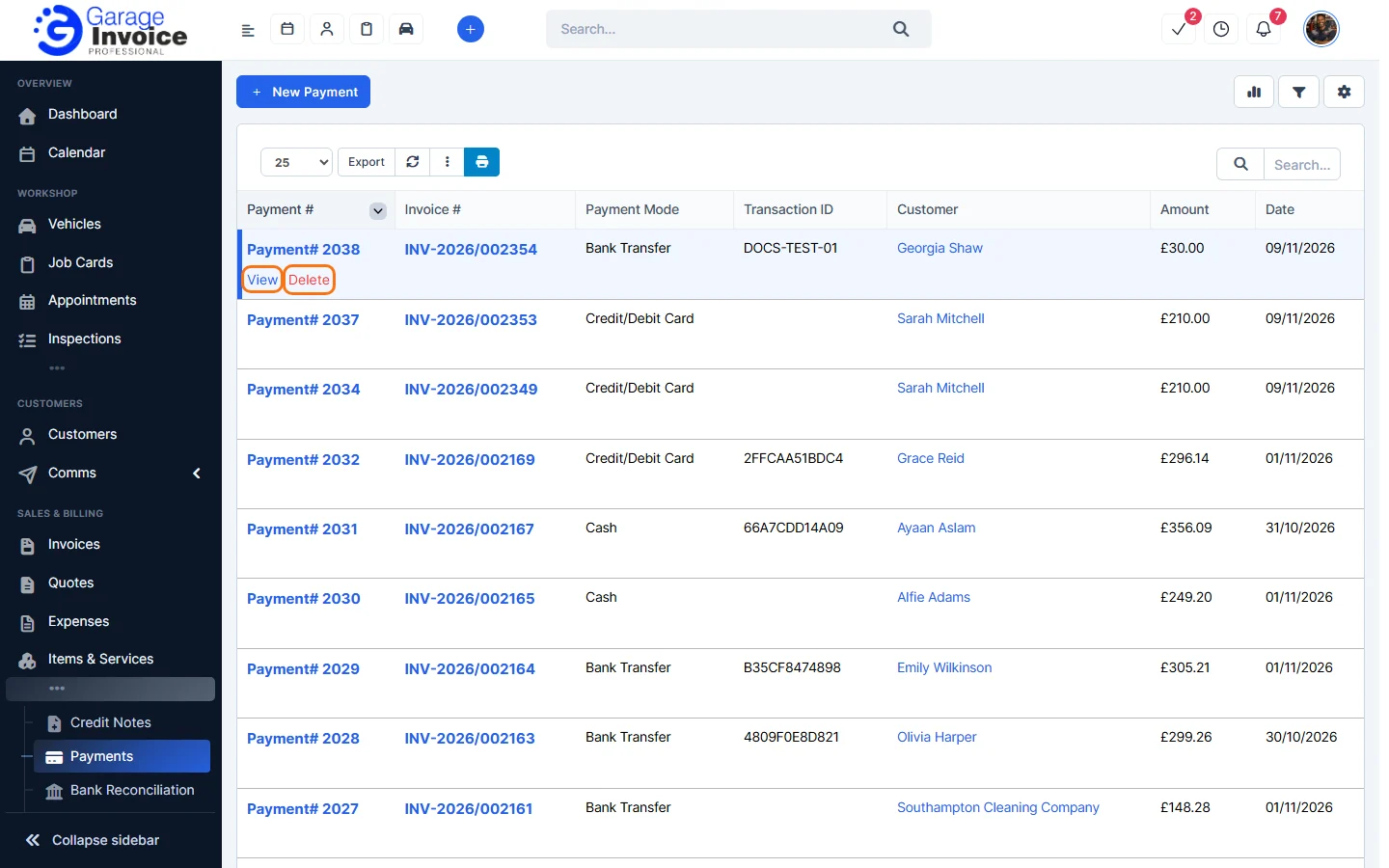
Tip: you can also open a payment from its invoice: open the invoice’s Payments tab and click the payment number.
- Click the envelope button at the top right.
- In Send Payment Receipt To Client, check Email to and the Email Subject. Click Preview Email Template to see the email.
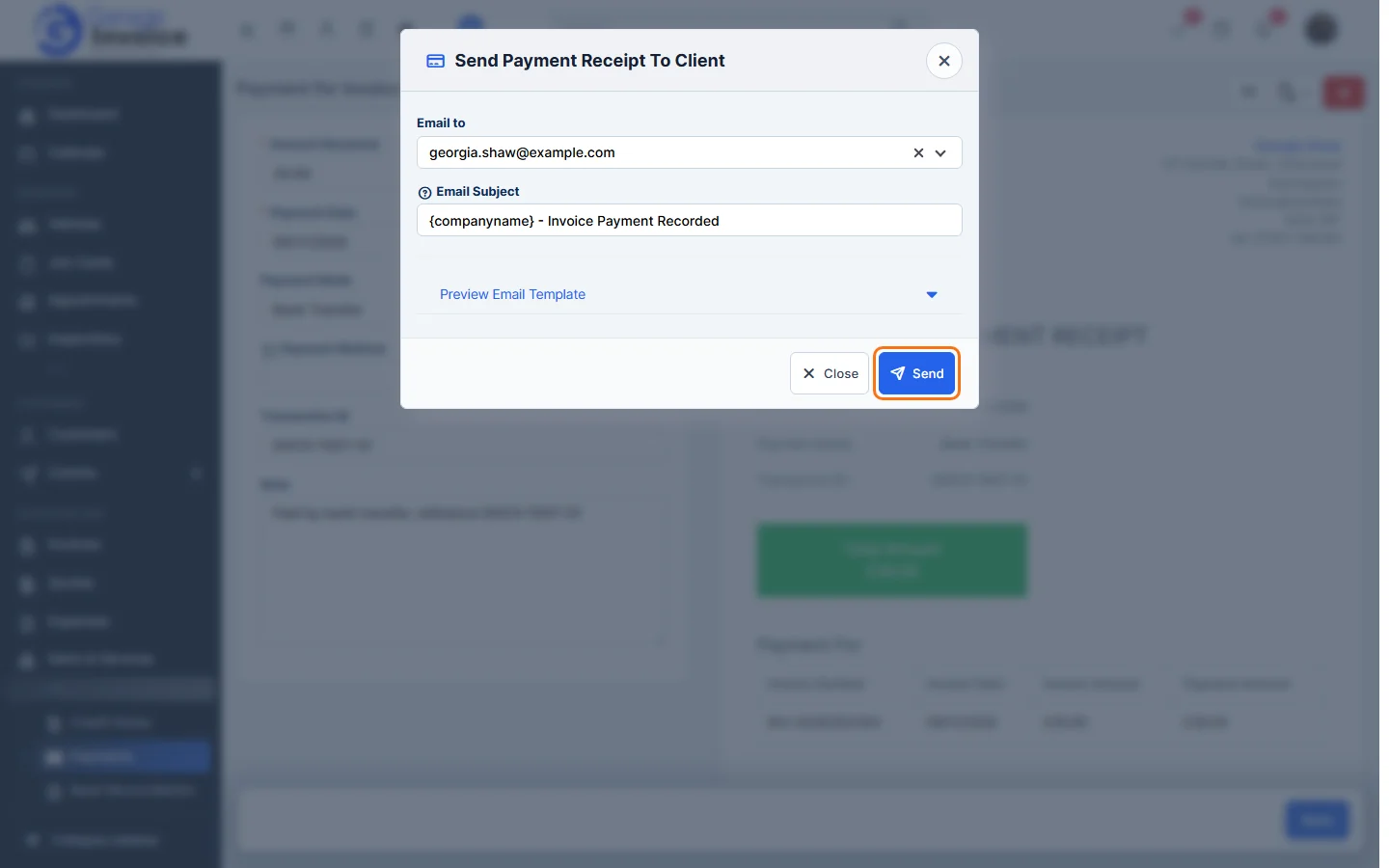
- Click Send.
Note: when you record a payment, the customer gets a payment confirmation email automatically unless you tick “Do not send Invoice Payment Recorded confirmation email”. To attach the invoice PDF to receipt emails, set Attach invoice PDF when sending payment receipt to email to Yes in the invoice settings.
Feature Payments and online payments: see what it does and how it fits your workshop.