
- Click Settings at the bottom of the sidebar, under Administration. In the panel on the left, open Documents & Templates and click PDF.
- Under Customer Information Format, edit the Template. Click a button under Available Fields (Company Name, Address, City, County, Postcode, Country Code, Country, Telephone, VAT Number, VAT Number with Label) to add it, delete what you don’t need, or type your own text. The Preview shows an example customer.
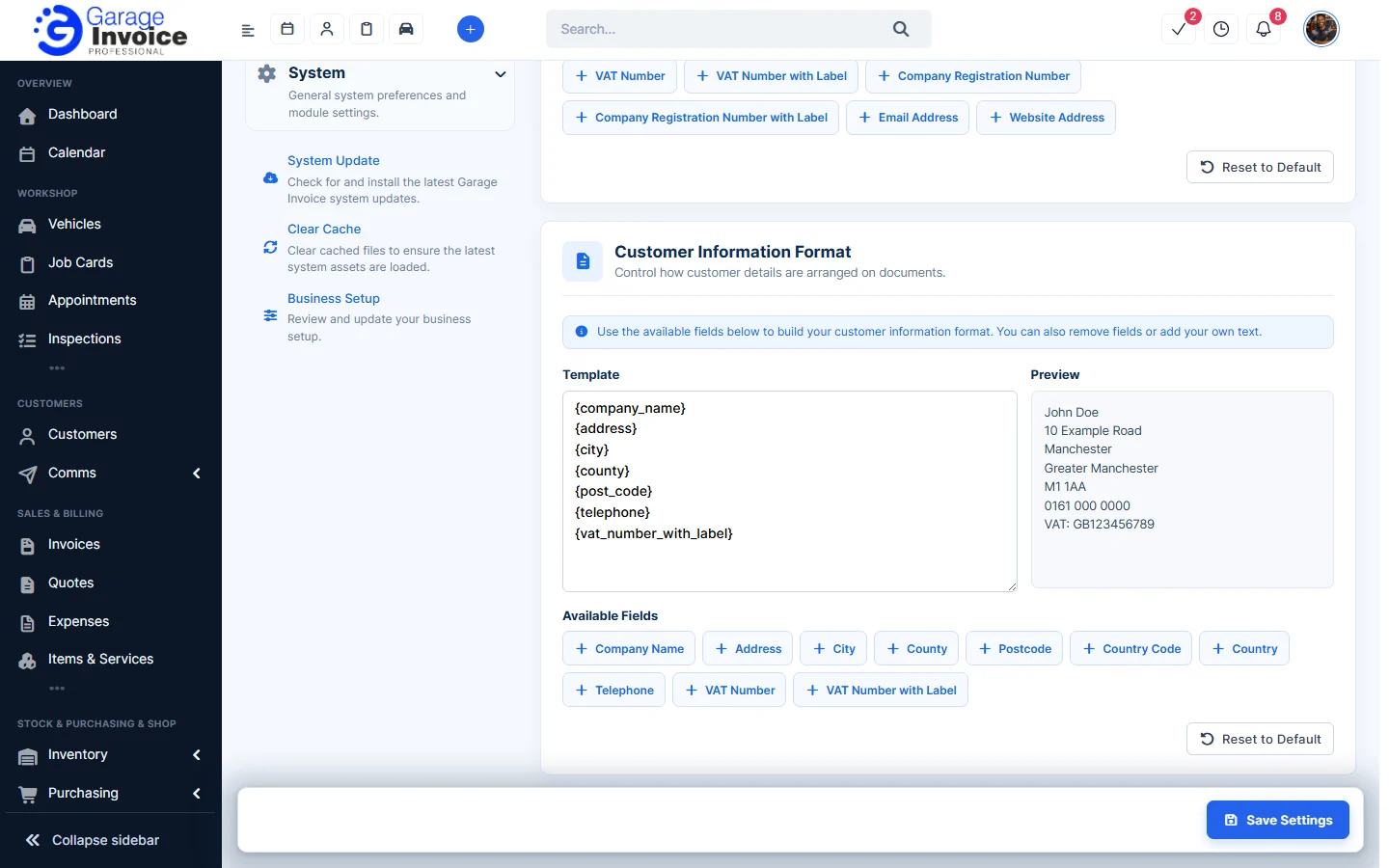
- Click Save Settings at the bottom right.
Tip: click Reset to Default to go back to the original format. Customer custom fields can also be added here, see Custom Fields.