
- Click Calendar in the sidebar and click the View button (for example View: Timeline Day).
- Choose a view:
- Providers: one column or row per bay or provider – 1 Day, 1 Week (Google style), 1 Day Grid, 3 Days Grid, Timeline Day, Timeline Week and Timeline Month.
- Overview: everything together – 1 Day, 1 Week, 1 Month, 3 Months, 6 Months, 12 Months, 12 Months Rolling, Week, 1 Day Grid and Week Grid.
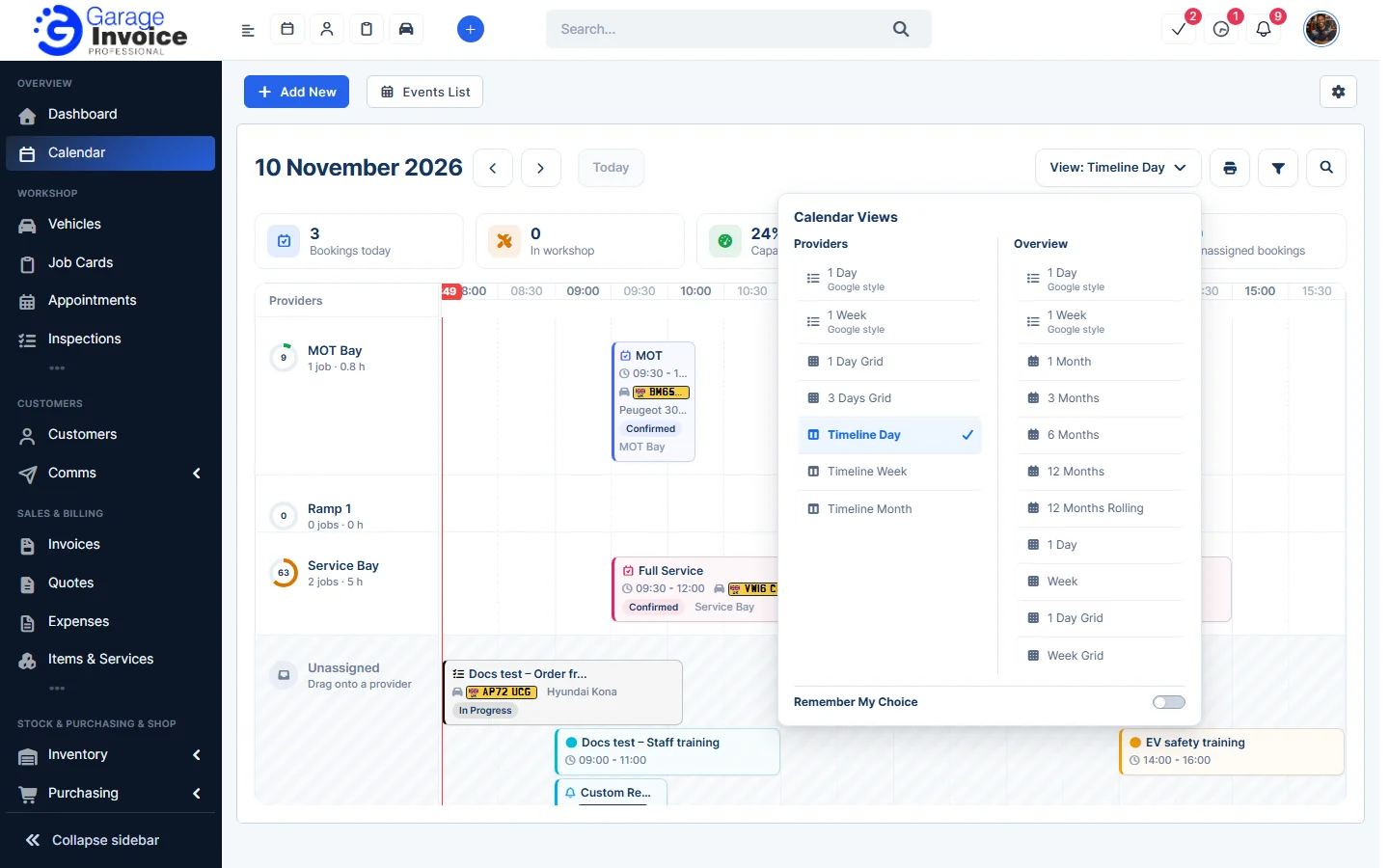
- Turn on Remember My Choice to open the calendar in this view next time.
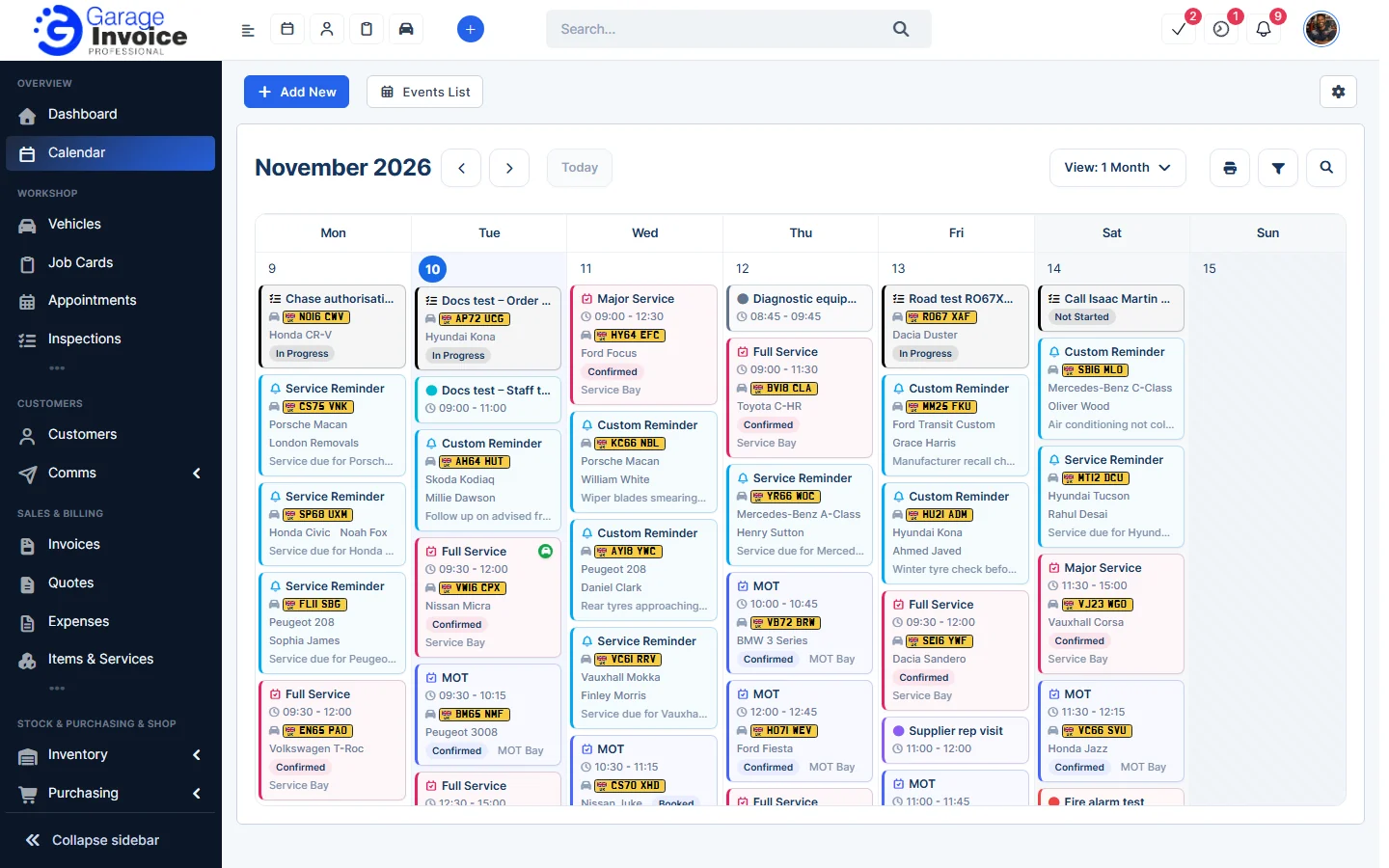
For example, 1 Month shows the whole month:
Tip: to change the default view for everyone, see Calendar Settings.
Feature Workshop calendar: see what it does and how it fits your workshop.