
All reports live under Reports in the sidebar, in the Insights section.
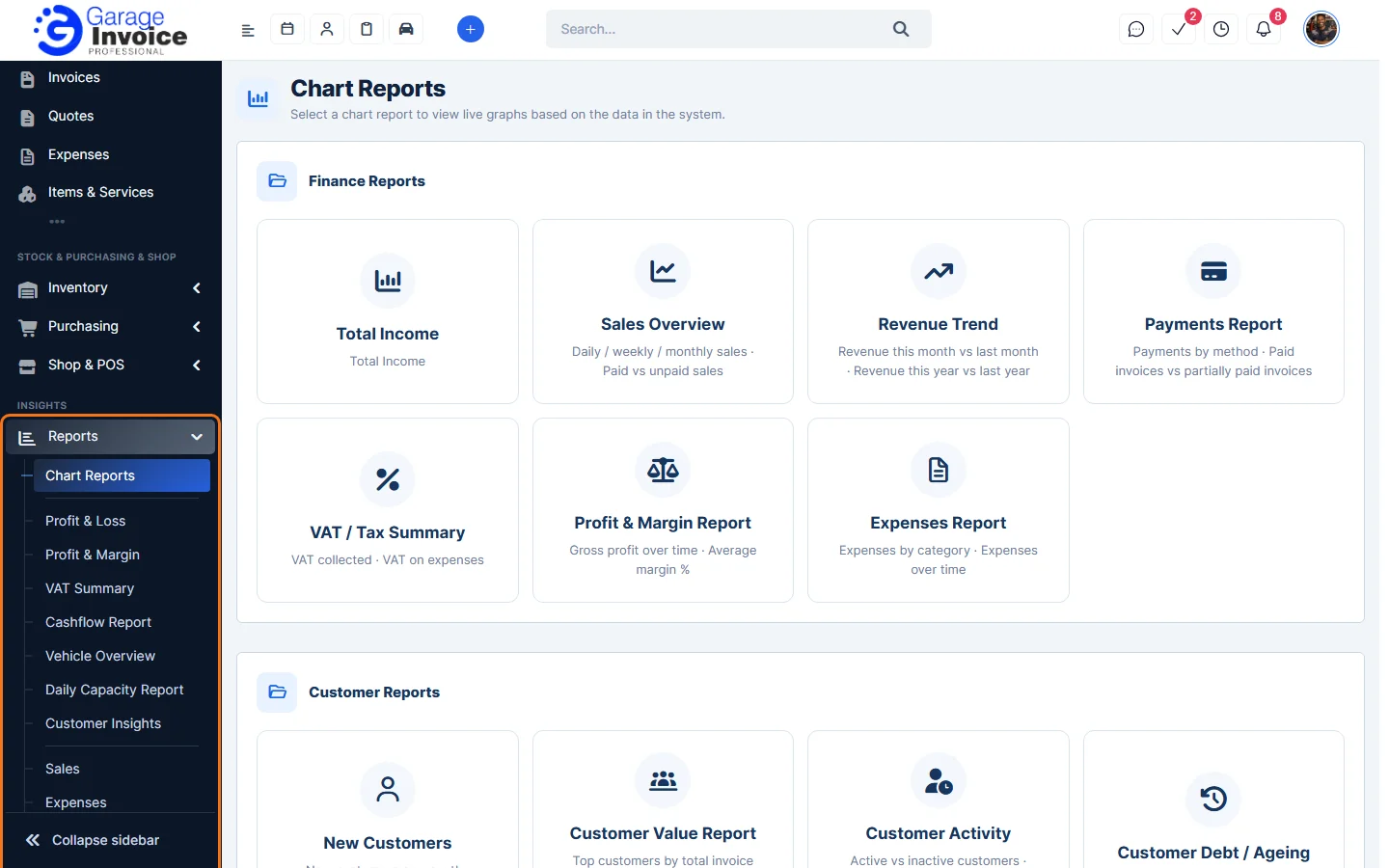
Reports in the menu
- Chart Reports: live graphs for finance, customers, vehicles, invoices and quotes, items and stock, appointments, operations, purchasing, the shop and staff. See Chart Reports.
- Profit & Loss: net sales, cost of sales, expenses and net profit, with a full P&L statement. See Profit & Loss Report.
- Profit & Margin: margins against a target margin, low-margin items and items sold at a loss. See Profit & Margin Report.
- VAT Summary: the figures for your VAT return (Boxes 1 to 9). See VAT Summary.
- Cashflow Report: money received against money paid out. See Cashflow Report.
- Vehicle Overview: vehicles with MOT, service and money owed. See Vehicle Overview Report.
- Daily Capacity Report: workshop hours booked and still free. See Daily Capacity Report.
- Customer Insights: rule-based customer lists. See Customer Insights.
- Sales: invoices, items, payments, credit notes, job cards, quotes, customers and ageing. Start with Sales Report: Invoices.
- Expenses: spending by month and category. See Expenses Report.
- Accounting Export: files for QuickBooks, Xero, Sage 50 and Sage 200. See Accounting Export Overview.
- Timesheets Overview: time logged by staff. See Timesheets Report.
- Shop & POS: Online Shop and POS sales, cash-up and stock. See Online Shop & POS Report.
- Purchase & Supplier: purchases, suppliers and VAT on purchases. See Purchase & Supplier Report.
Working with any report
- Choose a Period (This month, Last month and so on) or enter your own From and To dates, set any other filters and click Filter. Reset clears them. The Active filters line shows what you are looking at.
- Most reports have Print and Export PDF buttons at the top right.
- Each table has its own Export button (and print and refresh buttons) and a search box. Use the number box to show more rows per page.
- Where a report finds something that may make the figures wrong (for example items with no cost price), it shows a yellow warning with a button to review the records.
Feature Garage reports: see what it does and how it fits your workshop.