
Shop & POS lets you sell items at the counter (POS) and online (Online Shop). Click Shop & POS in the sidebar, under Stock & Purchasing & Shop.
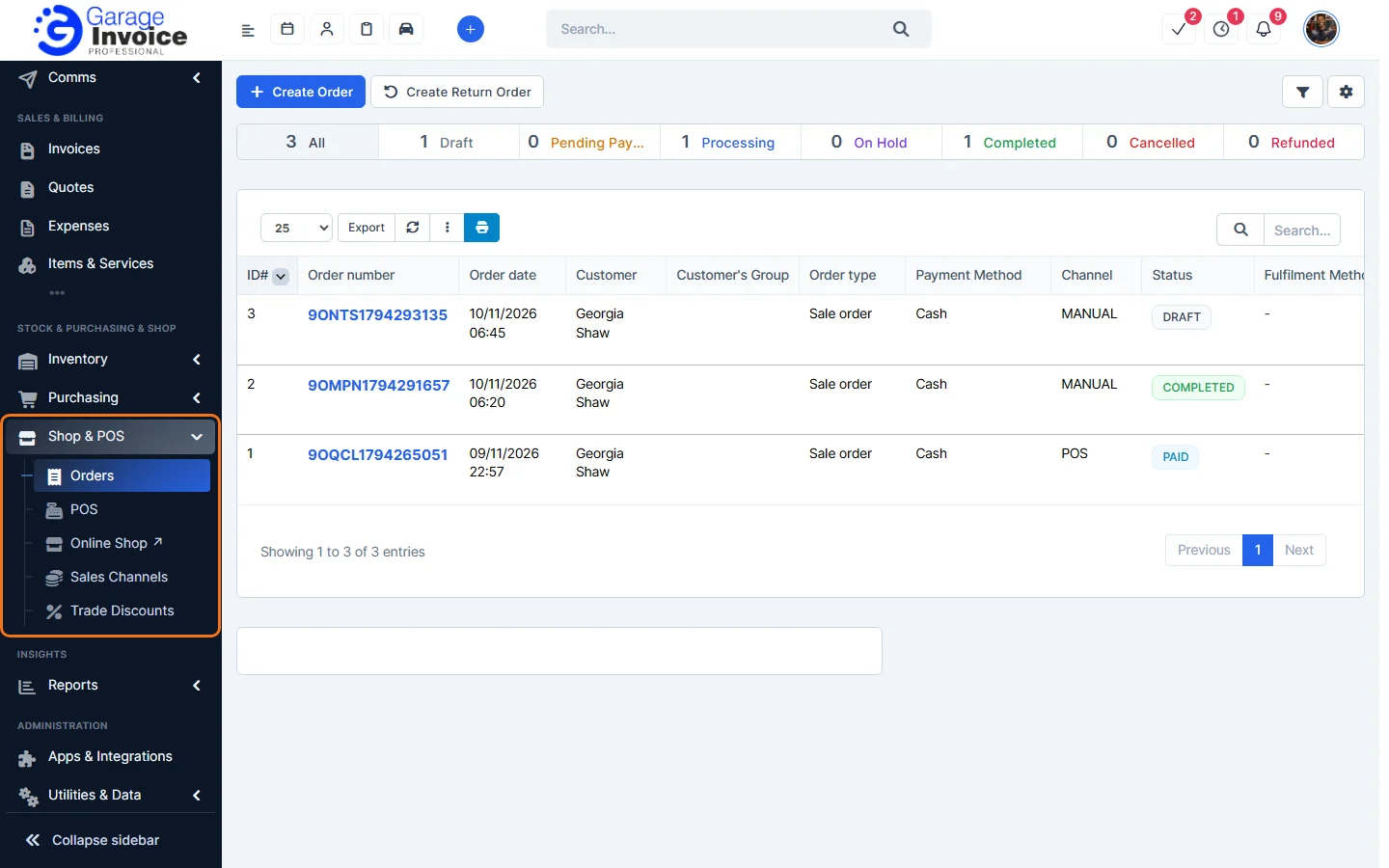
- Orders: every POS, Online Shop and manual order. See Orders Overview.
- POS: open a shift and sell at the counter. See Create POS Shift and POS Screen.
- Online Shop ↗: opens your Online Shop as customers see it. See View Online Shop.
- Sales Channels: switch the POS and Online Shop on or off and choose the items each one sells. See Sales Channels.
- Trade Discounts: automatic discounts and voucher codes. See Discount vs Voucher.
Getting started
- Switch on the channel you want in Sales Channels.
- Add the items it should sell: Add Products to POS or Add Products to Online Shop.
- For the POS, open a shift and start selling.
Tip: see sales, cash-up and stock in the Online Shop & POS Report.
Feature Online shop and POS: see what it does and how it fits your workshop.