
Every quote has a status. You can see how many quotes are in each status in the bar at the top of the Quotes page. Click a status to show only those quotes.

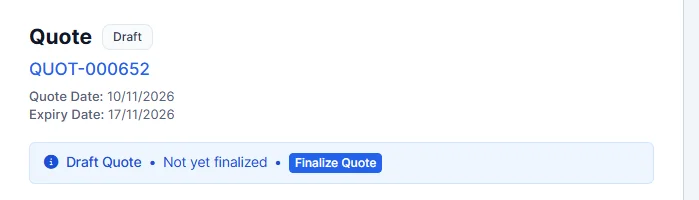
- Draft: the quote is still being prepared. New quotes start as drafts. A draft shows Draft Quote � Not yet finalized with a Finalize Quote button, which makes it Ready.
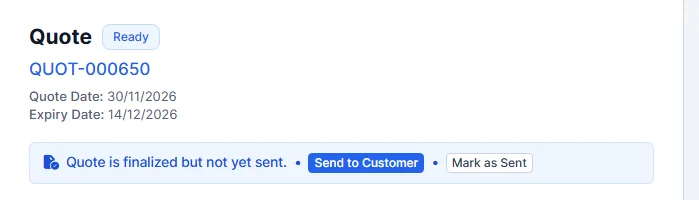
- Ready: the quote is finished but not sent yet. The quote shows Quote is finalized but not yet sent.
- Sent: the quote has been sent to the customer.
- Expired: the expiry date has passed without an answer.
- Declined: the customer turned the quote down.
- Accepted: the customer agreed to the quote. You can now convert it to an invoice or job card.
The status is shown next to the quote title when you open a quote.
To change a status yourself, see Change Quote Status. Customers can accept or decline a quote online. See Customer Accept or Decline Quote Online.
Feature Garage quoting software: see what it does and how it fits your workshop.