
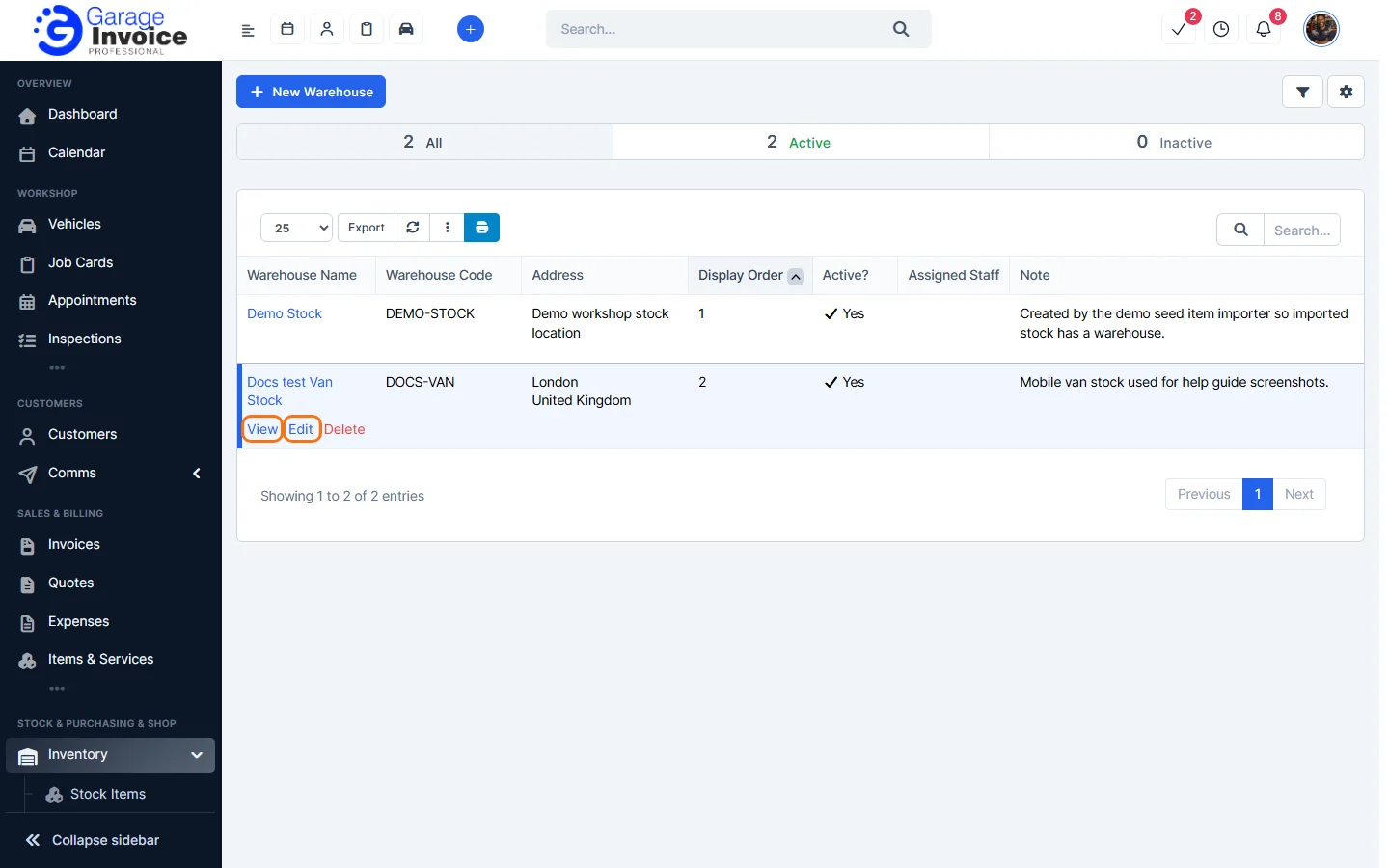
- Click Inventory in the sidebar (under Stock & Purchasing & Shop) and click Warehouses. The list shows each warehouse’s code, address, display order, whether it is active and the assigned staff.
- Hover over the warehouse and click View to see it, or Edit to change it.
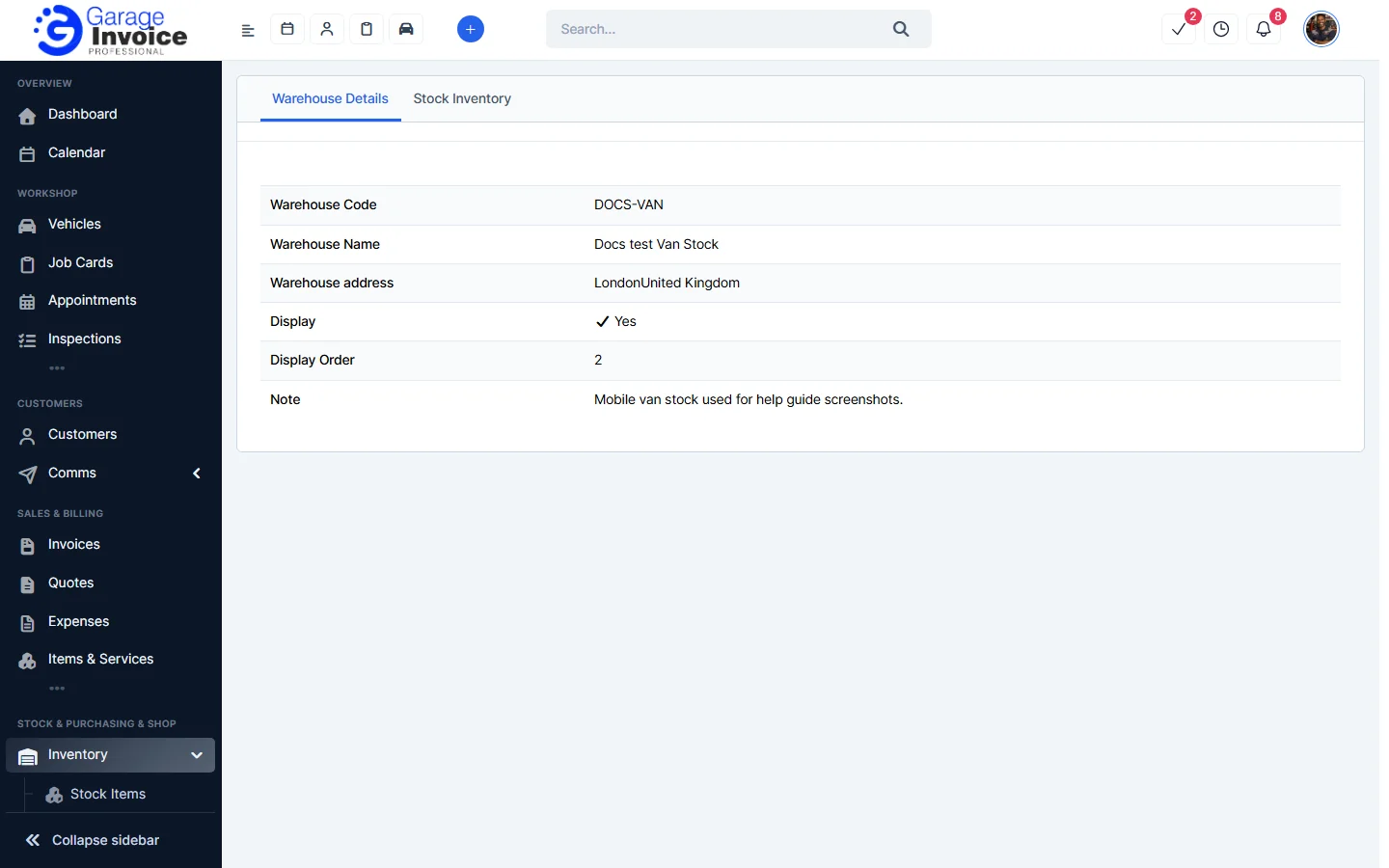
- View opens the Warehouse Details tab. Click Stock Inventory to see the stock held there.
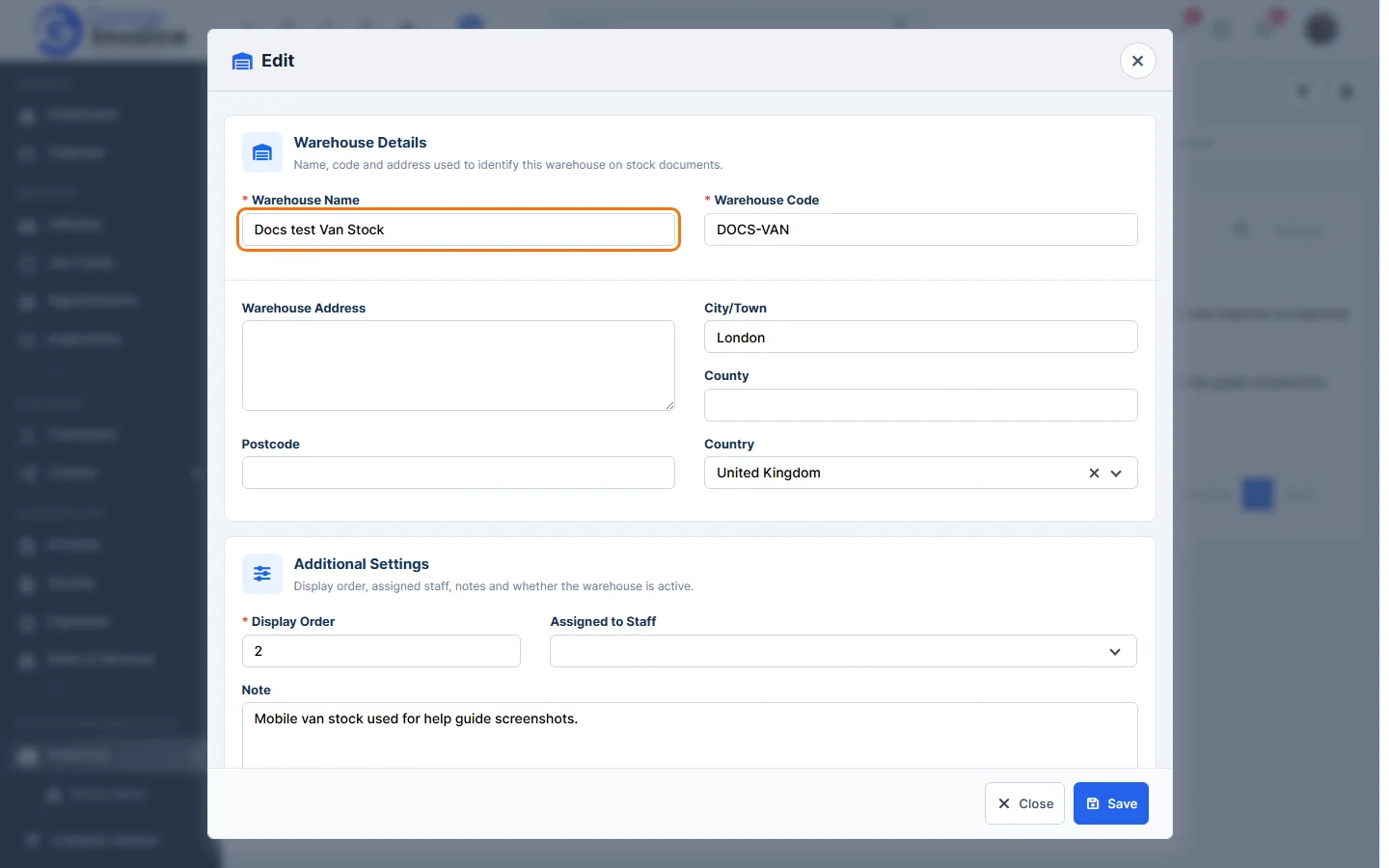
- Edit opens the same window as when you added the warehouse. Change what you need and click Save. Untick Make it Active to stop using a warehouse without deleting it.
Feature Stock and inventory control: see what it does and how it fits your workshop.