
Choose the country for a vehicle
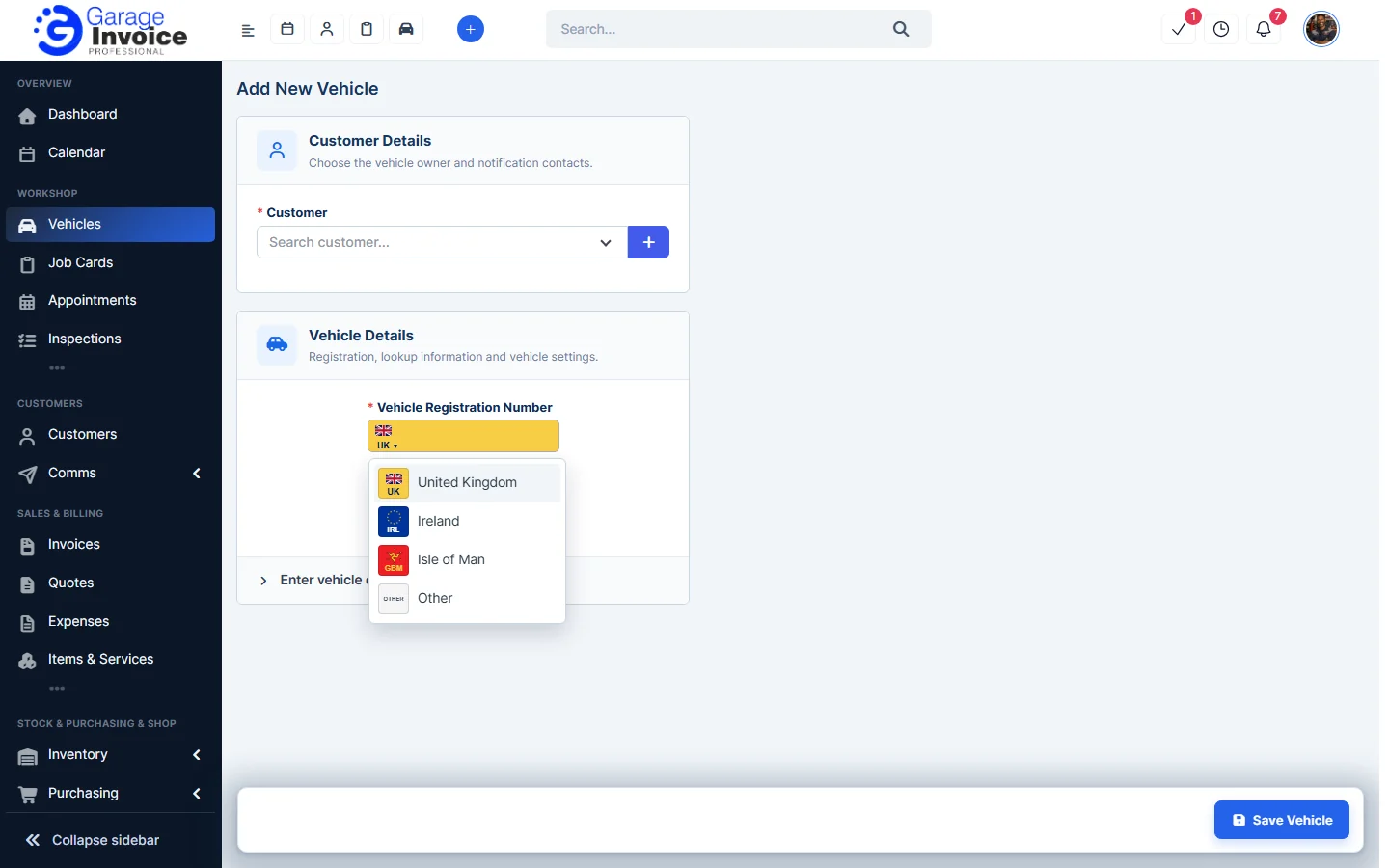
When you add or edit a vehicle, click the flag on the registration plate and choose United Kingdom, Ireland, Isle of Man or Other. Do this before you click VRM Lookup.
Change your VRM Lookup settings
- Click Settings near the bottom of the sidebar, open Integrations & Services and click Vehicle & Postcode Lookup.
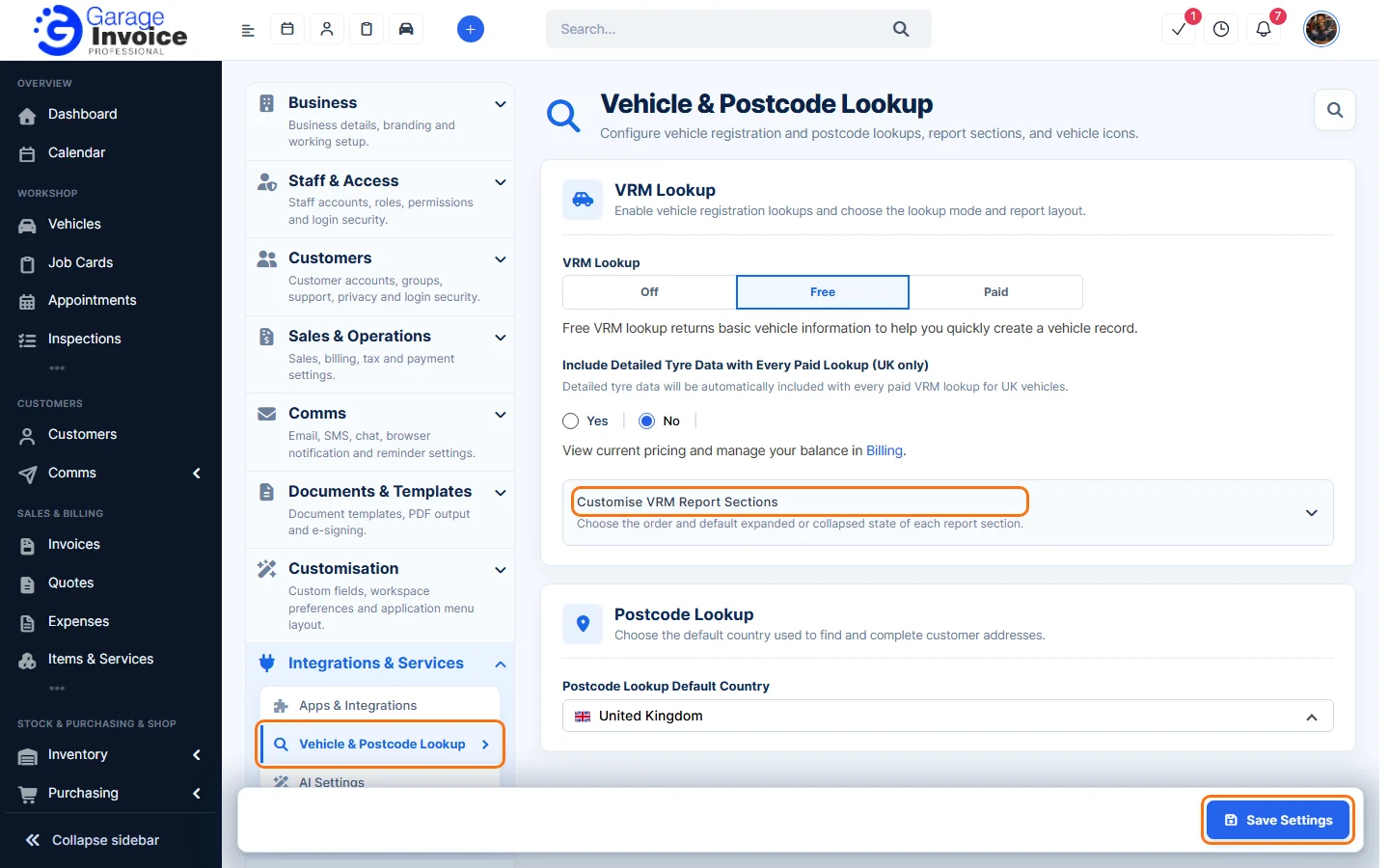
- Under VRM Lookup, choose:
- Off: no vehicle lookups.
- Free: basic vehicle information to help you create a vehicle record quickly.
- Paid: premium lookups with fuller vehicle specifications, status and history data. You can view pricing and manage your balance in Billing.
- For UK vehicles on Paid lookups, choose Yes under Include Detailed Tyre Data with Every Paid Lookup if you want tyre details included.
- Open Customise VRM Report Sections to choose the order of the report sections and which ones start open.
- Click Save Settings.
The same page sets the country for customer postcode lookups. See Change Post Code Lookup Country.
Feature VRM lookups: see what it does and how it fits your workshop.