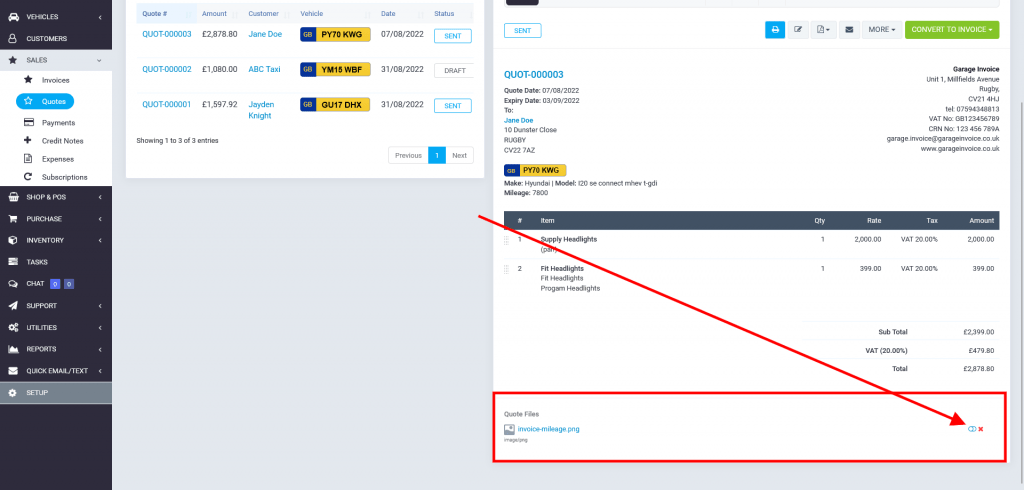
Attach File/Document to Quote
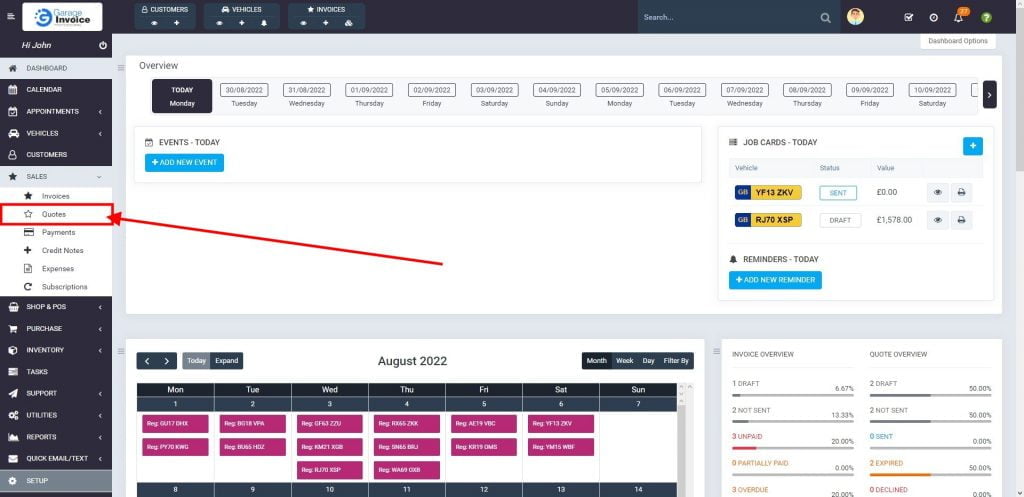
- Click Sales menu located on the sidebar menu (left-hand side of the screen).

- Click Quotes option.
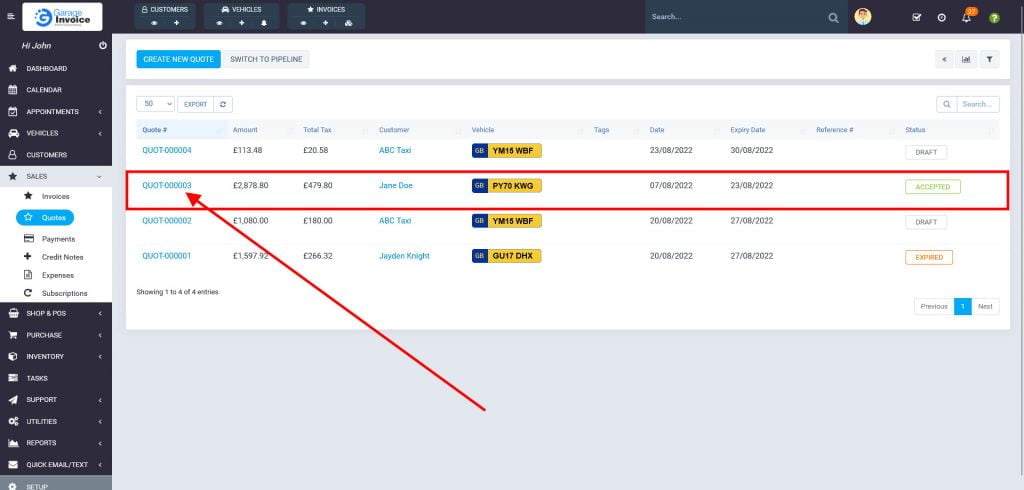
- Click on the Quote Number.
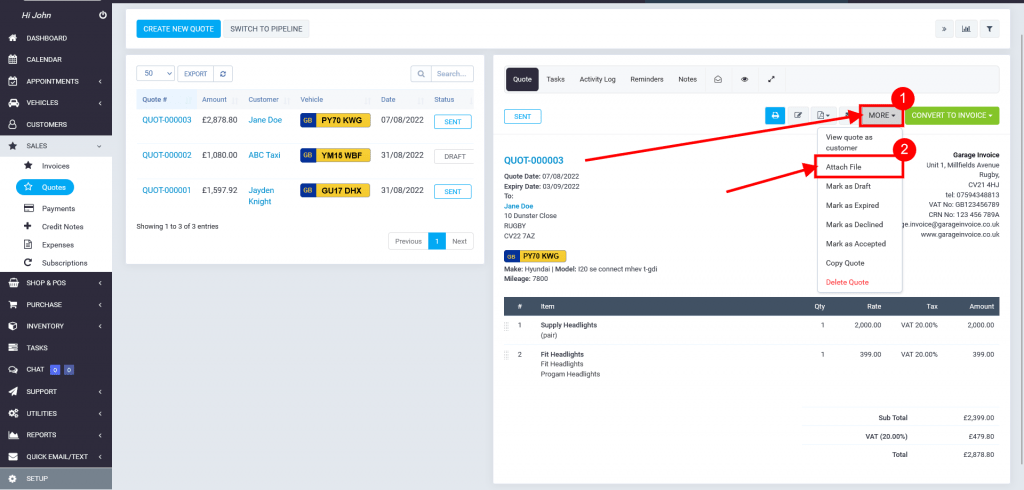
- Click More button, and select Attach File.
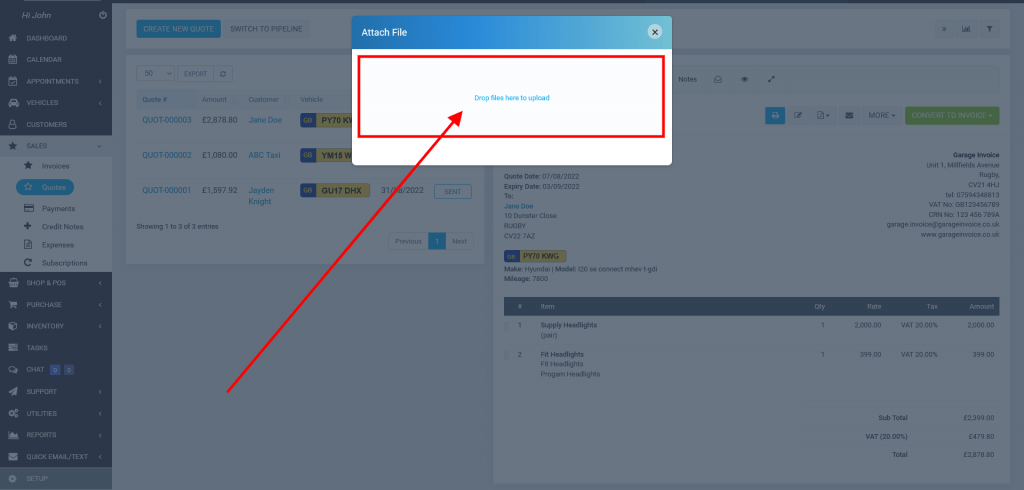
- Click Drop files here to upload and select files to upload.
- List of uploaded files will be located below quote preview.
If you would like the Customer to have access to this file, just flip the switch to on position (green colour).