
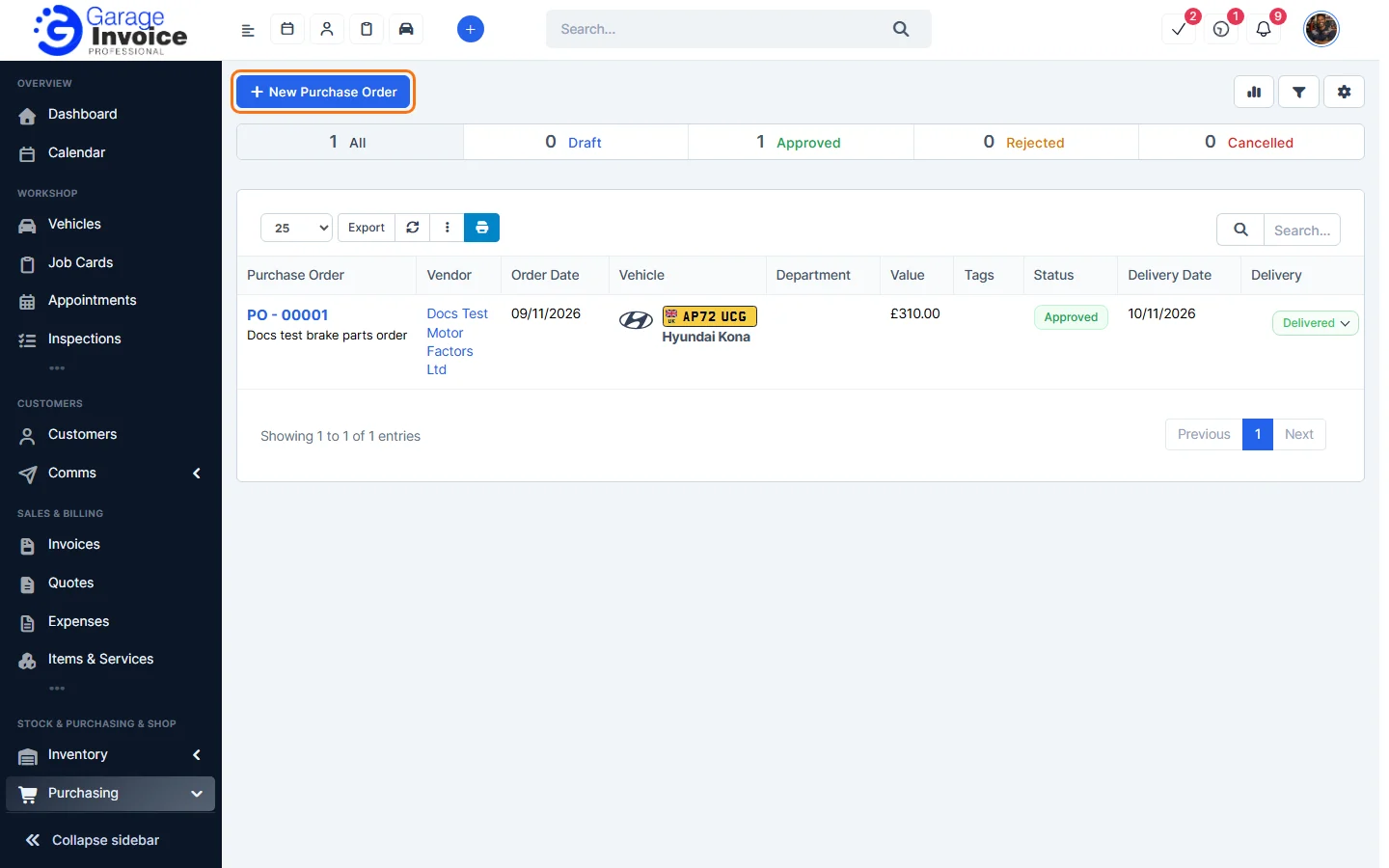
- Click Purchasing in the sidebar (under Stock & Purchasing & Shop) and click Purchase Orders.
- The tabs show All, Draft, Approved, Rejected and Cancelled orders. Each row shows the Vendor, Order Date, Vehicle, Department, Value, Status, Delivery Date, Delivery status and Payment %.
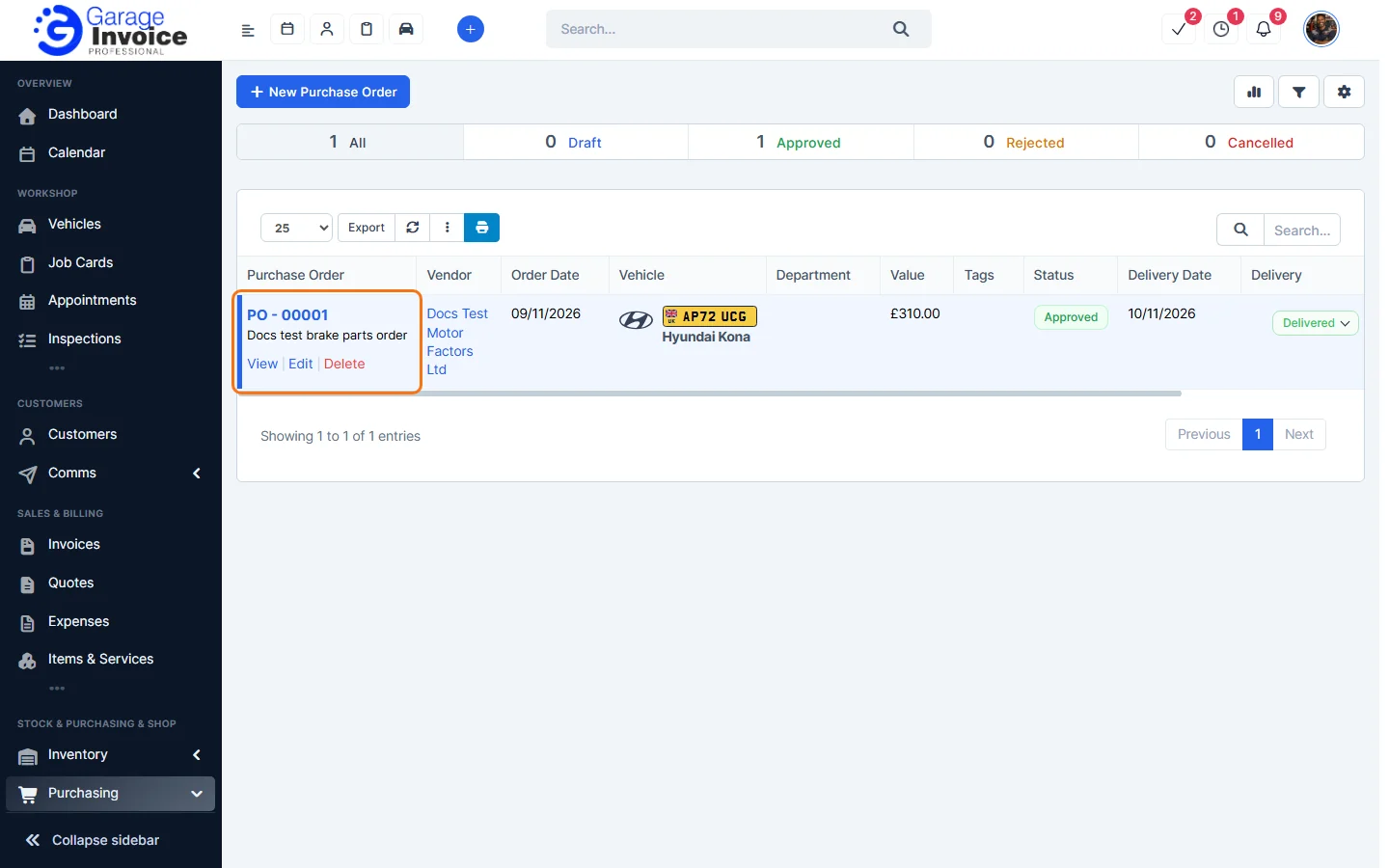
- Hover over an order to View, Edit or Delete it.
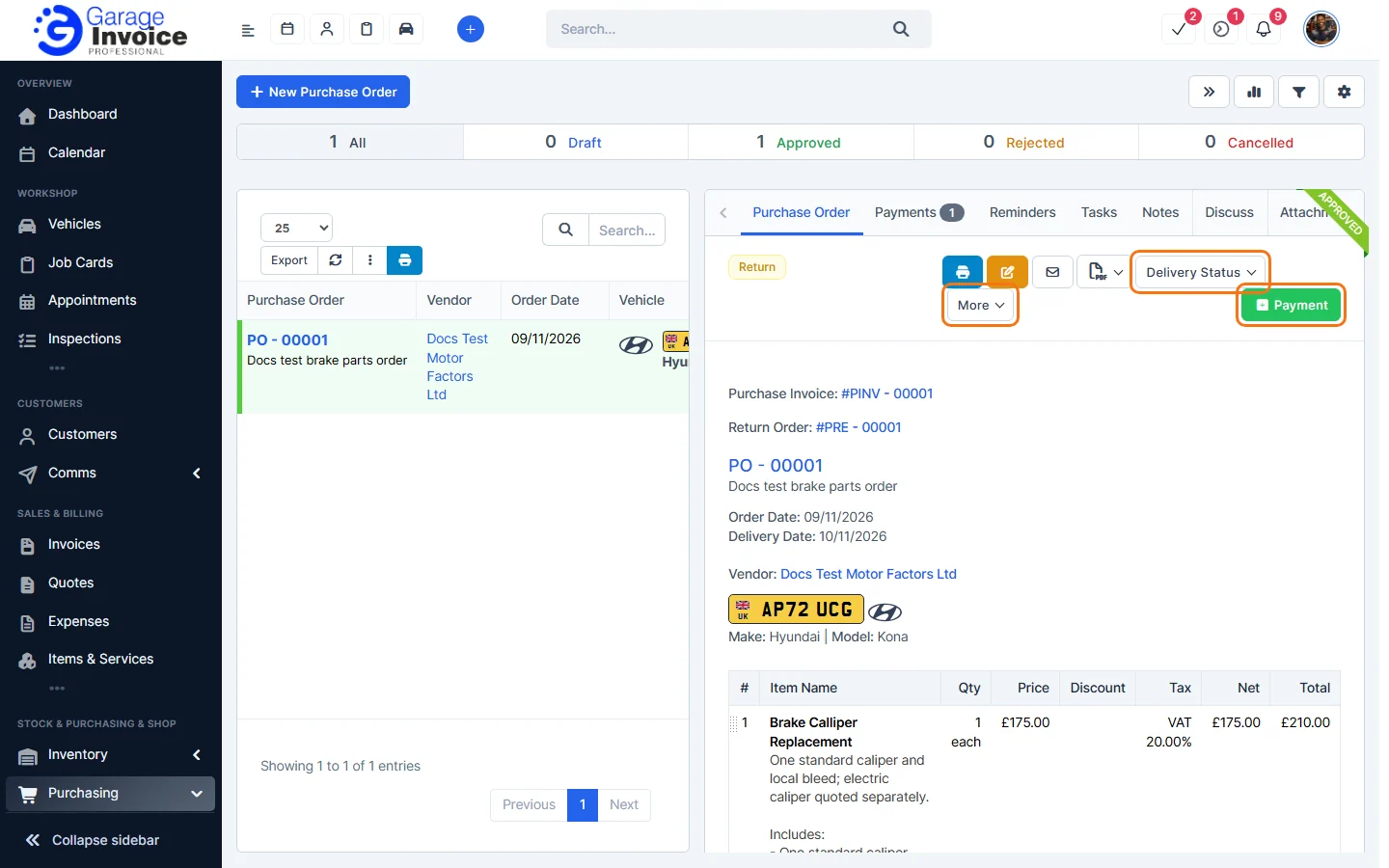
- Click the order number to open it. At the top you have print, edit, email and PDF buttons, Delivery Status, More and the green Payment button. The tabs are Purchase Order, Payments, Reminders, Tasks, Notes, Discuss and Attachment.
Next: Create a Purchase Order · Update Delivery Status · Record a Payment
Feature Stock and inventory control: see what it does and how it fits your workshop.