
- To use an existing customer, click the customer box (Select and begin typing) in the cart, type part of the name and click the customer.
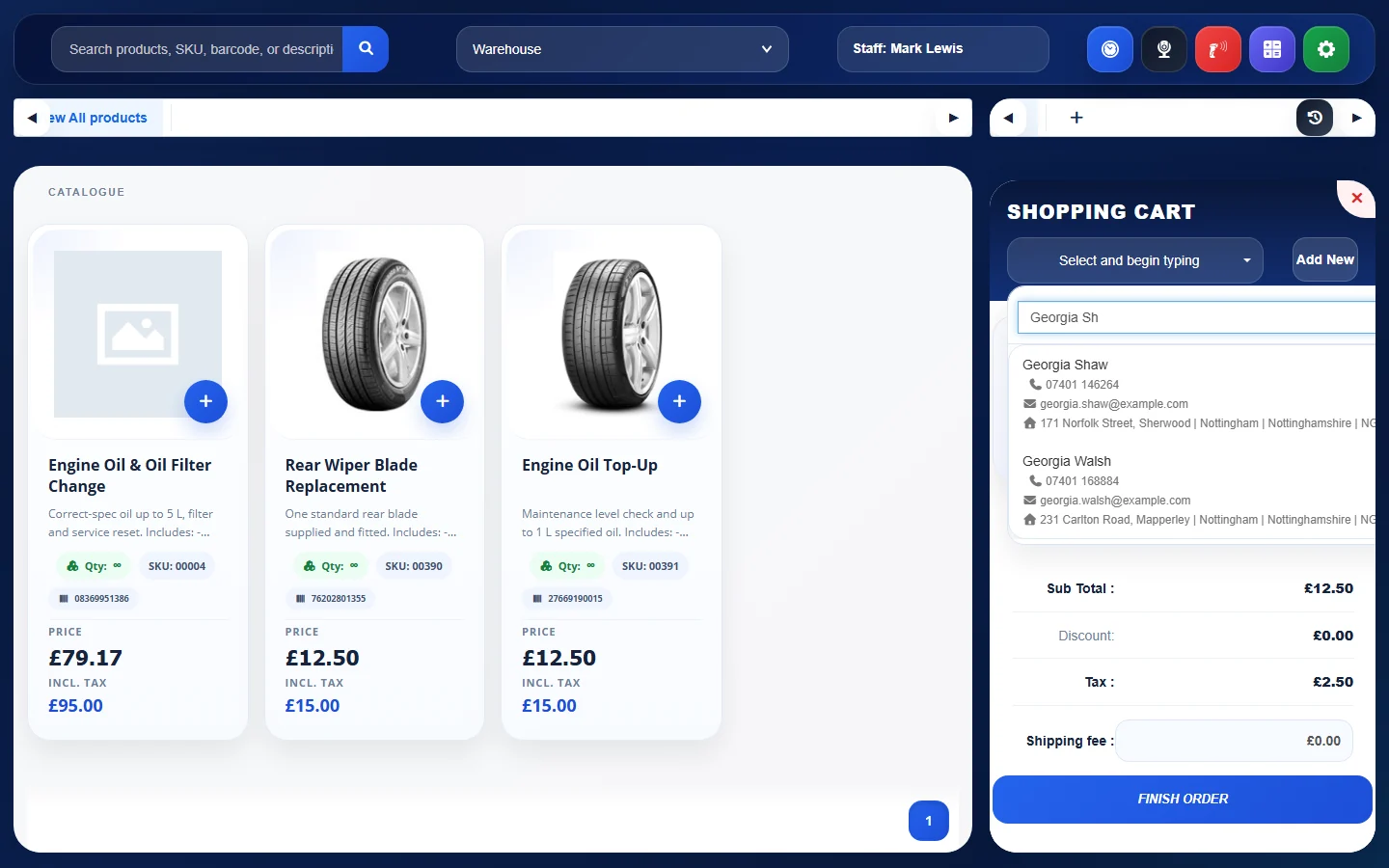
- To create a new customer, click Add New next to the customer box.
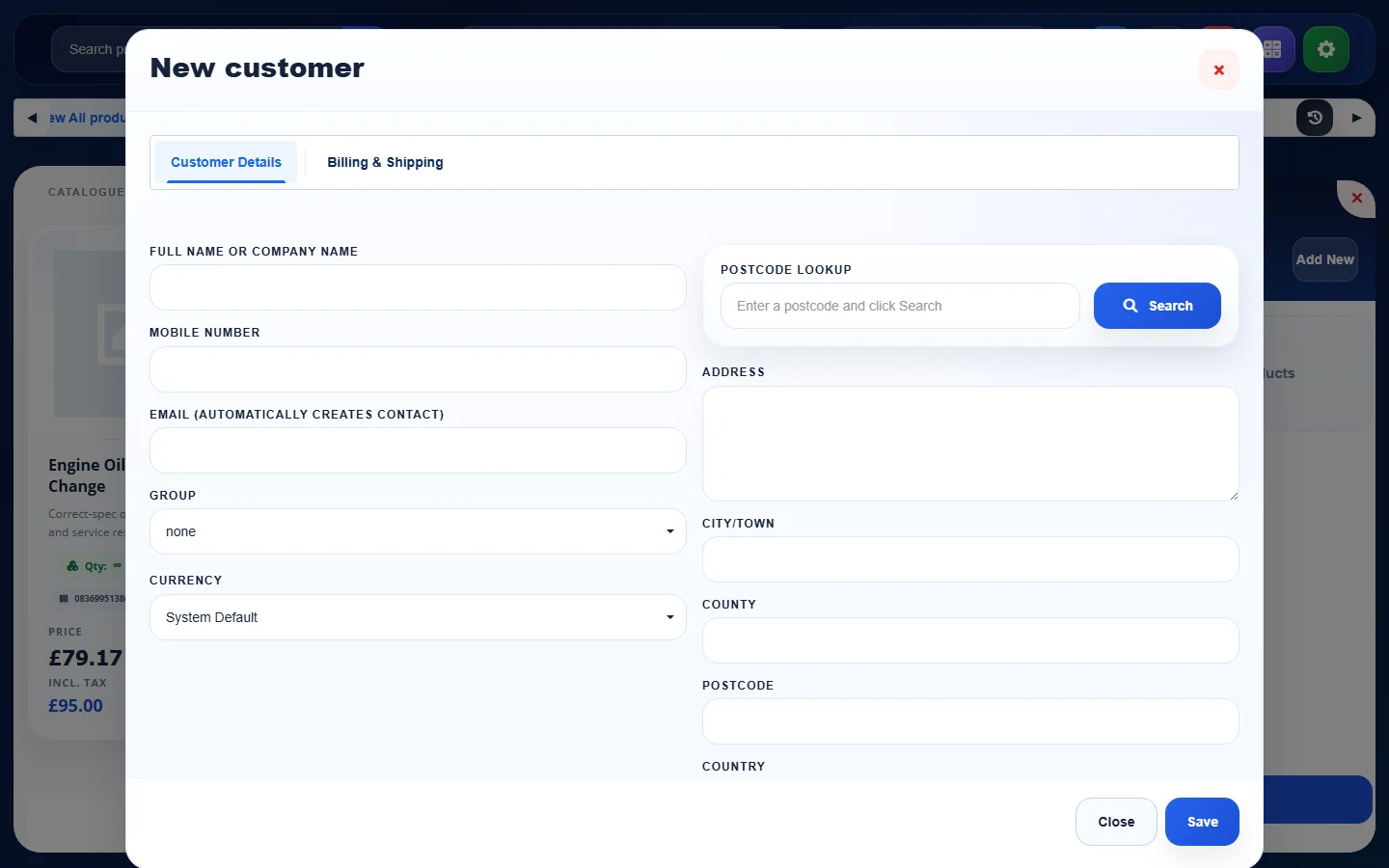
- In the New customer window, fill in the Customer Details tab (name or company name, mobile number, email, group, currency and address; use Postcode lookup to find the address) and, if needed, the Billing & Shipping tab. Click Save. The new customer is selected for the order.
See also: Take Payment and Finish a POS Order
Feature Online shop and POS: see what it does and how it fits your workshop.