
Customer contact forms are the forms customers fill in on your website to send you an enquiry. Submissions arrive under Enquiries in the sidebar (under Comms).
- Click Settings at the bottom of the sidebar, under Administration.
- In the panel on the left, open Customers and click Customer Contact Forms. Each card shows the form’s name, how many submissions it has and when it was created. Click Create New Form to add one, or ⋮ on a card to edit, preview or delete a form.
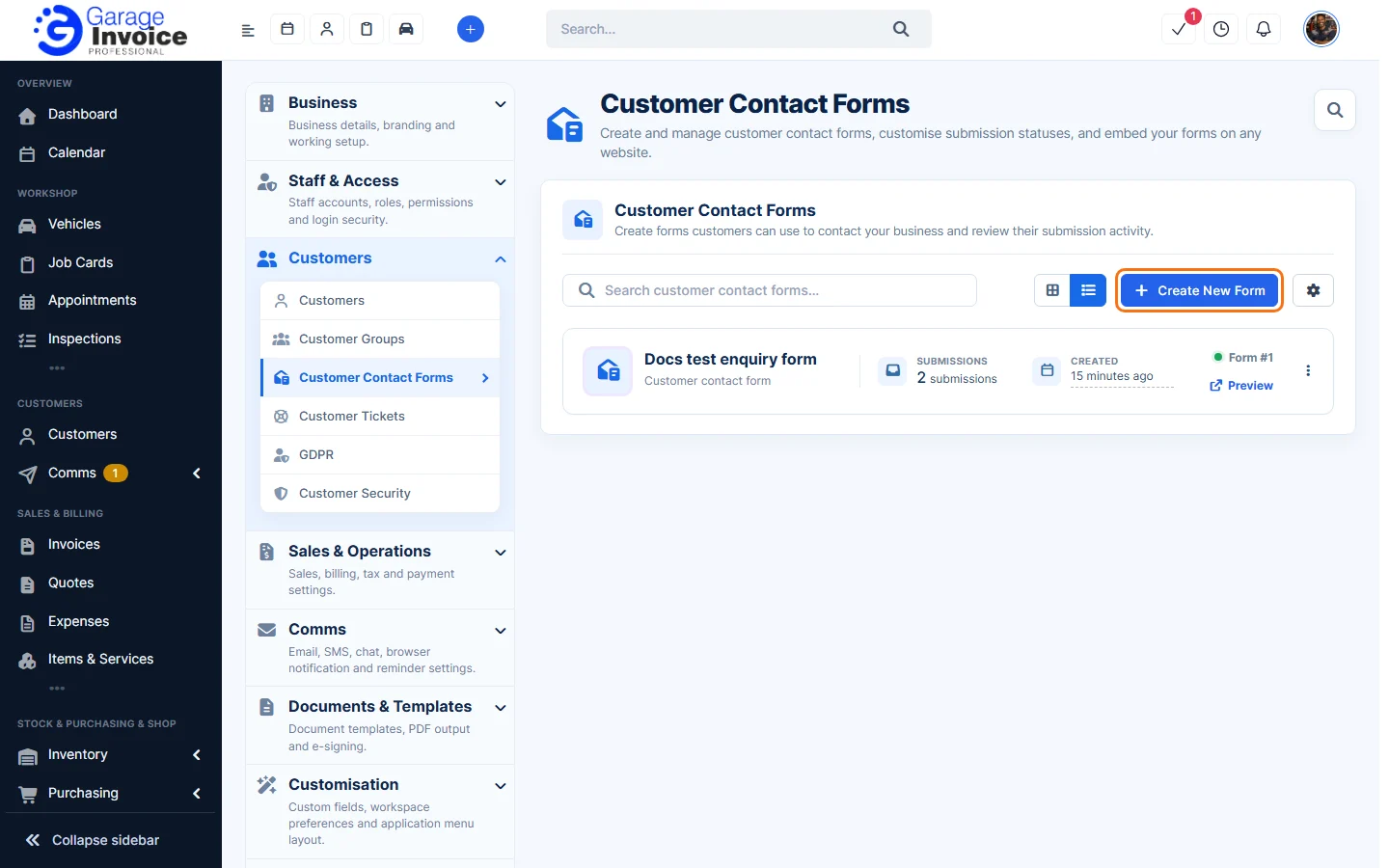
- To manage the statuses submissions can have, click the cog button next to Create New Form and choose Submission Status.
Full guides:
- Create an Enquiry Form for Your Website (form builder, settings, styling and embed code)
- Enquiry Statuses
- Enquiries Overview