
A VDI Check looks for problems in a vehicle’s history: whether it’s reported stolen, has been written off by an insurer, has outstanding finance, or has a mileage anomaly.
Note: each VDI Check is a paid lookup. The cost is shown under the button (£3.99 per lookup at the time of writing) and is charged to your account balance. Your saved reports stay in the Report History.
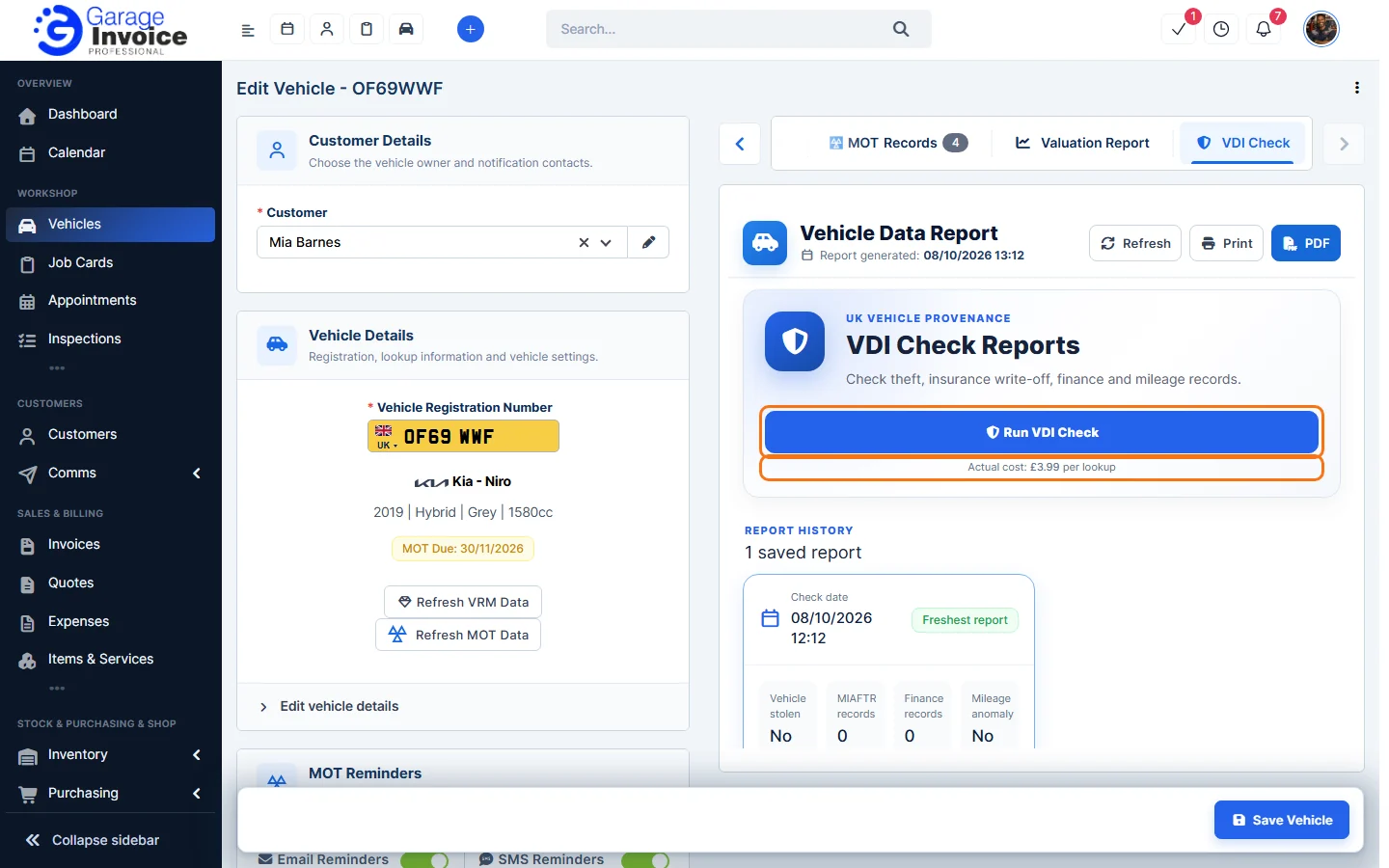
Run a VDI Check
- Open the vehicle’s Edit Vehicle page: on the vehicle page click ⋮ → Edit Vehicle, or hover over the vehicle in the Vehicles list and click Edit. See Edit Vehicle.
- Above the Vehicle Data Report, click the VDI Check tab. Use the arrows at the ends of the tabs if you can’t see it.
- Click Run VDI Check.
Read the report
Every check is saved under Report History with its date and a summary: Vehicle stolen, MIAFTR records (insurance write-offs), Finance records and Mileage anomaly. Click View report to open it.
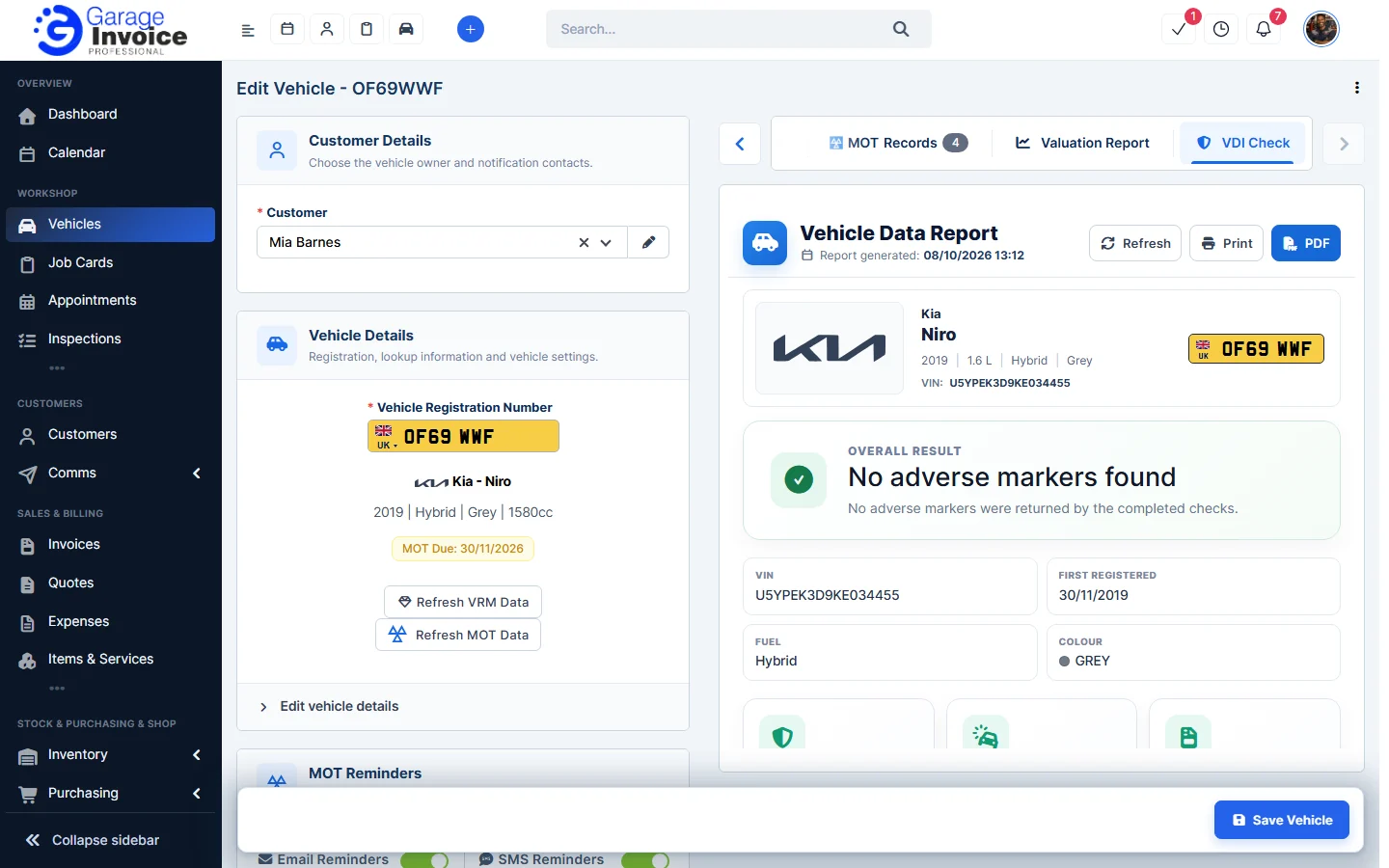
The report starts with the Overall Result, for example No adverse markers found, and the vehicle’s VIN, first registration date, fuel and colour.
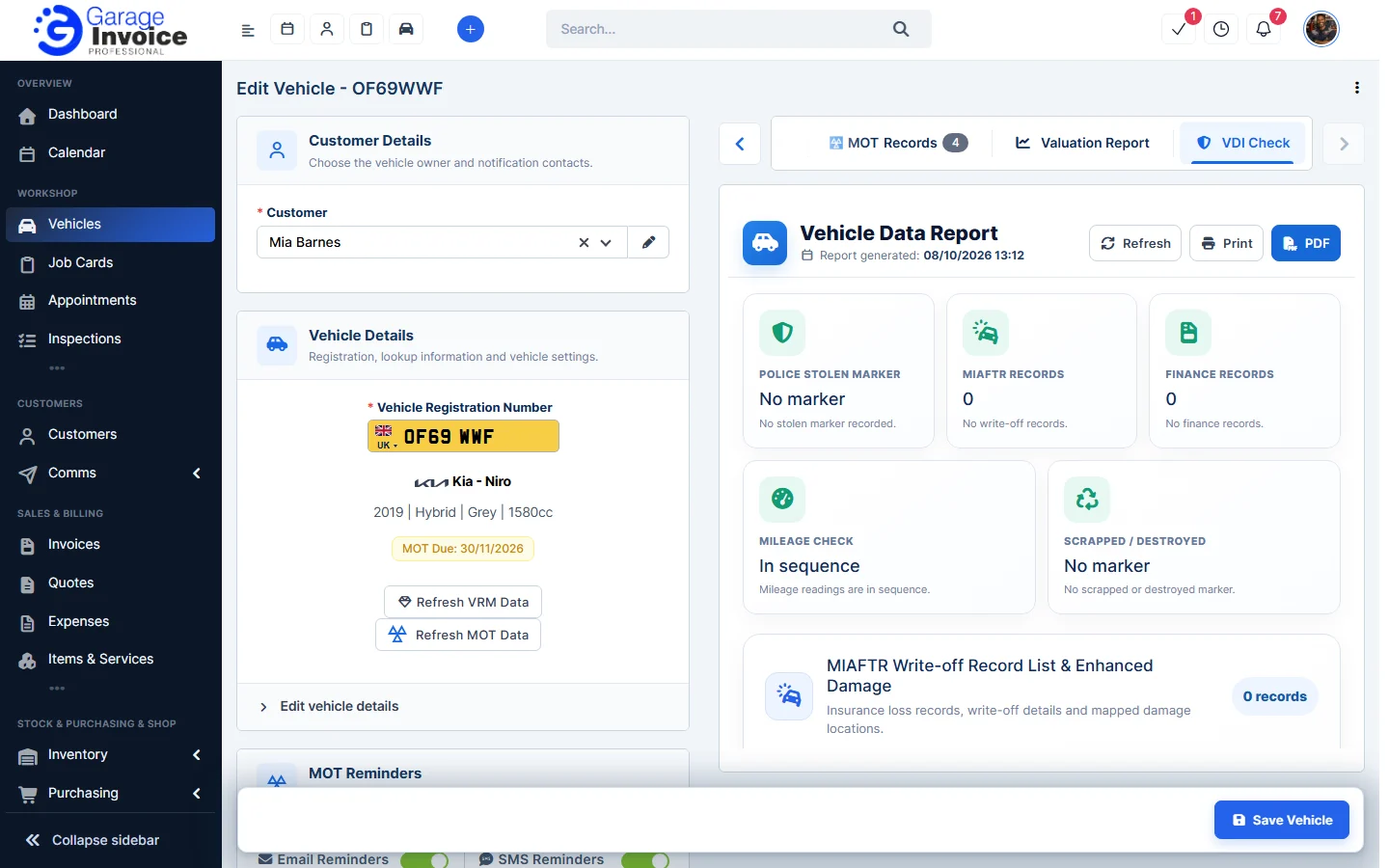
Below that, each check has its own result: police stolen marker, MIAFTR records, finance records, mileage check and scrapped or destroyed marker, with more detail where records were found.
Feature Vehicle records: see what it does and how it fits your workshop.