
- Click Reports in the sidebar (under Insights) and click Customer Insights.
- Under Reports, open Suggested reports and click one to run it, for example Customers to win back, MOT due, nothing booked, Work waiting to be booked, Outstanding recommendations, New customers who haven’t booked, Regular customers going quiet or Reminder details need attention.
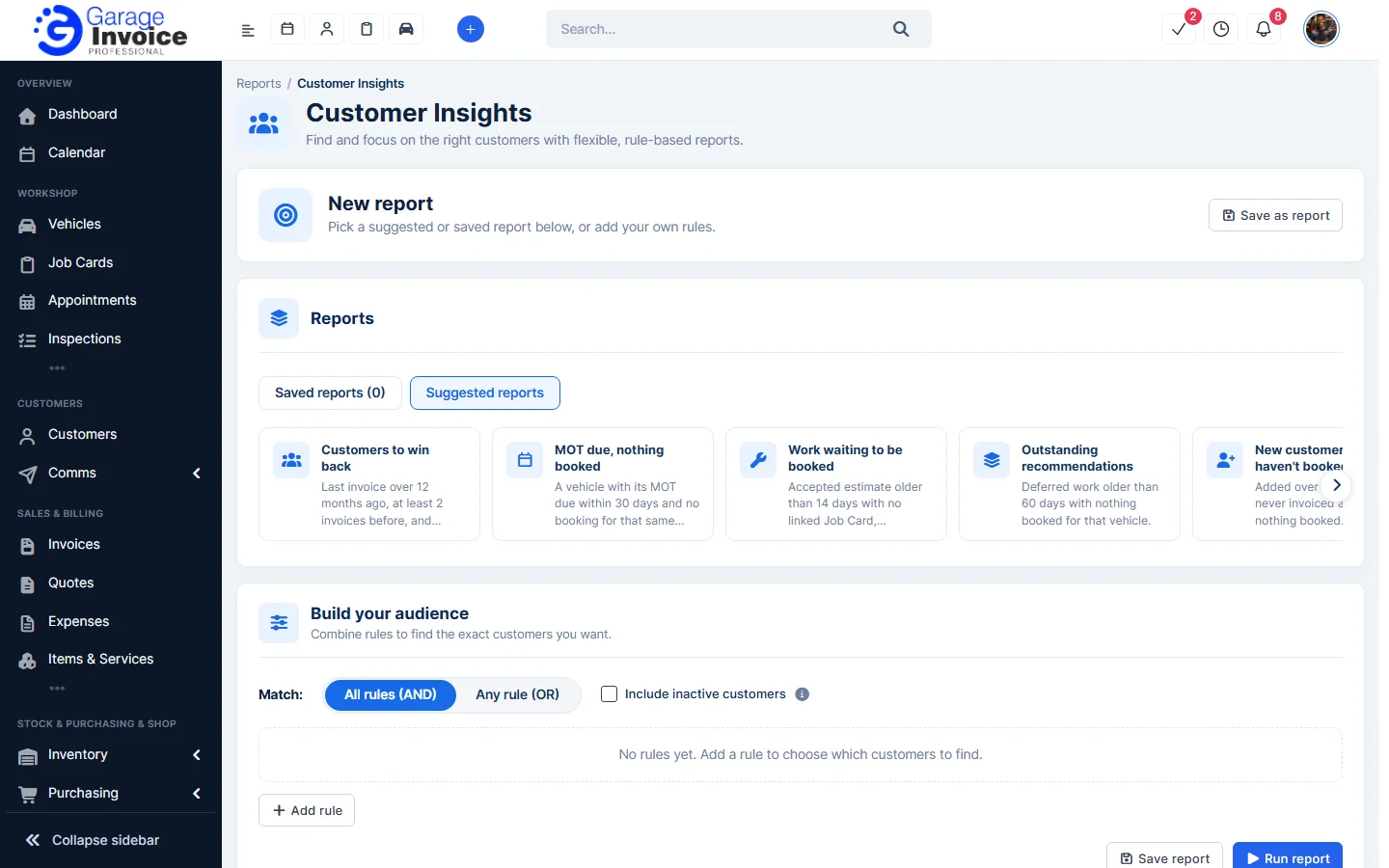
- To build your own list, go to Build your audience and click Add rule. Choose what to check (for example Last invoice is more than 12 months ago). Add more rules and choose All rules (AND) or Any rule (OR). Tick Include inactive customers if needed. A line under the rules explains in plain words who the report finds.
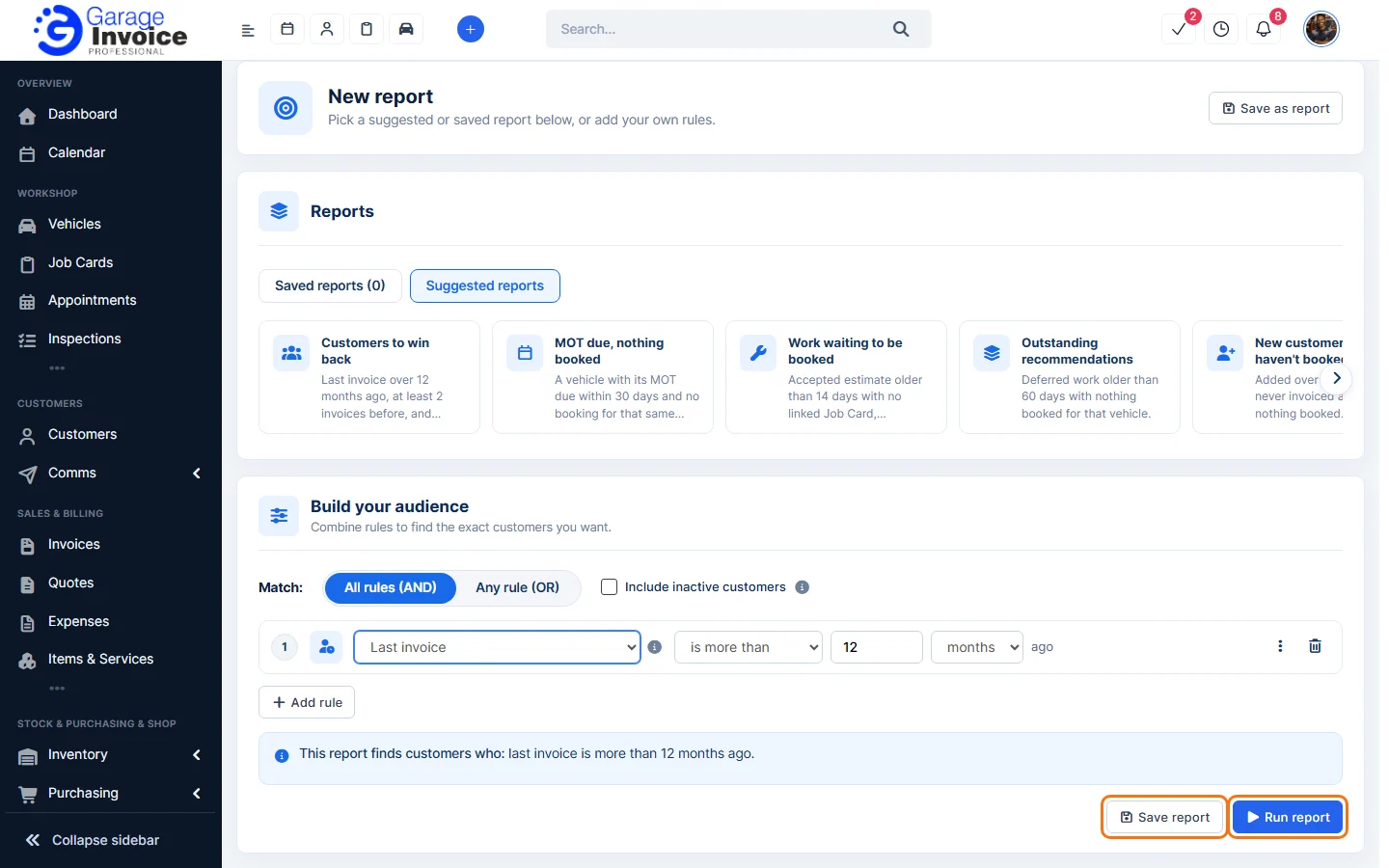
- Click Run report to see the customers. Click Save report (or Save as report at the top) to keep it. Saved ones appear under Saved reports.
See also: Vehicle Overview Report · Sales Report: Customers
Feature Garage reports: see what it does and how it fits your workshop.