The right side of a ticket shows the Customer, the Vehicle and the Ticket details (Department, Priority, Service, Assigned, Opened by, Opened and Last reply). The tabs above the reply box let you change the ticket.
Change ticket details or merge tickets
- Click Comms in the sidebar, then Tickets, and click the ticket’s subject.
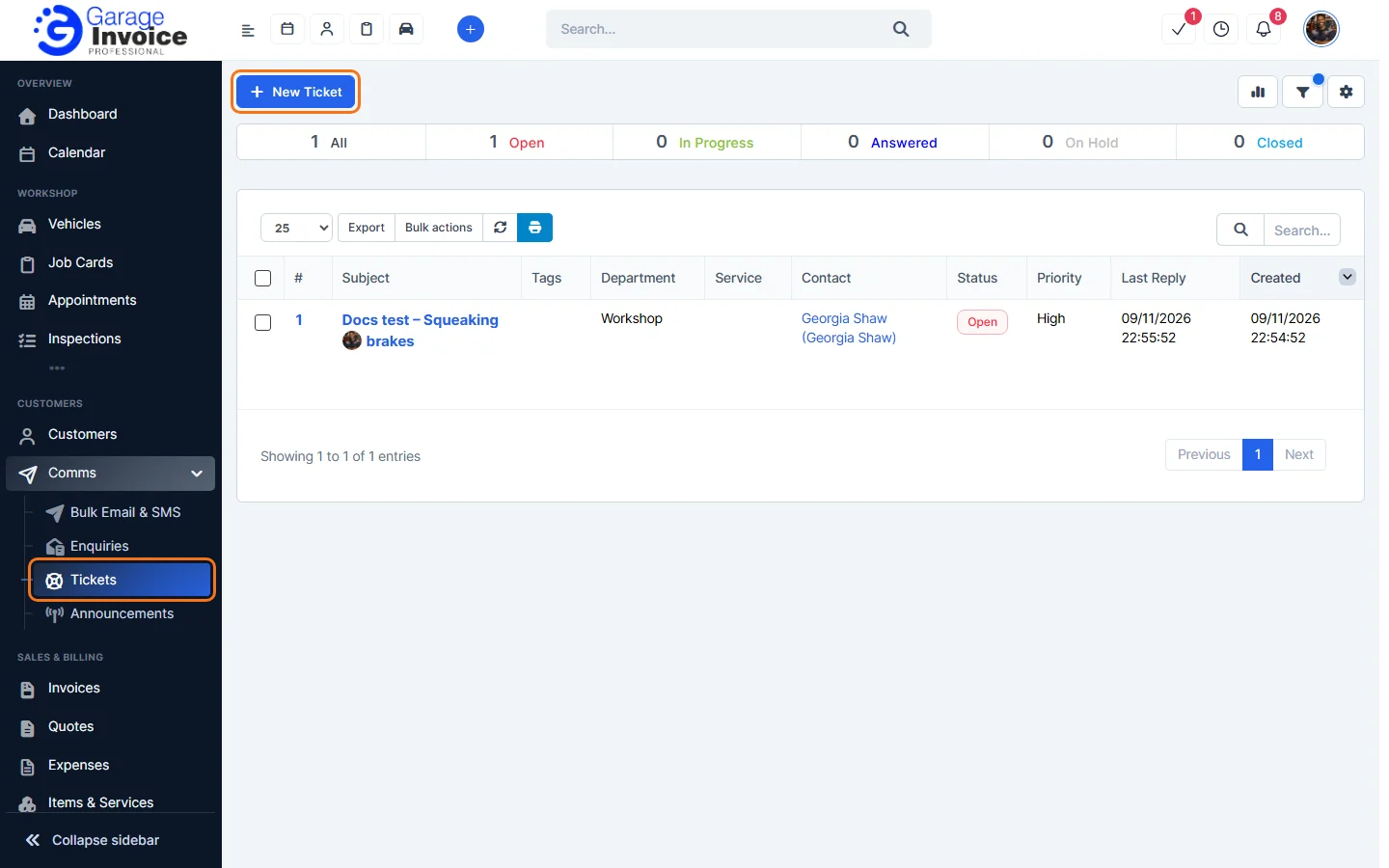
- Click the Settings tab (use the arrow on the right of the tabs if you can’t see it).
- Change the Subject, Contact, Department, Assign ticket, Priority, Service, Vehicle or Tags.
- To merge other tickets into this one, type their numbers in Merge Ticket #, for example 5 or 5,6.
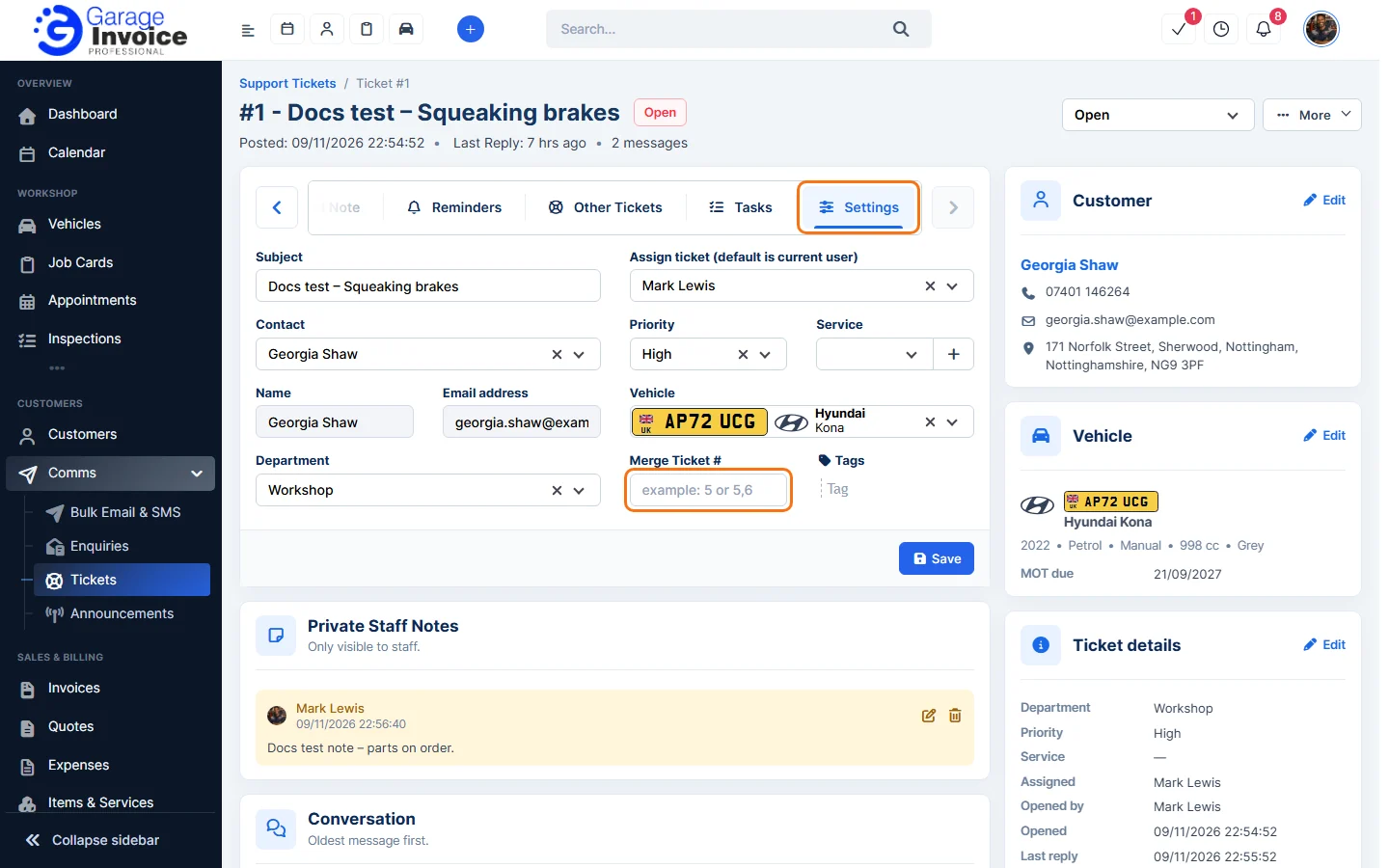
- Click Save.
Set a reminder
- Click the Reminders tab and click Set Ticket Reminder.
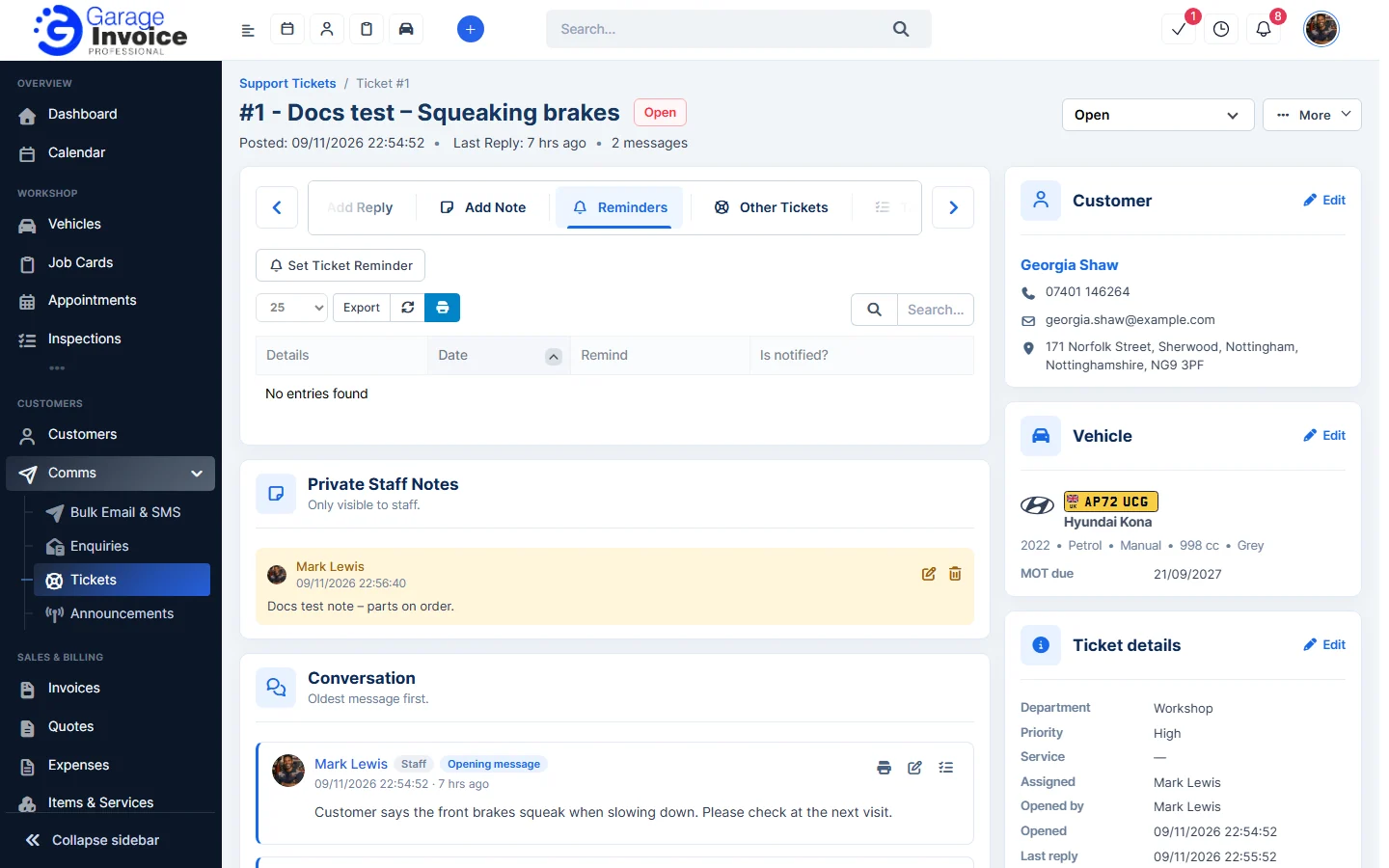
- Fill in the reminder and save it. Reminders are listed with their Date, who to Remind and whether they have been notified.
Add a task
- Click the Tasks tab and click New Task.
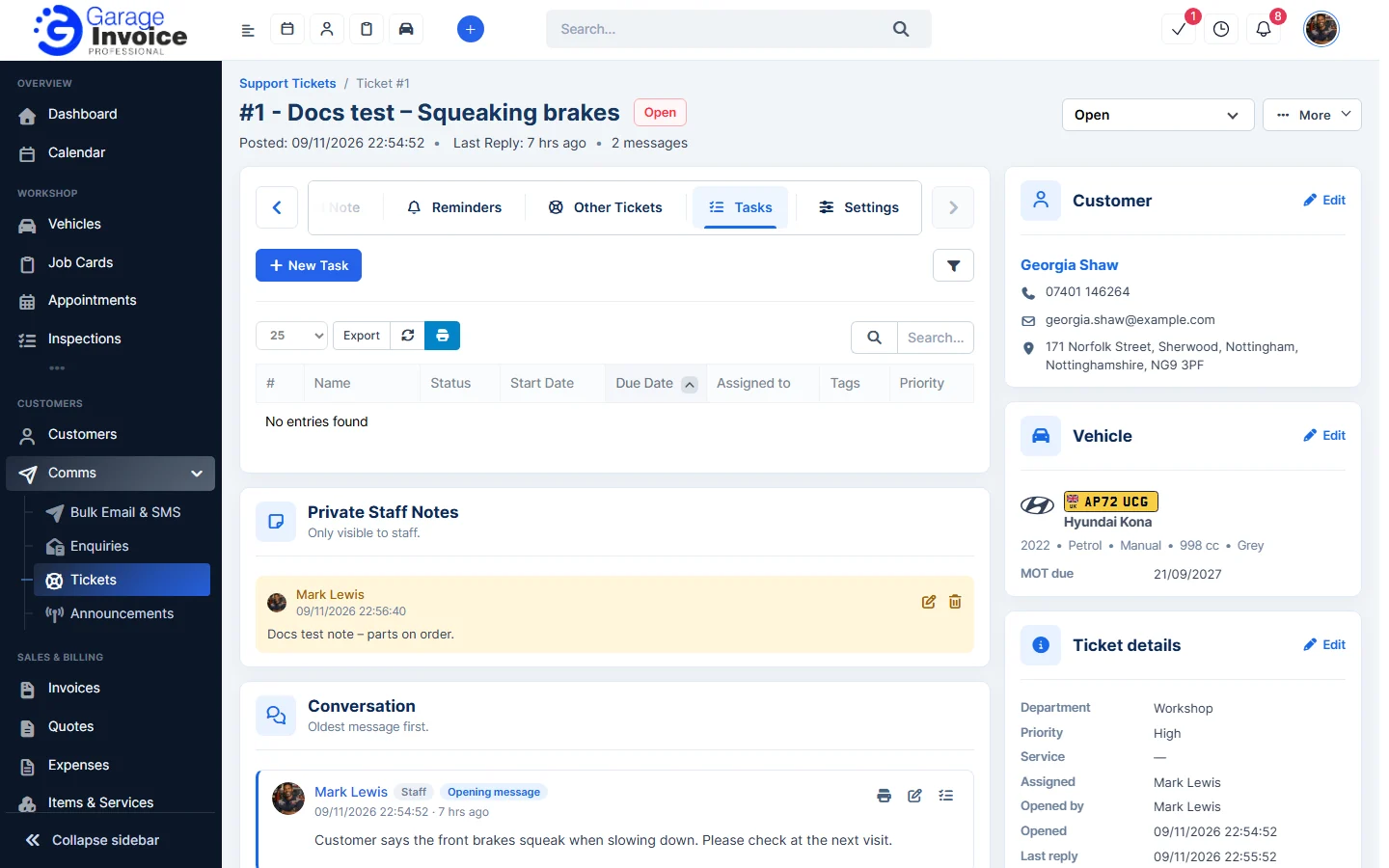
- Fill in the task. See Add New Task.
See the customer’s other tickets
Click the Other Tickets tab to see the contact’s other tickets.
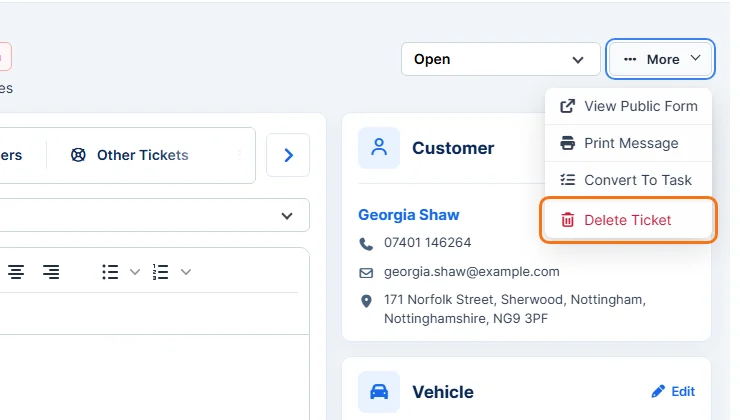
The More menu
- Click More at the top right of the ticket:
- View Public Form: open the ticket as the customer sees it.
- Print Message.
- Convert To Task.
- Delete Ticket. See Delete Customer Support Ticket.