Search for Quote
Search using Search Bar
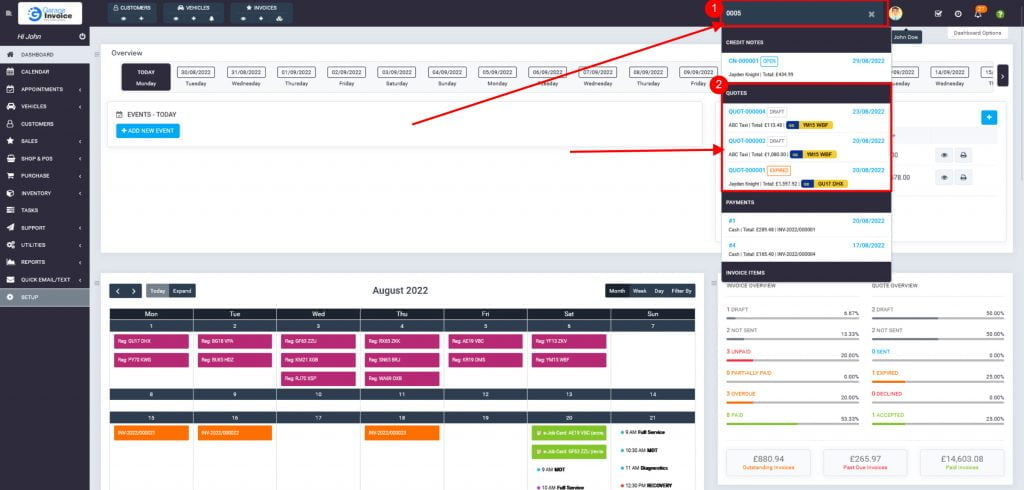
- Click on Search Bar located on the top bar.

- Enter the Quote Number or Quote item.
From the dropdown, locate QUOTES/QUOTE ITEMS heading, click on Quote Number/Item to view details.


Search using Quote’s Menu
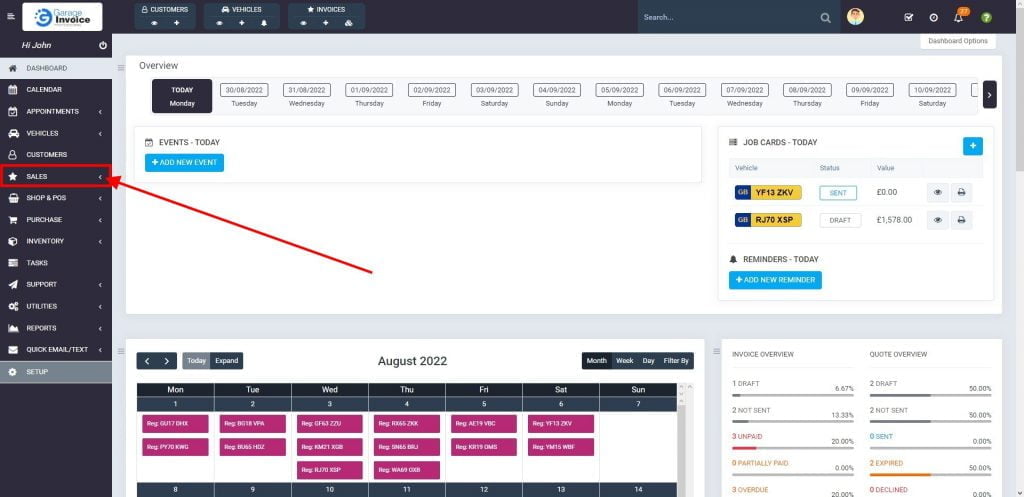
- Click Sales menu located on the sidebar menu (left-hand side of the screen).
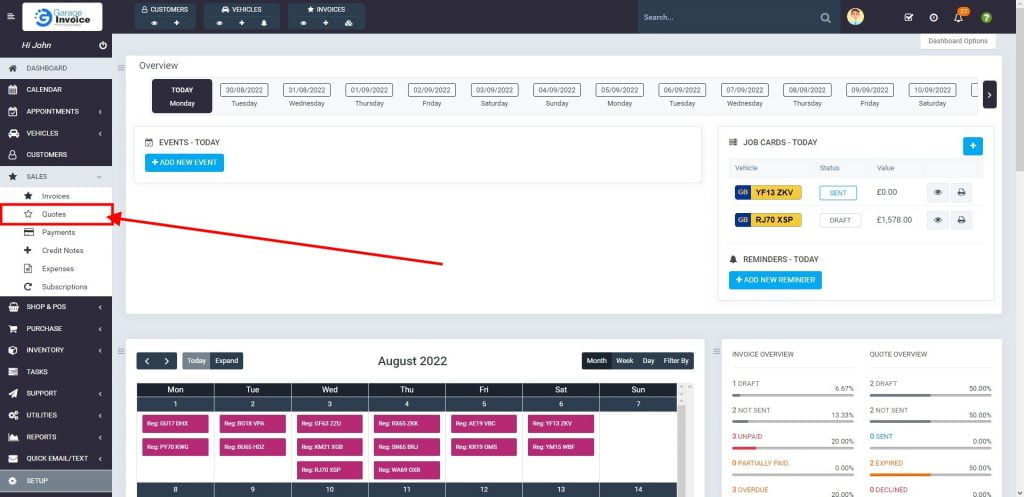
- Click Quotes option.
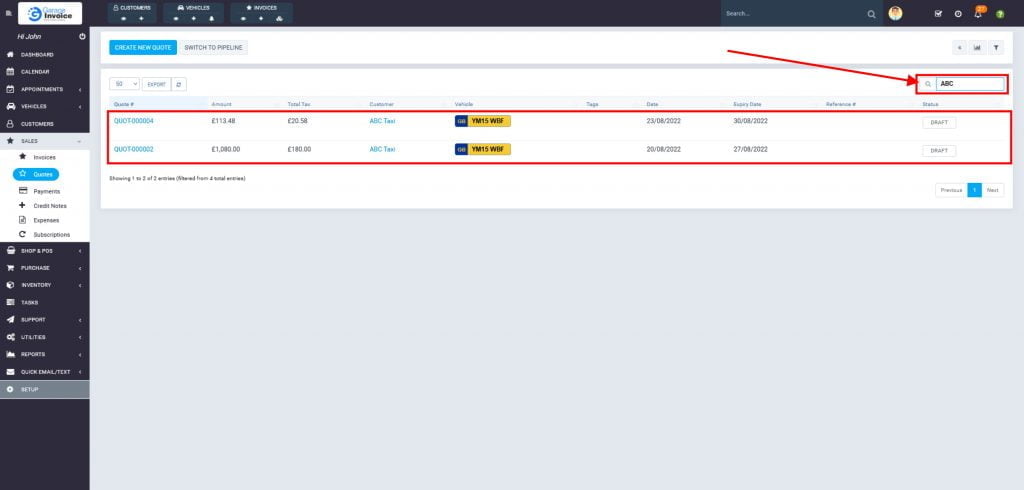
- Click on Search field located above quotes’ table, and Enter the Quote No, Customer’s Name/Company Name or Quote value.
Results will be displayed in the table below. Simply click on Quote Number to view details.