
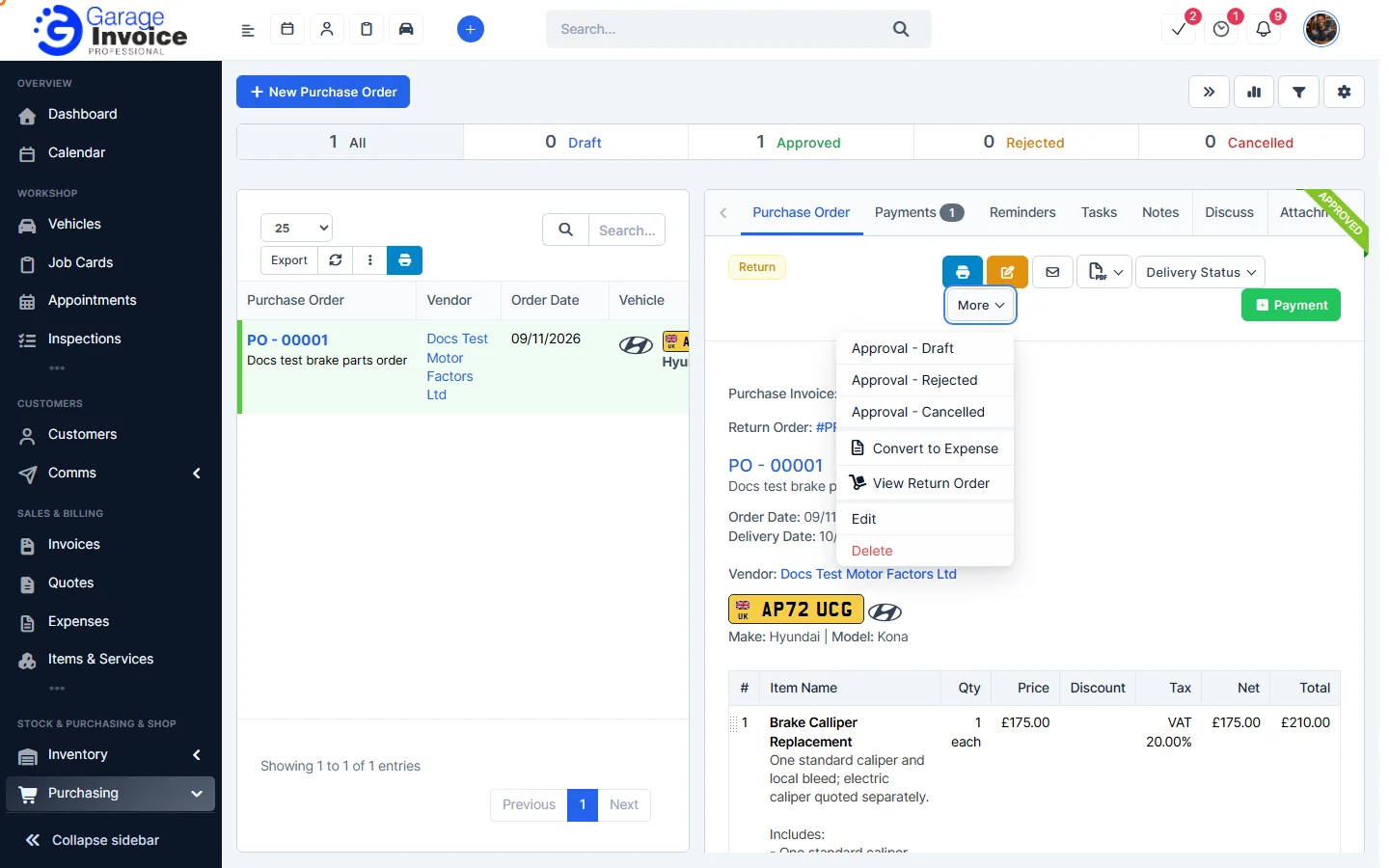
- Click Purchasing in the sidebar (under Stock & Purchasing & Shop) and click Purchase Orders. Click the order number.
- Click More → Convert to Expense.
- The expense form is filled in from the order:
- Expense type: Vendor (the supplier) or Other.
- Billable: choose Yes to charge it to a Customer (and Vehicle) on an invoice.
- Expense details: name, category, date and note.
- Payment: payment method, Reference # (the PO number), amount and currency, plus Recurring and a Receipt.
- Expense items: the items and VAT from the order.
Check the details and click Convert.
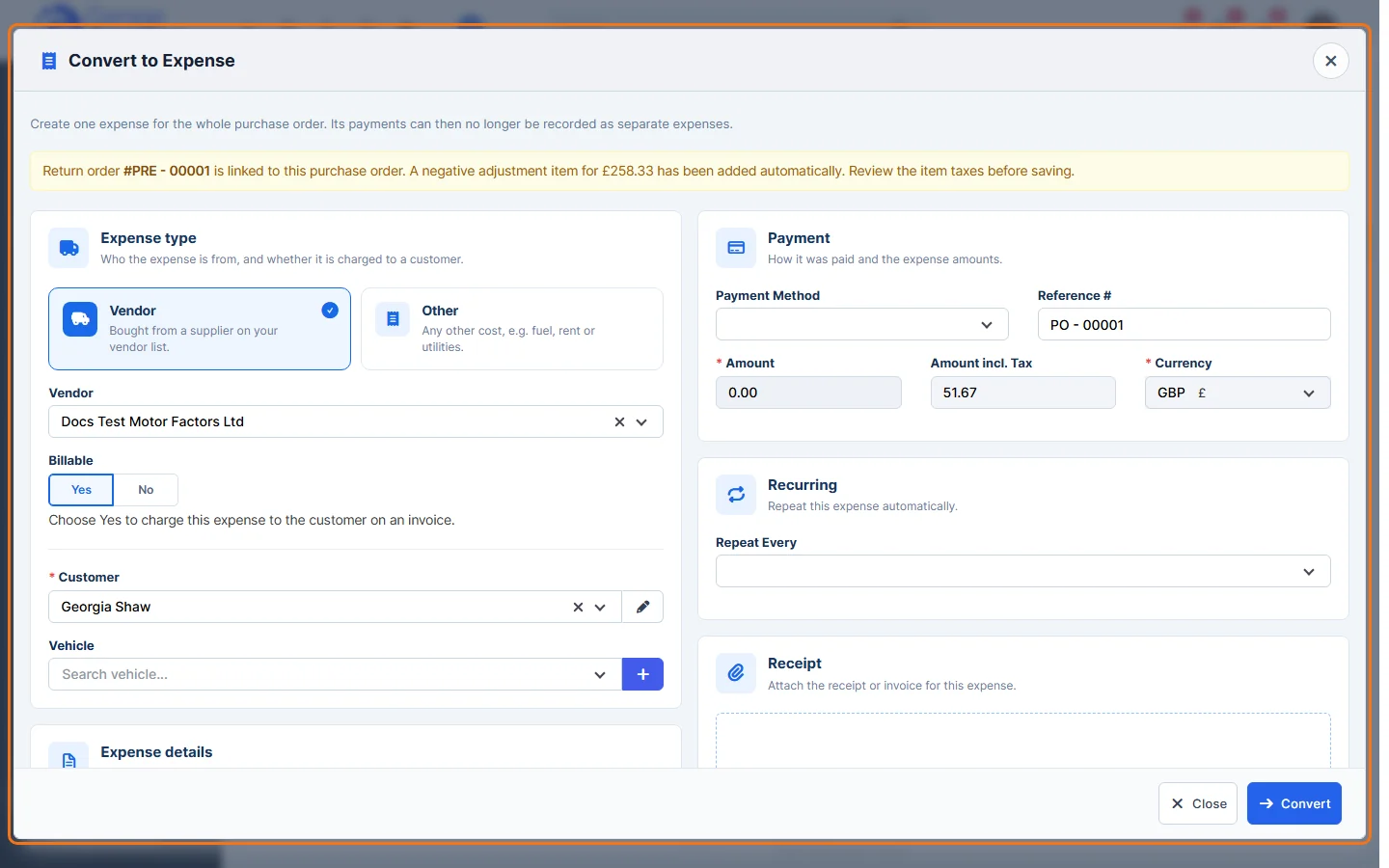
Note: this creates one expense for the whole order, so its payments can no longer be recorded as separate expenses. If a return order is linked to the purchase order, a negative item for it is added automatically.
See also: Add New Expense
Feature Stock and inventory control: see what it does and how it fits your workshop.