
- Click Payments in the sidebar, under Sales & Billing. Click the ••• there if you can’t see it.
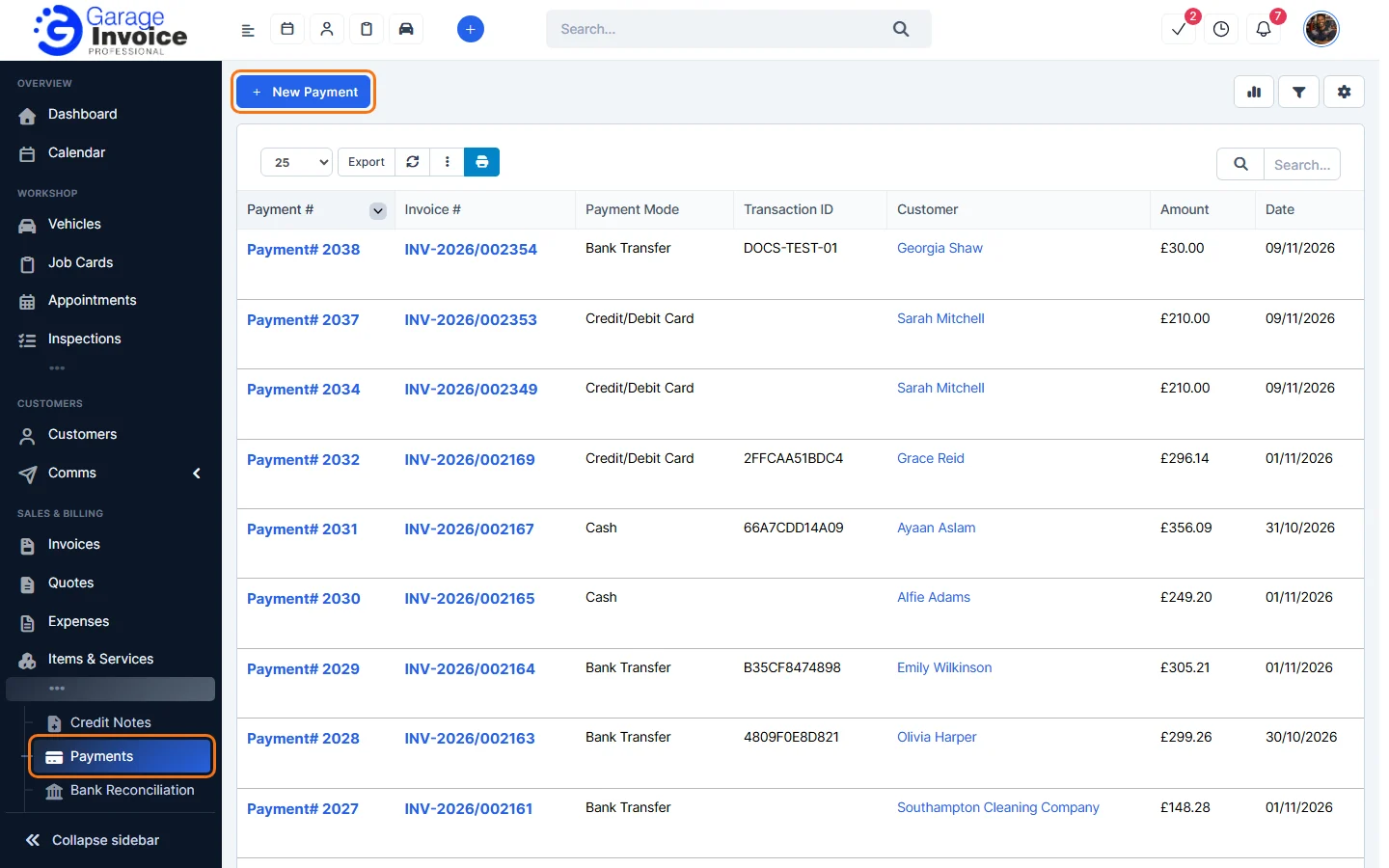
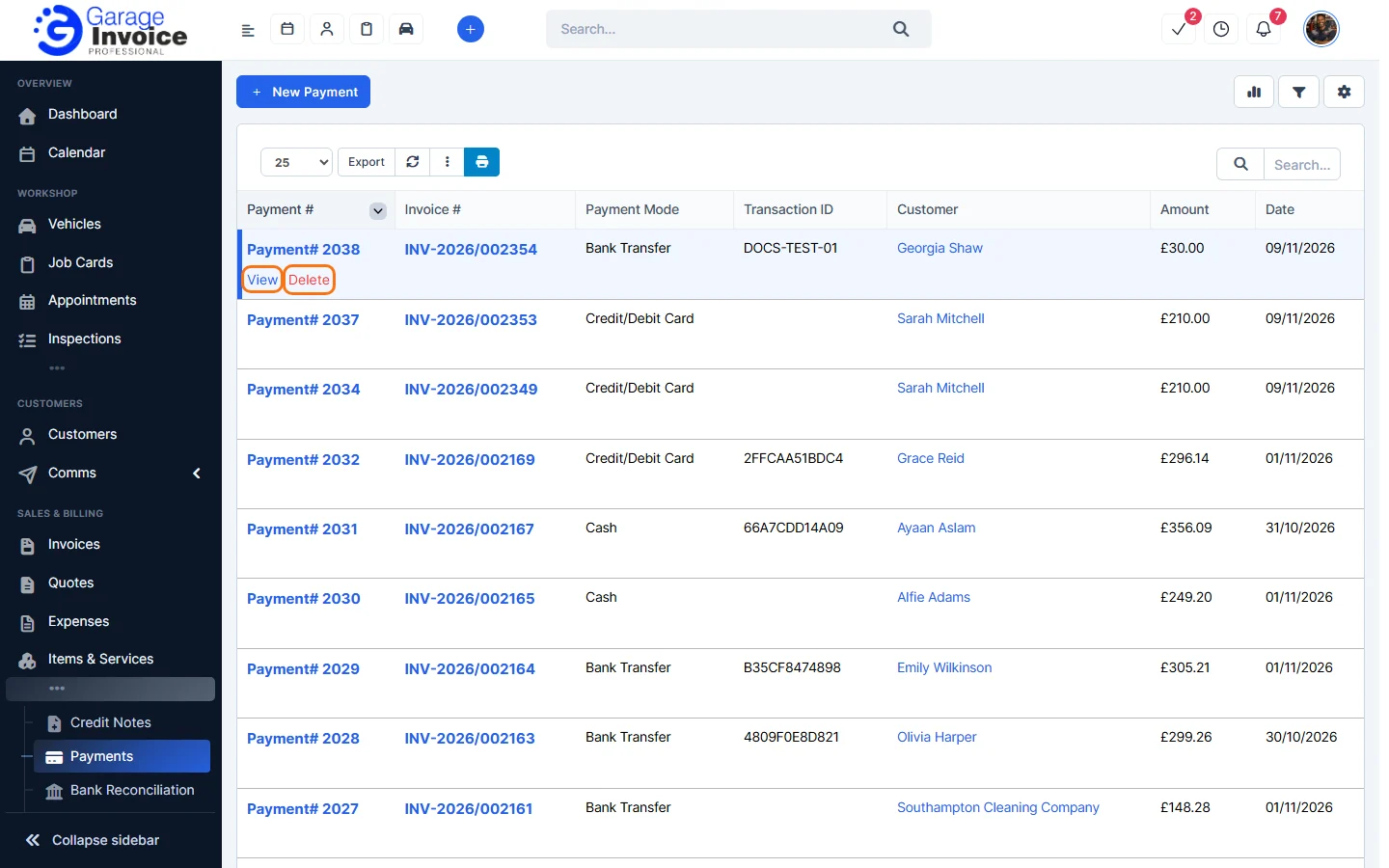
- Each row shows the payment number, the Invoice #, Payment Mode, Transaction ID, Customer, Amount and Date. Hover over a payment to View or Delete it.
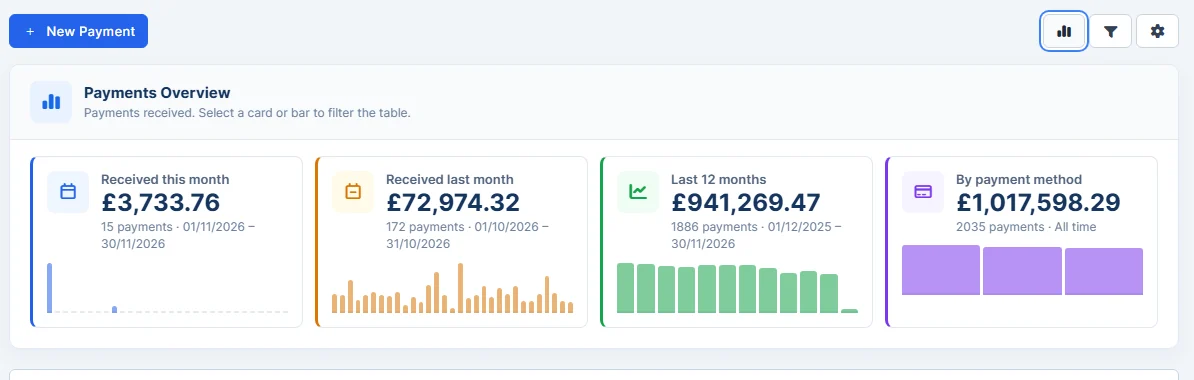
- Click the chart button at the top right to see Payments Overview: Received this month, Received last month, Last 12 months and By payment method. Click a card or bar to filter the list.
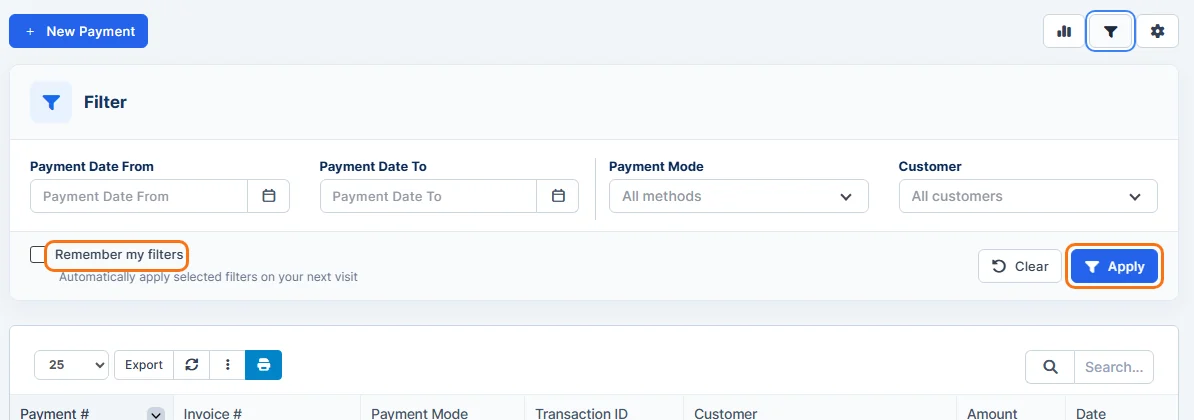
- Click the filter button to filter by Payment Date From / To, Payment Mode and Customer, then click Apply. Tick Remember my filters to keep them.
- Use Export above the list to export the list. For a full export with the columns you choose, see Export Invoices.
Next: Record a Payment from the Payments Page · Edit Payment
Feature Payments and online payments: see what it does and how it fits your workshop.