
Payments
Record payments and take them online
Keep track of what's paid and what's outstanding, and let customers pay invoices online through a payment provider you connect.
Opens the demo garage with example data. No sign-up or payment card needed.
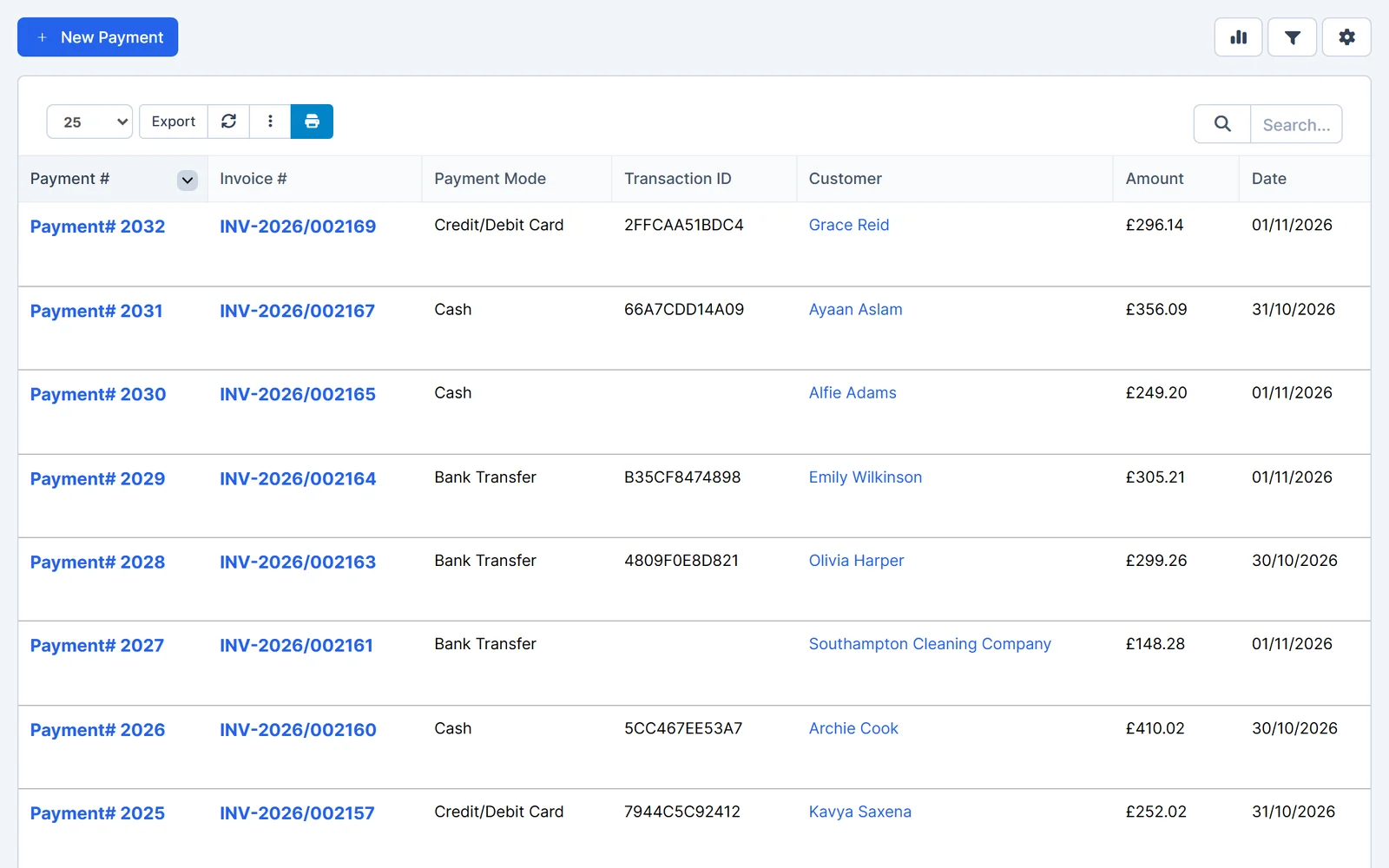
Record every payment
Log payments you've taken in the workshop, by phone or by bank transfer, against the right invoice.
- Payment methods. Cash, card, bank transfer or your own payment methods.
- Part payments. Record a partial payment and the invoice shows the balance still due.
- Batch payments. Record one payment across several invoices at once.
- Receipts. Email a payment receipt, with the invoice PDF attached if you choose.
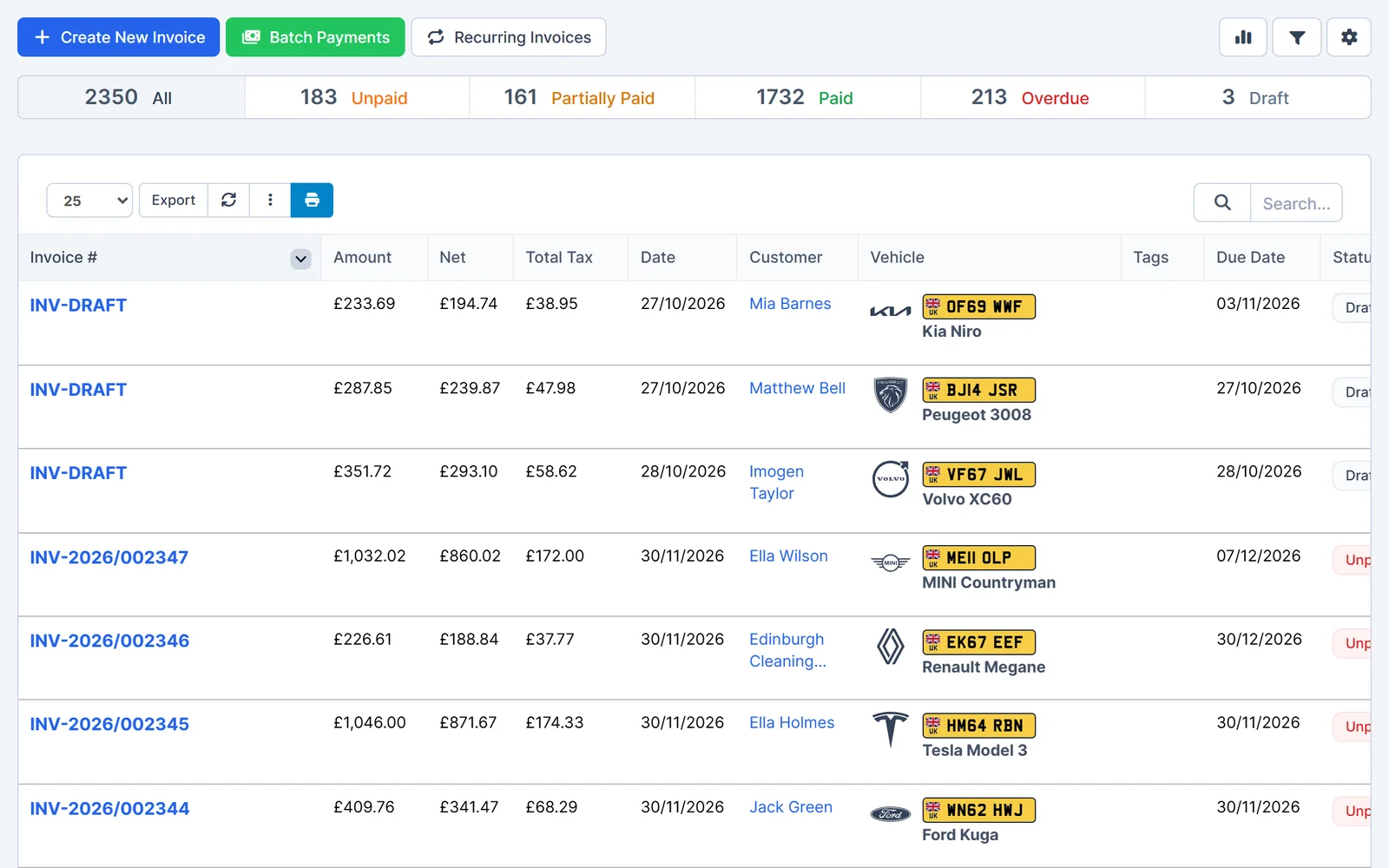
Let customers pay online
Connect a payment provider and customers can pay from the invoice link or the customer portal.
- Card and wallet payments. Stripe Checkout, Square, SumUp, Teya, Mollie and Revolut Pay.
- PayPal and Klarna. Offer PayPal and, where available, Klarna.
- Pay by bank. Take one-off invoice payments by bank through GoCardless.
- Booking deposits. Take a deposit when a customer books online.
Online payments need an account with the payment provider, and the provider's fees apply.
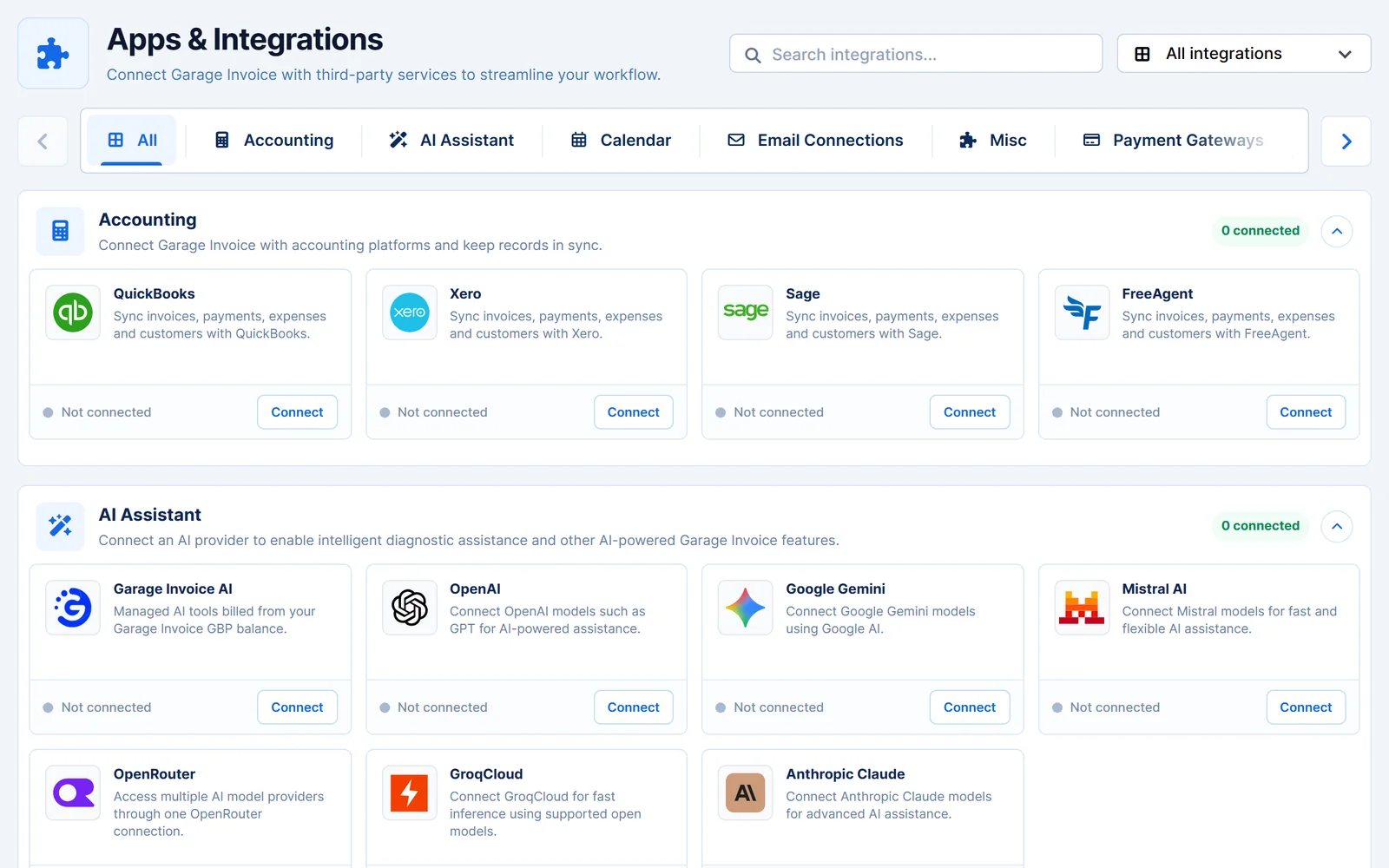
Stay on top of the money
See what's been paid, match it to your bank and follow up what's outstanding.
- Bank reconciliation. Import bank transactions and match them to payments.
- Subscriptions. Set up recurring payments and choose what happens after each one is taken.
- Outstanding balances. See who owes what in your reports.
- Linked records. Every payment is linked to its invoice and customer.
- In person
- Cash, card or your own payment methods, recorded against the invoice.
- Bank transfer
- Recorded when it arrives, or matched in bank reconciliation.
- Online
- Customers pay from the invoice link or customer portal.
- Deposits
- Taken when a customer books online.
Works together
Related features
Garage Invoice keeps these records connected, so you don't enter the same details twice.
Help centre
Payments step-by-step guides
Short guides with screenshots that show you how to set it up and use it day to day.
- Payments Overview
- Bank Reconciliation Overview
- Add New Payment Mode | Create Payment Mode (cash, cheque, Card or custom)
- Add a Bank Account
- Record a Payment from the Payments Page
- Edit Payment
See how Garage Invoice fits your workshop
Explore the demo garage, try the features and choose the right plan for your business.