
Quotes
Garage quote software with online approval
Price the work before you start, send the quote by email or SMS, and let customers accept it online.
Try the live demo
View pricing
Opens the demo garage with example data. No sign-up or payment card needed.
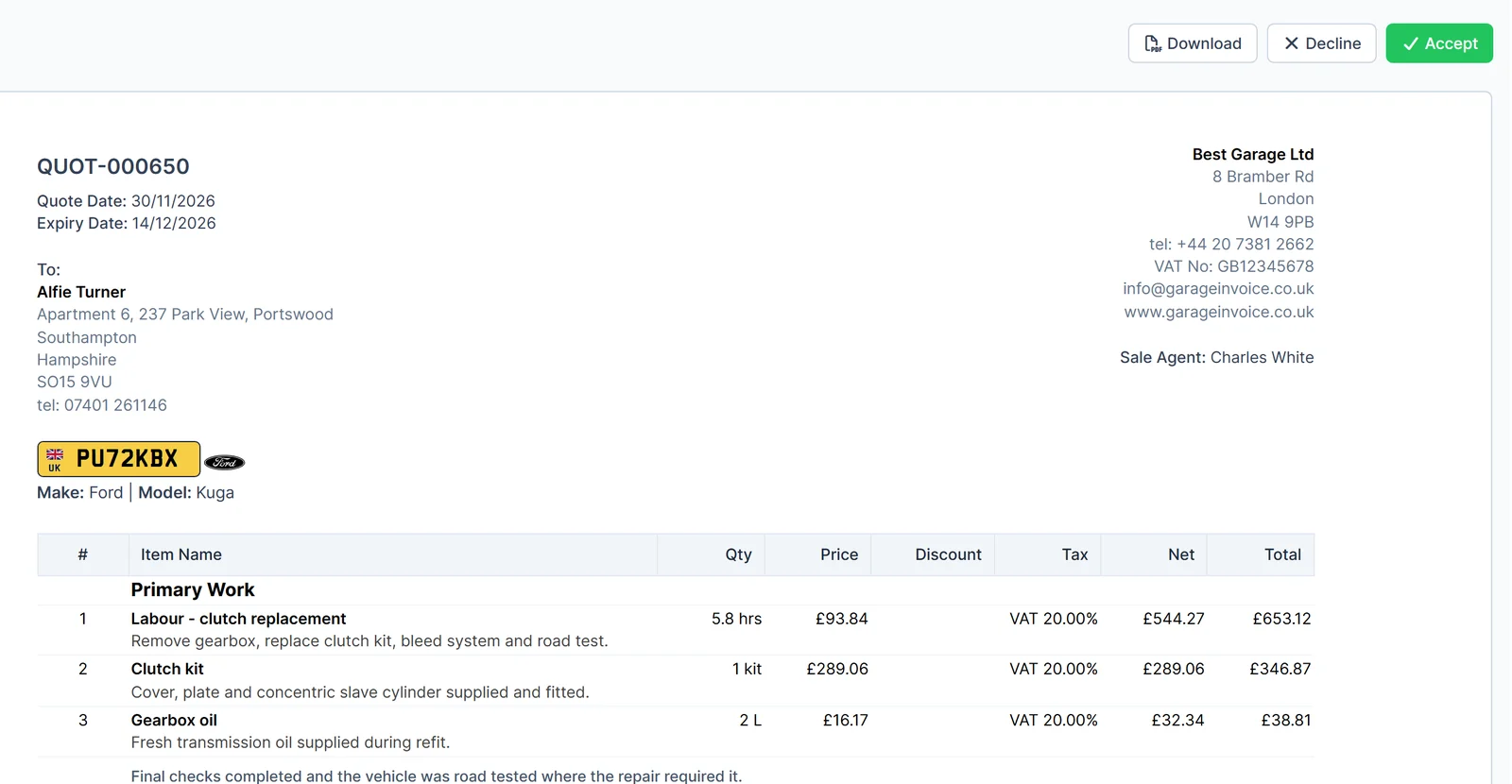
Build accurate quotes in minutes
Use the same parts, labour and prices as your invoices, so quotes are quick to put together and consistent.
- Saved items. Price, description and VAT fill in when you add an item.
- Expiry dates. Set a default number of days before quotes expire.
- Item groups. Add groups of items you often quote together in one go.
- Notes and terms. Include customer notes and your own terms.
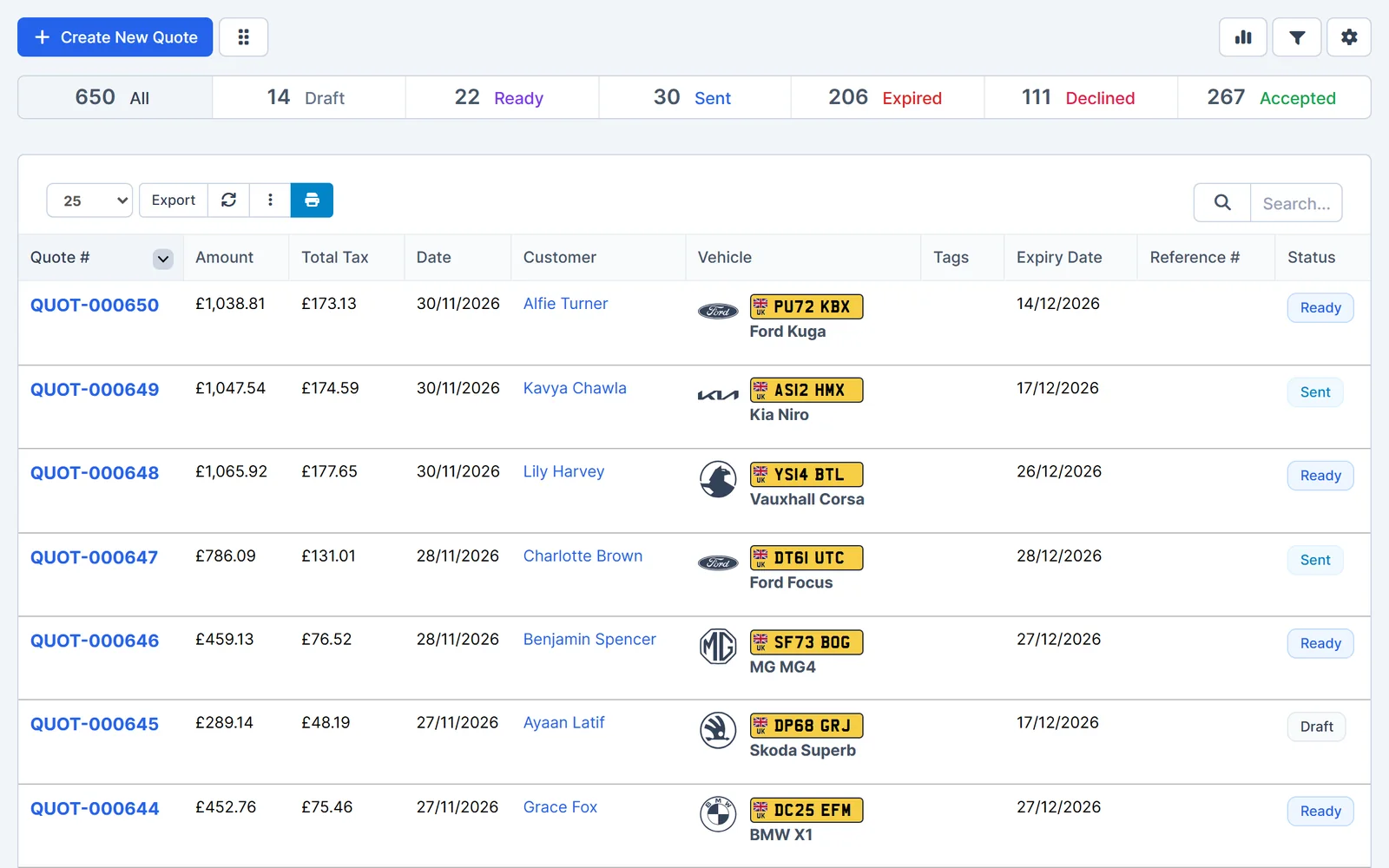
Let customers approve online
Customers open the quote from a link and accept or decline it on their phone or computer.
- Accept or decline. Customers respond online, so you know when to order parts.
- Electronic signature. Ask customers to sign and confirm their identity when they accept.
- Revise and resend. Update a declined quote and send it again.
- Clear statuses. See which quotes are draft, sent, accepted, declined or expired.
- Draft
- Being prepared.
- Sent
- Waiting for the customer.
- Accepted
- Approved by the customer.
- Declined
- Ready to revise and resend.
- Expired
- Past its expiry date.
Turn accepted work into an invoice
Once a quote is accepted, there's no need to type it out again.
- One-click conversion. Convert a quote into an invoice, or save it as a draft invoice first.
- Automatic option. Switch on automatic conversion if you want accepted quotes to become invoices straight away.
- Choose what carries over. Decide which details move from the quote to the invoice.
- PDF copies. Attach a PDF automatically when you save and send.
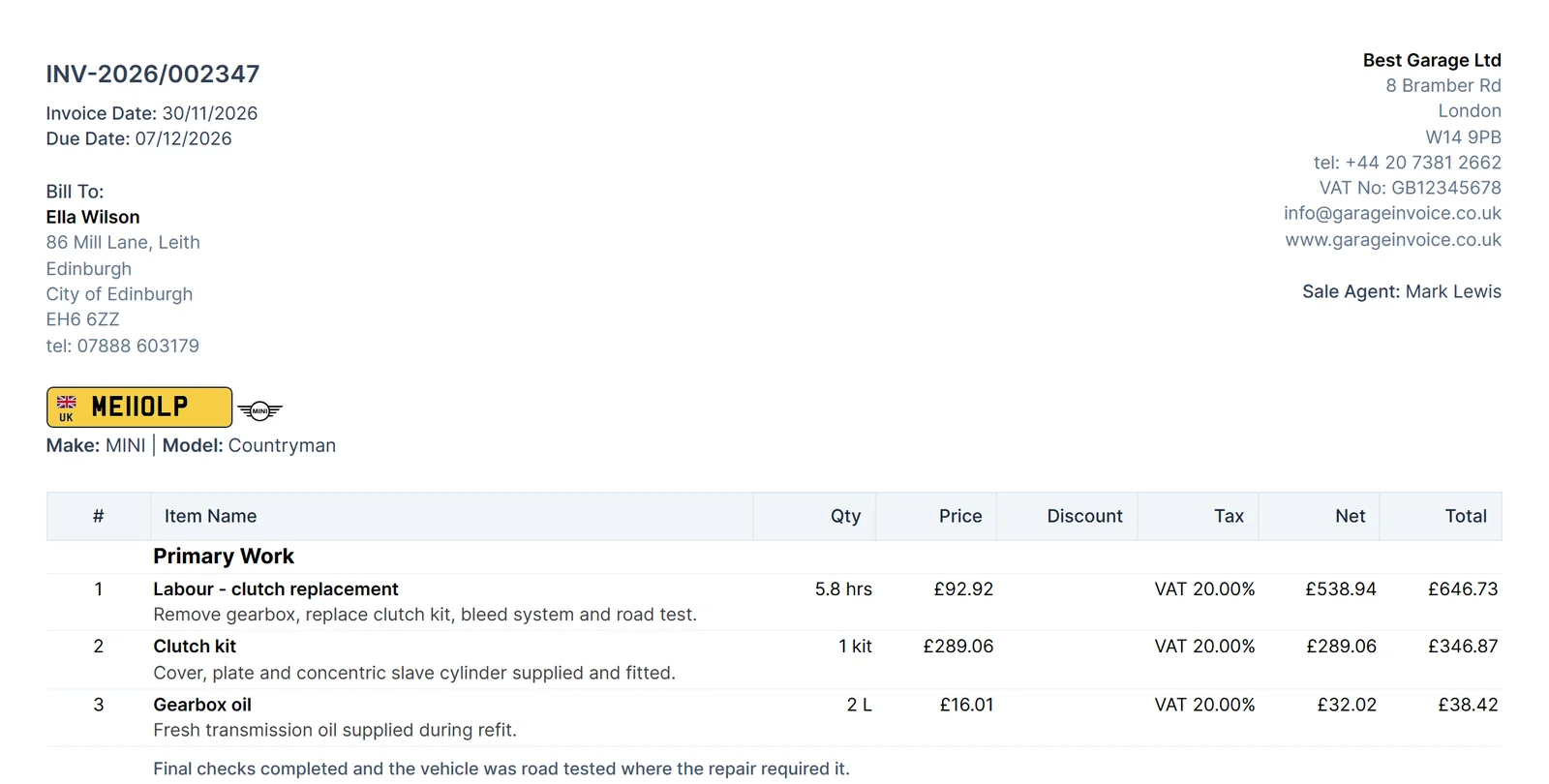
Works together
Related features
Garage Invoice keeps these records connected, so you don't enter the same details twice.
Help centre
Quoting step-by-step guides
Short guides with screenshots that show you how to set it up and use it day to day.
- Quotes Overview
- Quote Settings Overview
- Add New Quote | Create Quote
- Add Quote Note
- Add Quote Terms
- Add/Show/Hide Signature on Quote PDFs
See how Garage Invoice fits your workshop
Explore the demo garage, try the features and choose the right plan for your business.