
- Open the vehicle (see Search for Vehicle), click Communication in the vehicle menu, then the Files tab. If you can’t see Communication, use the arrow at the right end of the menu to scroll.
- Click the file name. The file opens in a window with a preview.
- Type a Description on the left. On the right, write a comment and post it in the same way as in a discussion. You can attach more files to a comment.
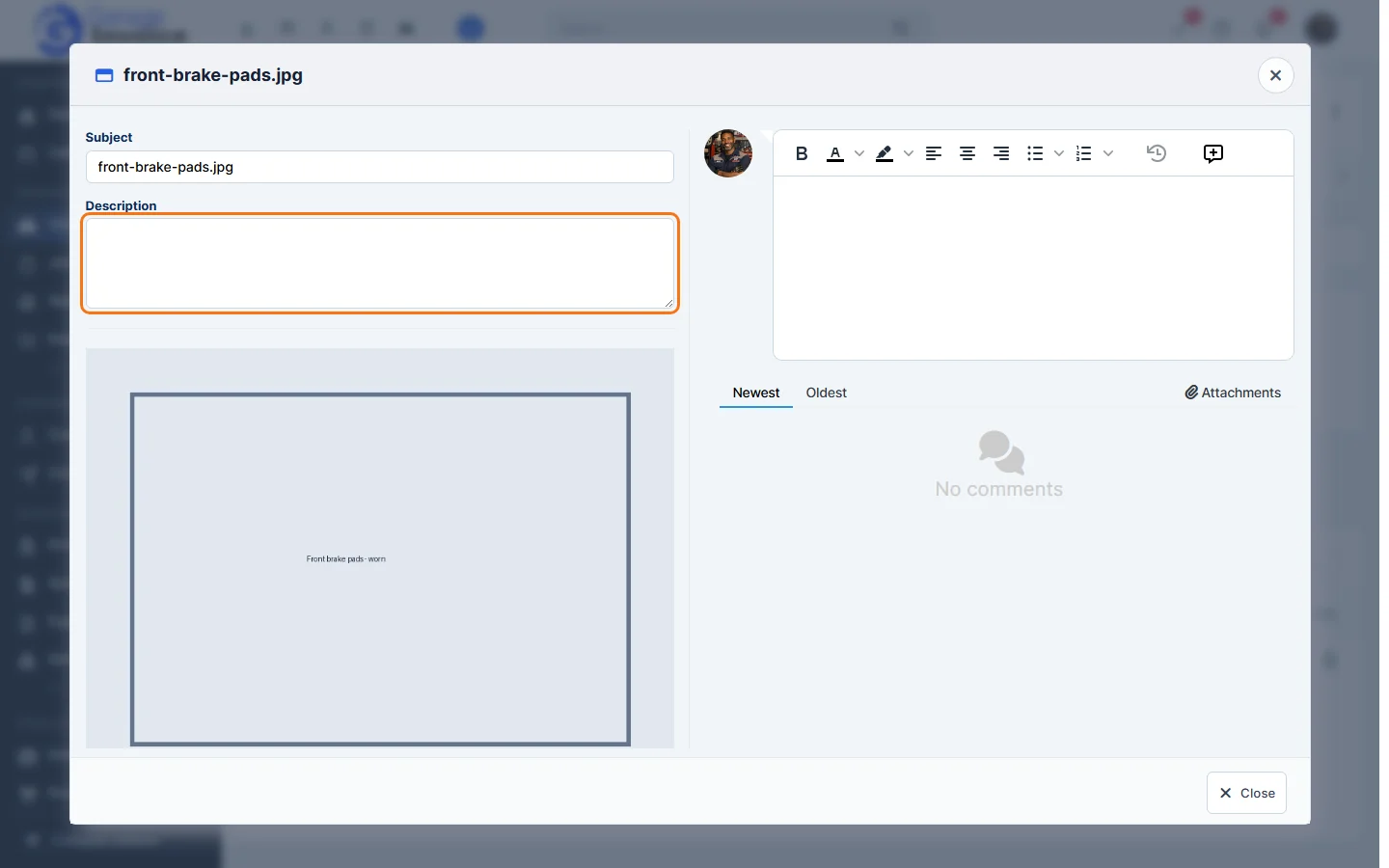
- Click Close when you’re done.
The number of comments is shown in the file’s Total Comments column. See also Add Comment/Upload File to Discussion.
Feature Vehicle records: see what it does and how it fits your workshop.