
- Click Inventory in the sidebar (under Stock & Purchasing & Shop) and click Packing Lists.
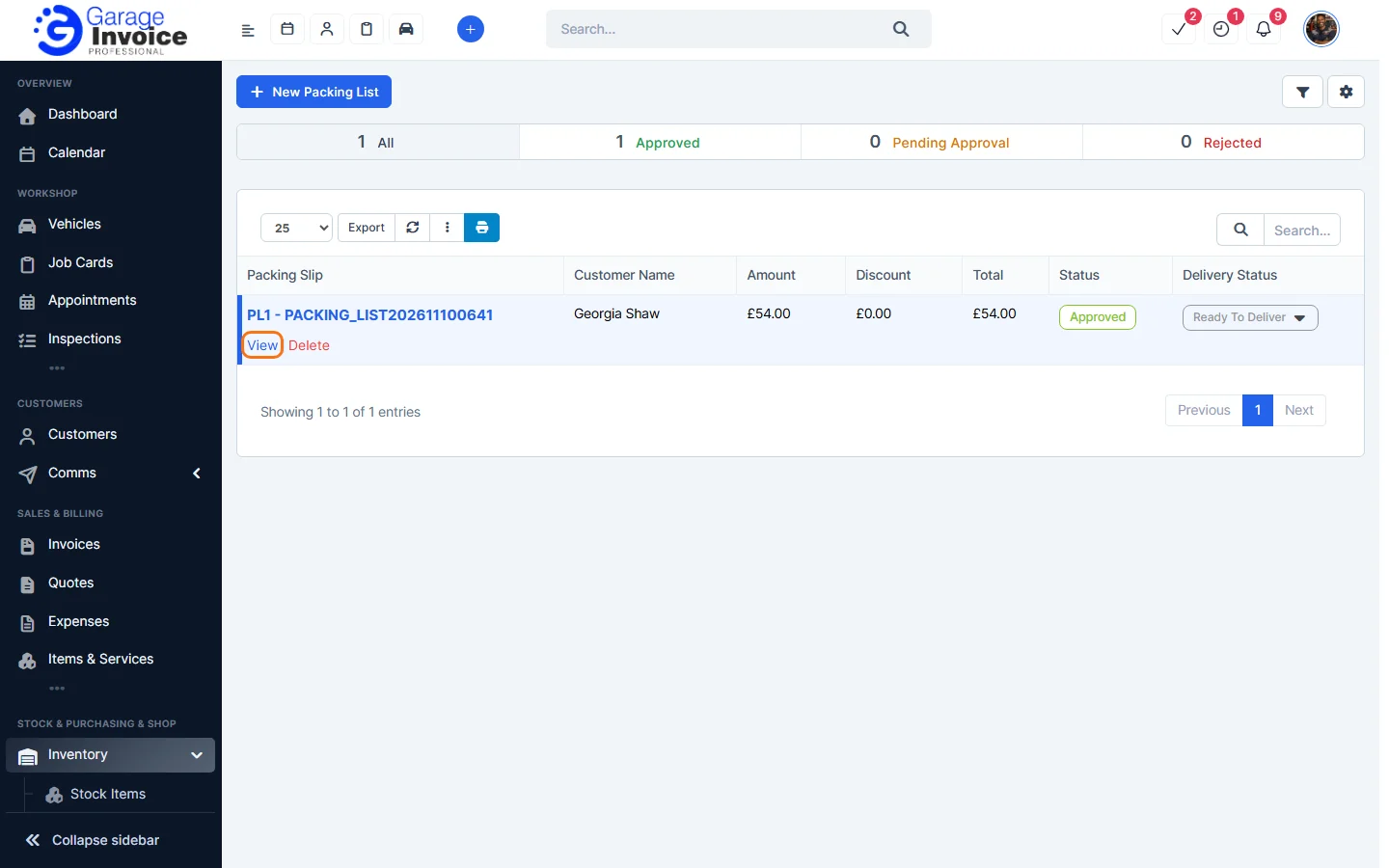
- Click the packing list number, or hover over it and click View.
- It opens on the right with the Packing Slip Details and Shipping Log tabs. It shows the Goods Dispatched Note it came from, the customer, the items and totals.
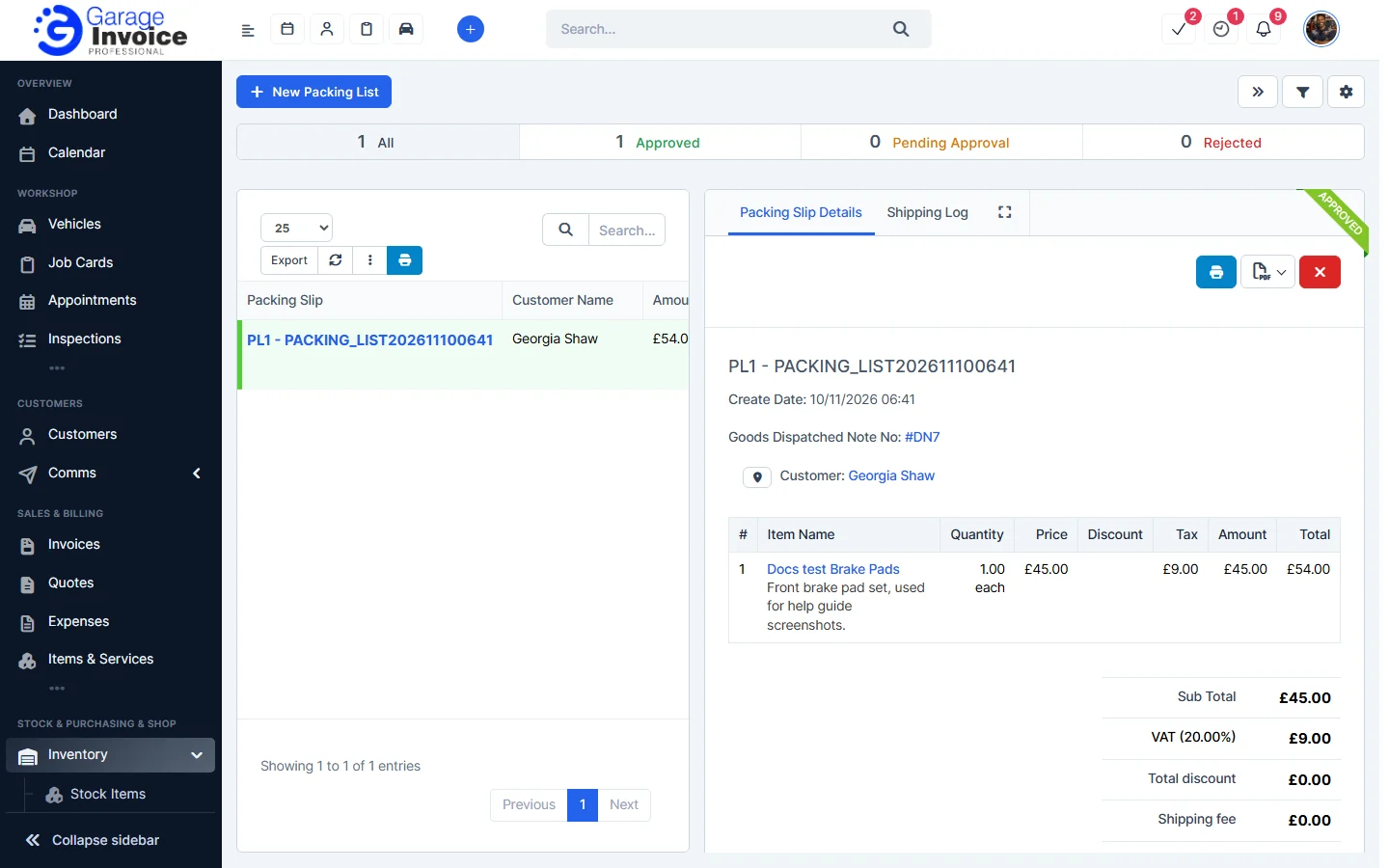
- Use the buttons at the top:
- The blue printer button prints the document.
- The PDF button opens a menu with View PDF, View PDF in New Tab, Download and Print.
Note: approved packing lists can’t be edited. To change one, delete it and create it again. See Delete Packing List.
Feature Stock and inventory control: see what it does and how it fits your workshop.