
A purchase request is a list of parts or services you need. You can send it to suppliers, collect their quotes, compare them and turn the best one into a purchase order.
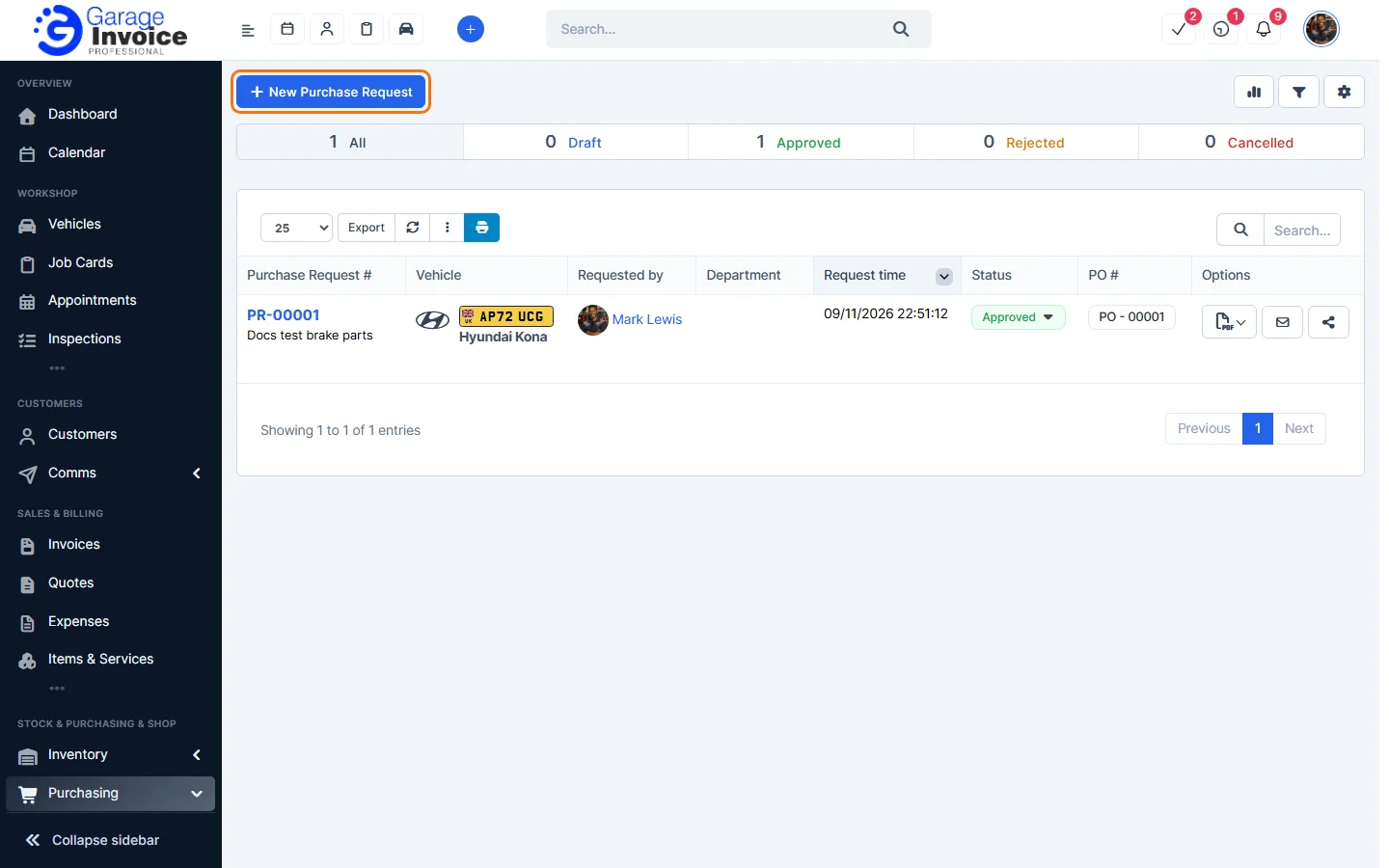
- Click Purchasing in the sidebar (under Stock & Purchasing & Shop) and click Purchase Requests.
- The tabs show All, Draft, Approved, Rejected and Cancelled requests. Each row shows the Purchase Request #, Vehicle, Requested by, Department, Request time, Status and the PO # it was turned into.
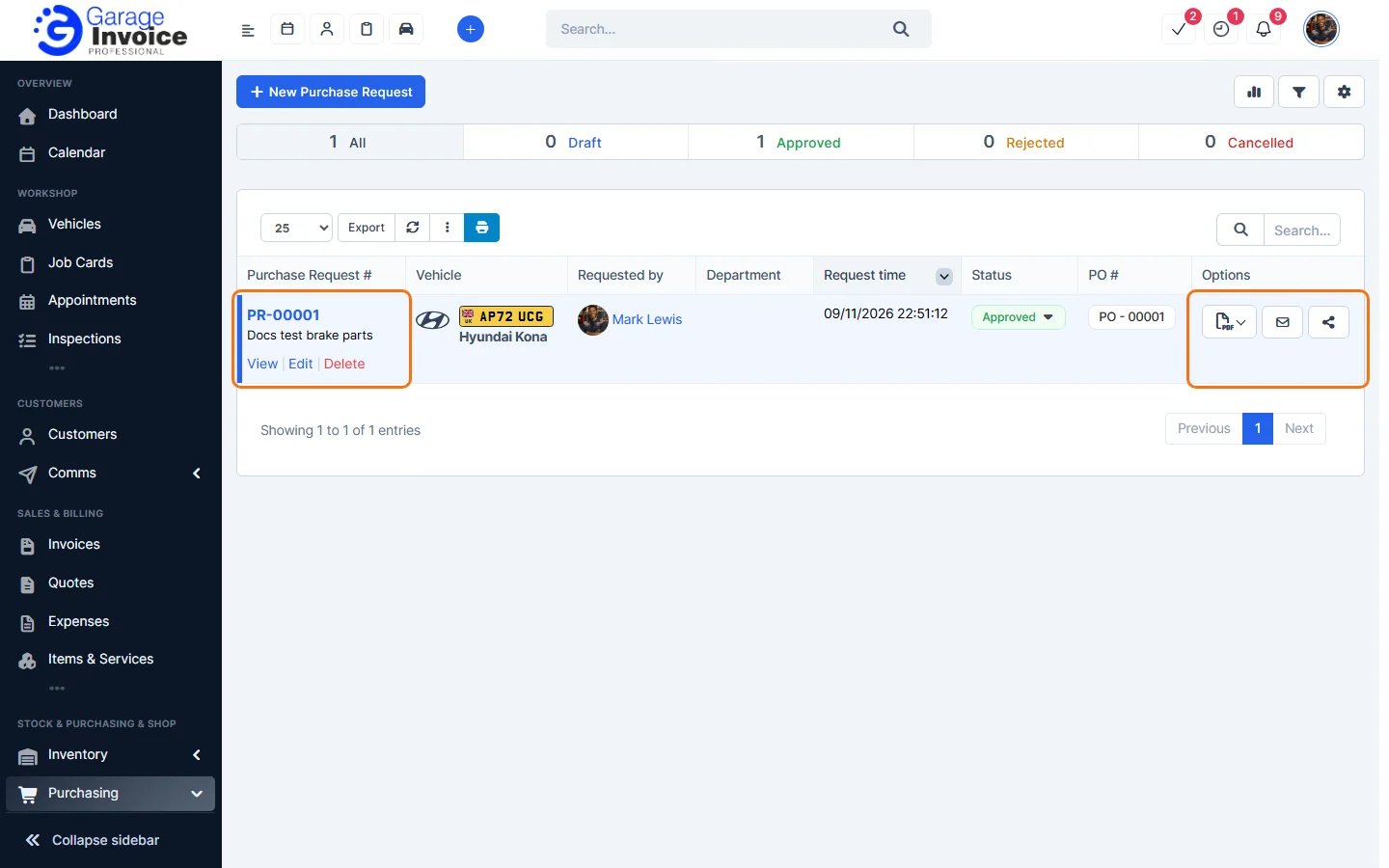
- Hover over a request to View, Edit or Delete it. Under Options you can download a PDF, email the request to a supplier (envelope) or share it with suppliers (share button).
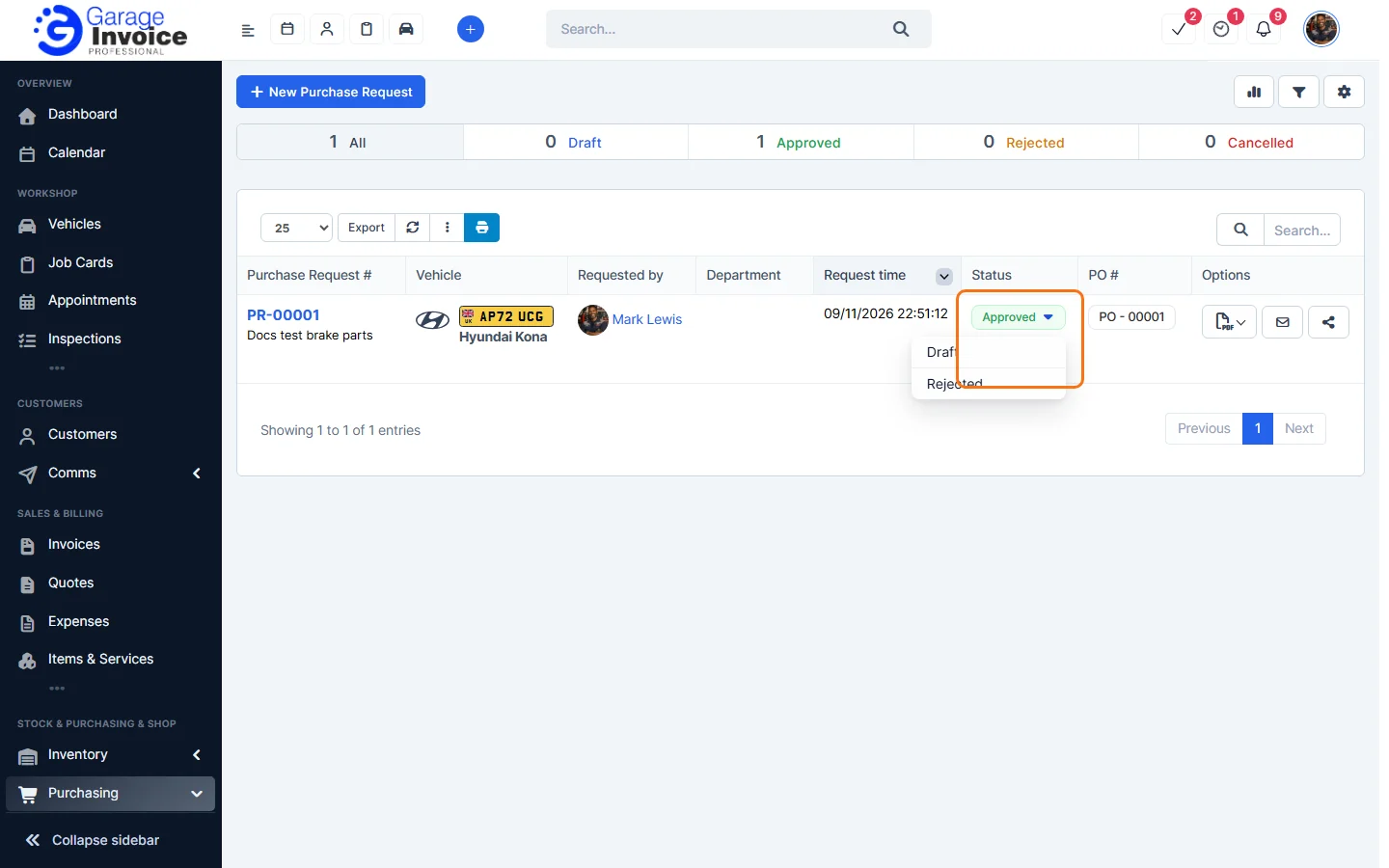
- Click the status in the list to change it, for example back to Draft or to Rejected.
Next: Create a Purchase Request · Send a Purchase Request to Suppliers · Compare Quotes
Feature Stock and inventory control: see what it does and how it fits your workshop.