Upload File (Pictures, Documents etc.)
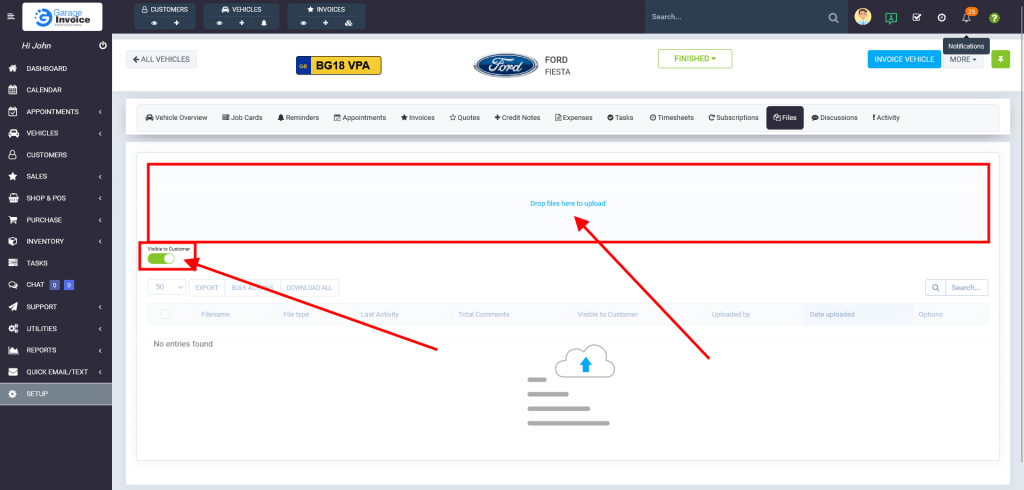
- On the Vehicle Overview Screen click Files.

- Click Visible to Customer if you want to make uploaded file visible in Customer’s Portal.
Click Drop Files here to upload files (documents, pictures, video files).
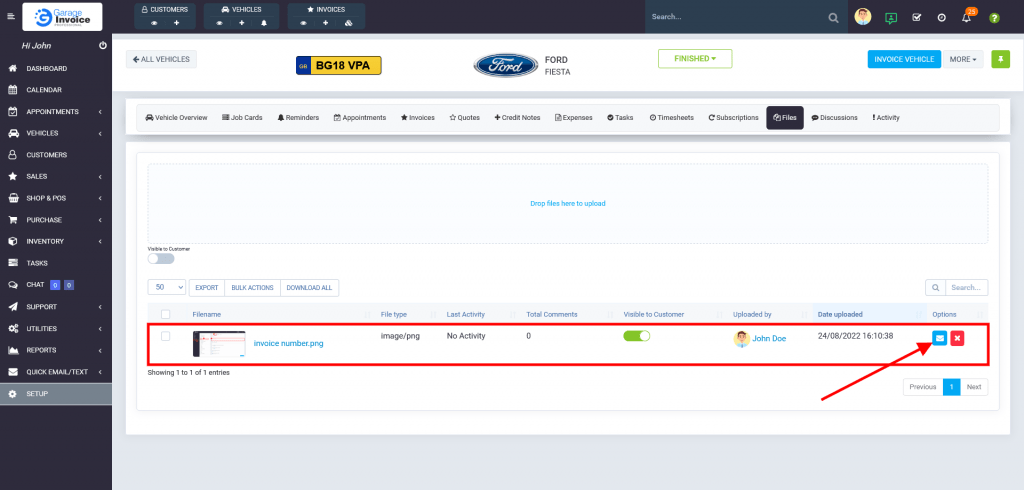
- You can send uploaded file to the Customer. Just click
 Email button.