
- Open your Garage Invoice web address in your browser. If you’re not sure what it is, see How to Access My GI app.
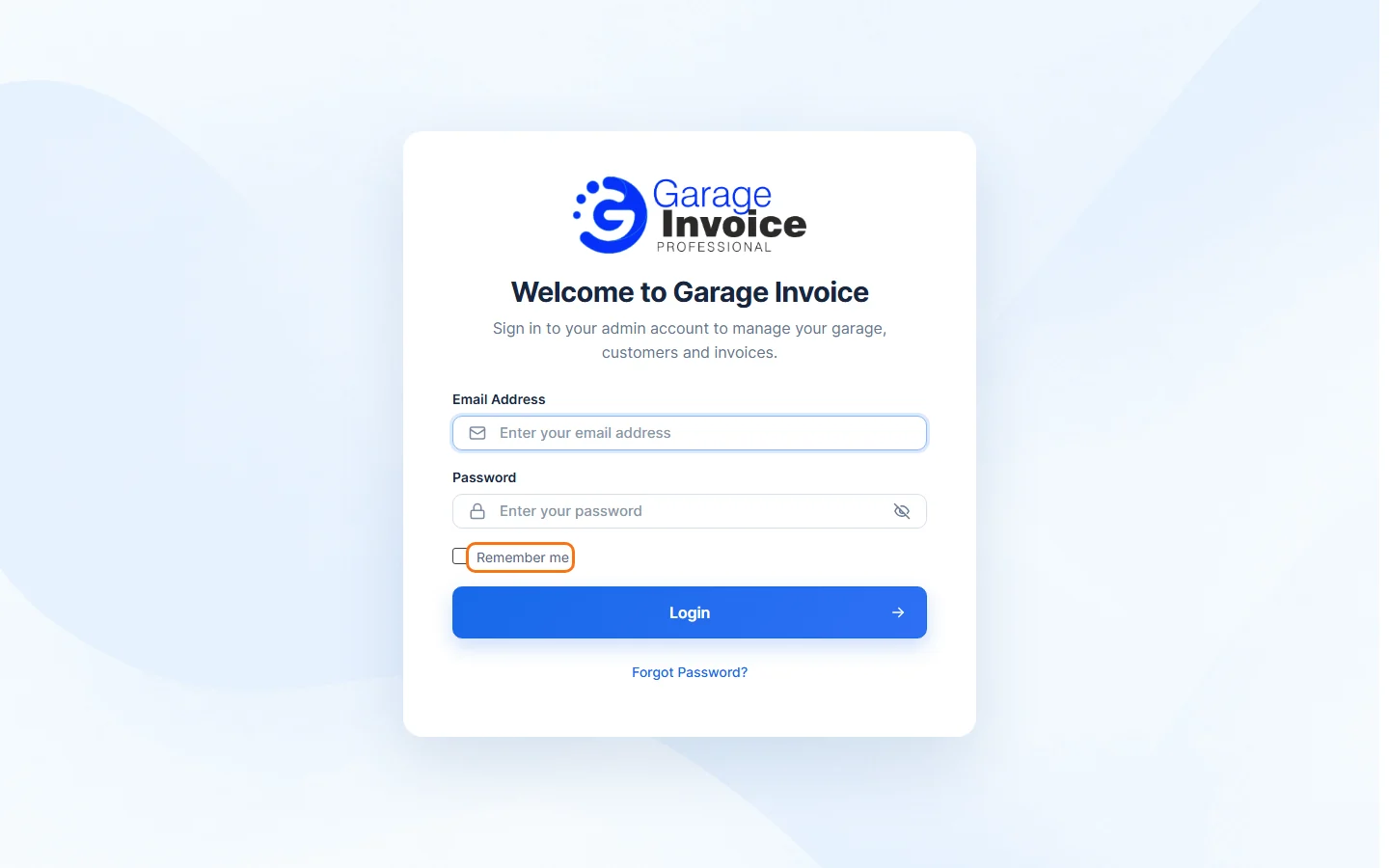
- On Welcome to Garage Invoice, enter your Email Address and Password. Click the eye icon in the password box to show or hide what you typed.
- Tick Remember me to stay signed in on this browser, so you don’t have to sign in each time you come back. Leave it unticked on a shared or public computer.
- Click Login.
You’ll see your dashboard. See Find Your Way Around.
Forgot your password?
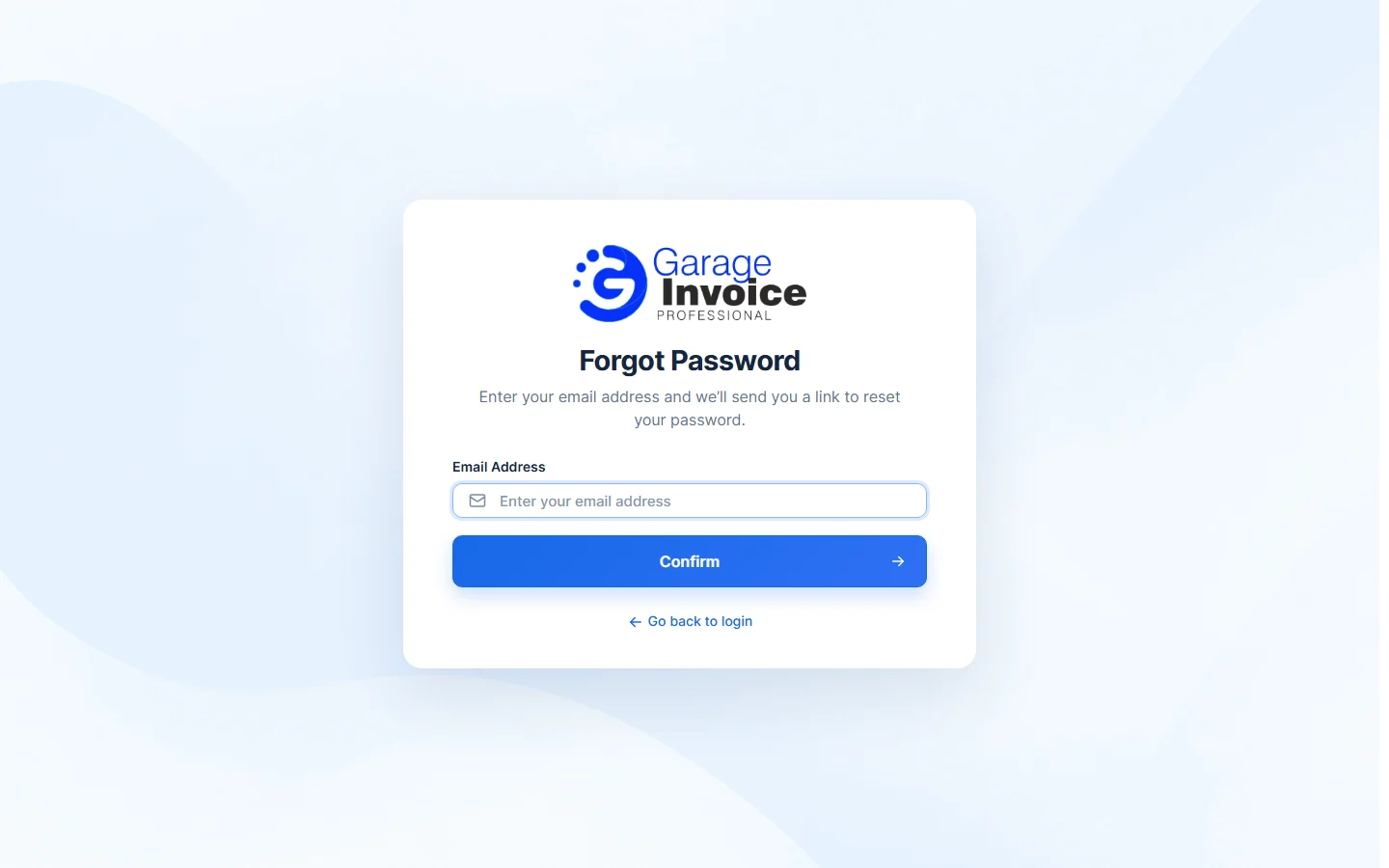
- On the sign-in page, click Forgot Password?
- Enter your Email Address and click Confirm. You’ll get an email with a link to reset your password. Click Go back to login to return to the sign-in page.
More help: I forgot my GI password · How to update my GI Password