
- Click Reports in the sidebar (under Insights) and click Purchase & Supplier.
- Choose the Period or From / To dates and what the dates are Based On: Purchase Order Date, Bill Date, Received Date or Payment Date. More filters adds supplier, category, status, payment status, VAT rate, stock status and currency. Click Filter.
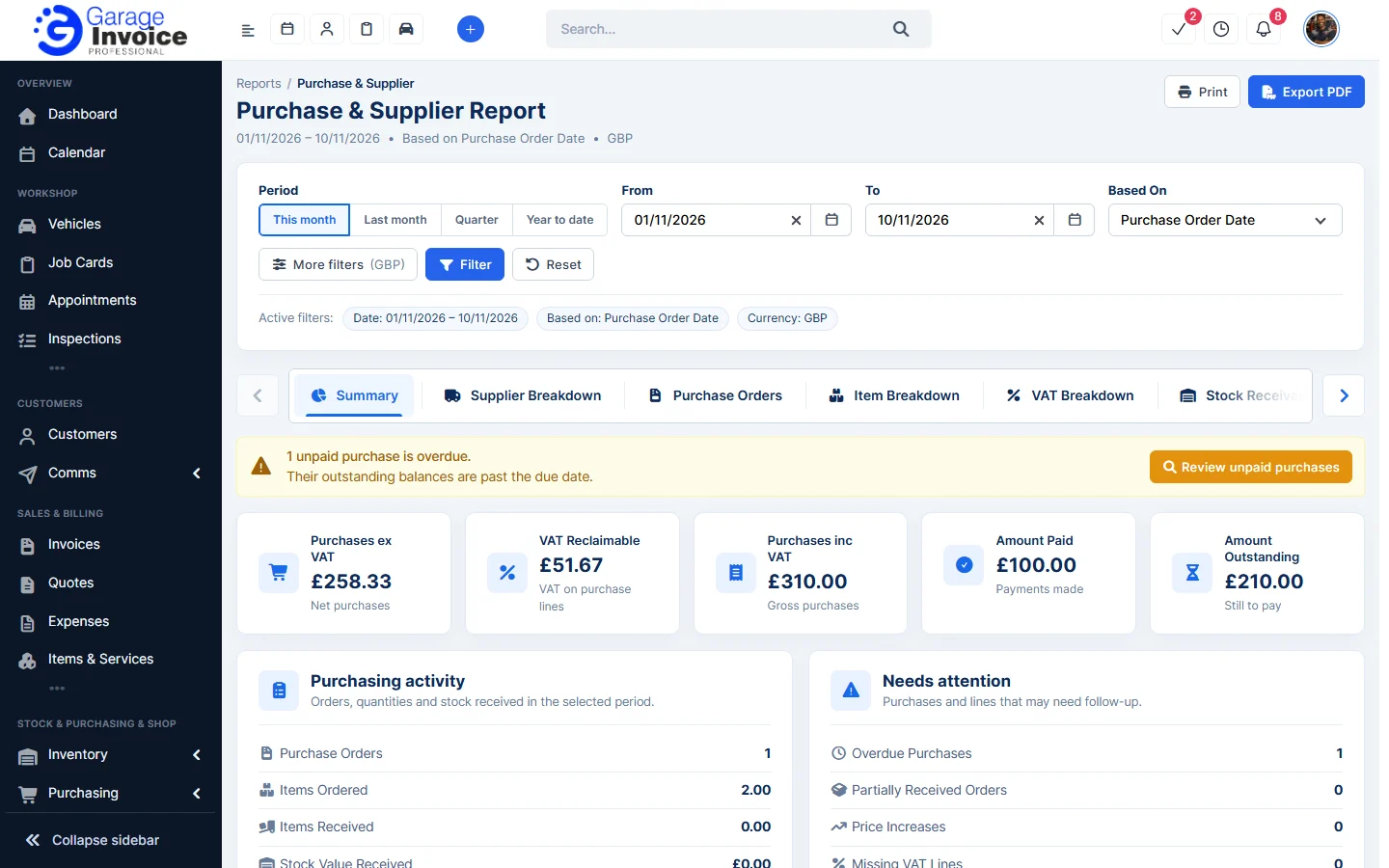
- The cards show Purchases ex VAT, VAT Reclaimable, Purchases inc VAT, Amount Paid and Amount Outstanding. Purchasing activity and Needs attention list counts such as overdue purchases and price increases.
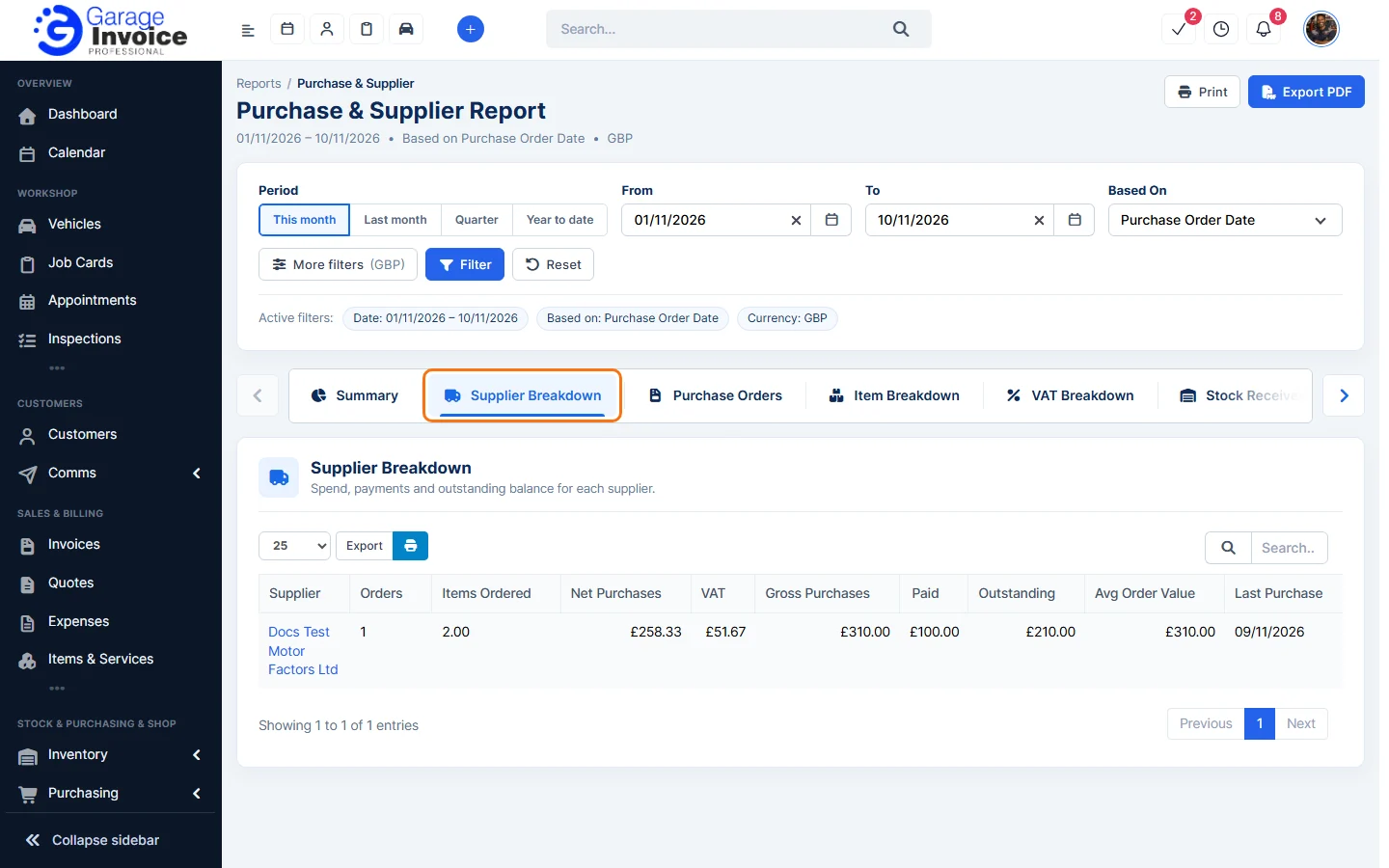
- Use the tabs Summary, Supplier Breakdown, Purchase Orders, Item Breakdown, VAT Breakdown, Stock Received, Unpaid Purchases, Price Changes and Supplier Performance.
- Click Export PDF or Print to keep a copy.
See also: VAT Summary · Cashflow Report
Feature Garage reports: see what it does and how it fits your workshop.