
- Click Tasks in the sidebar, under Workshop. Click the ••• there if you can’t see it.
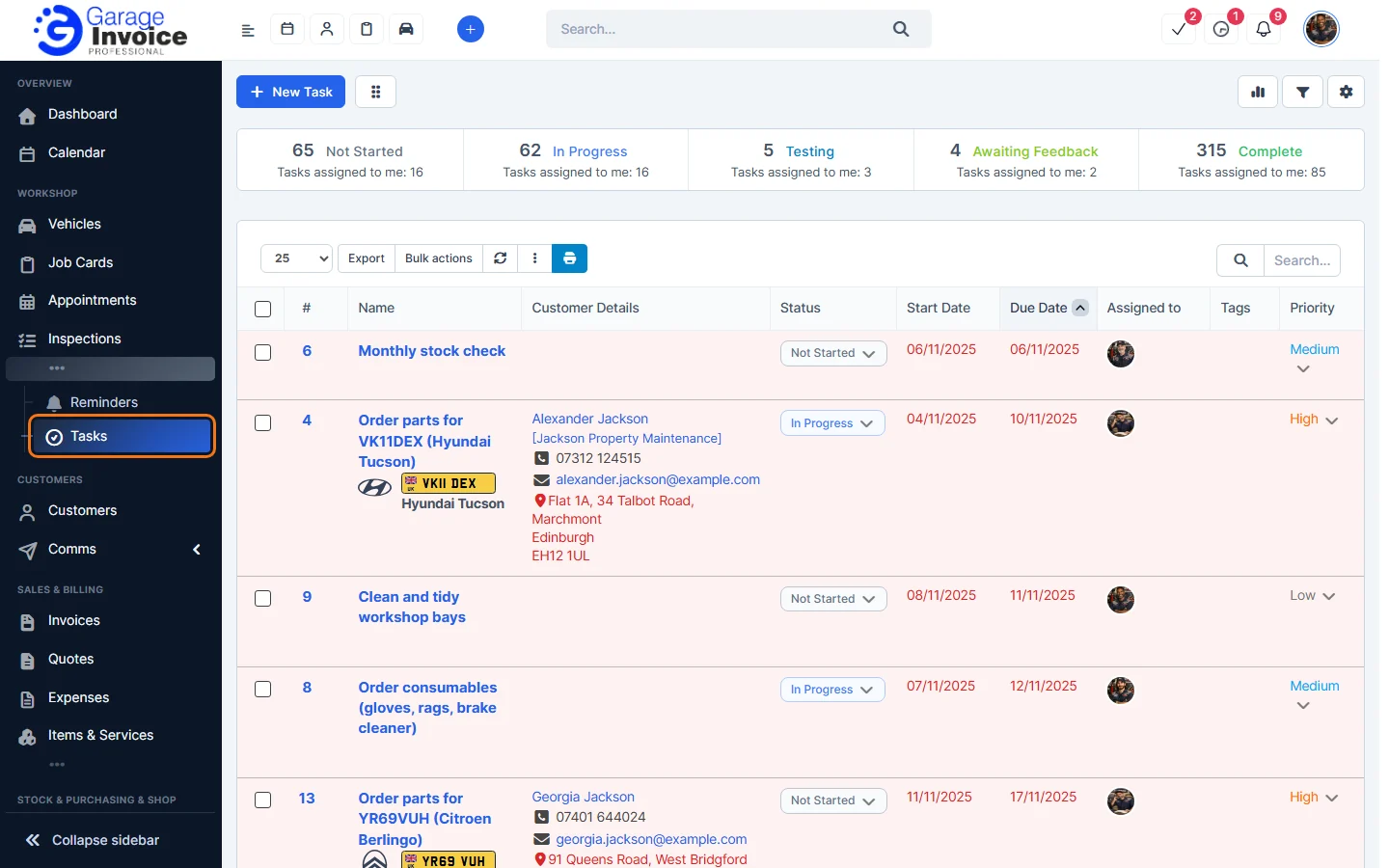
- The tiles show how many tasks are Not Started, In Progress, Testing, Awaiting Feedback and Complete, and how many are assigned to you.
- Each row shows the task Name, Customer Details (with the vehicle if it is linked to one), Status, Start Date, Due Date, Assigned to, Tags and Priority. Change the status or priority straight from the list.
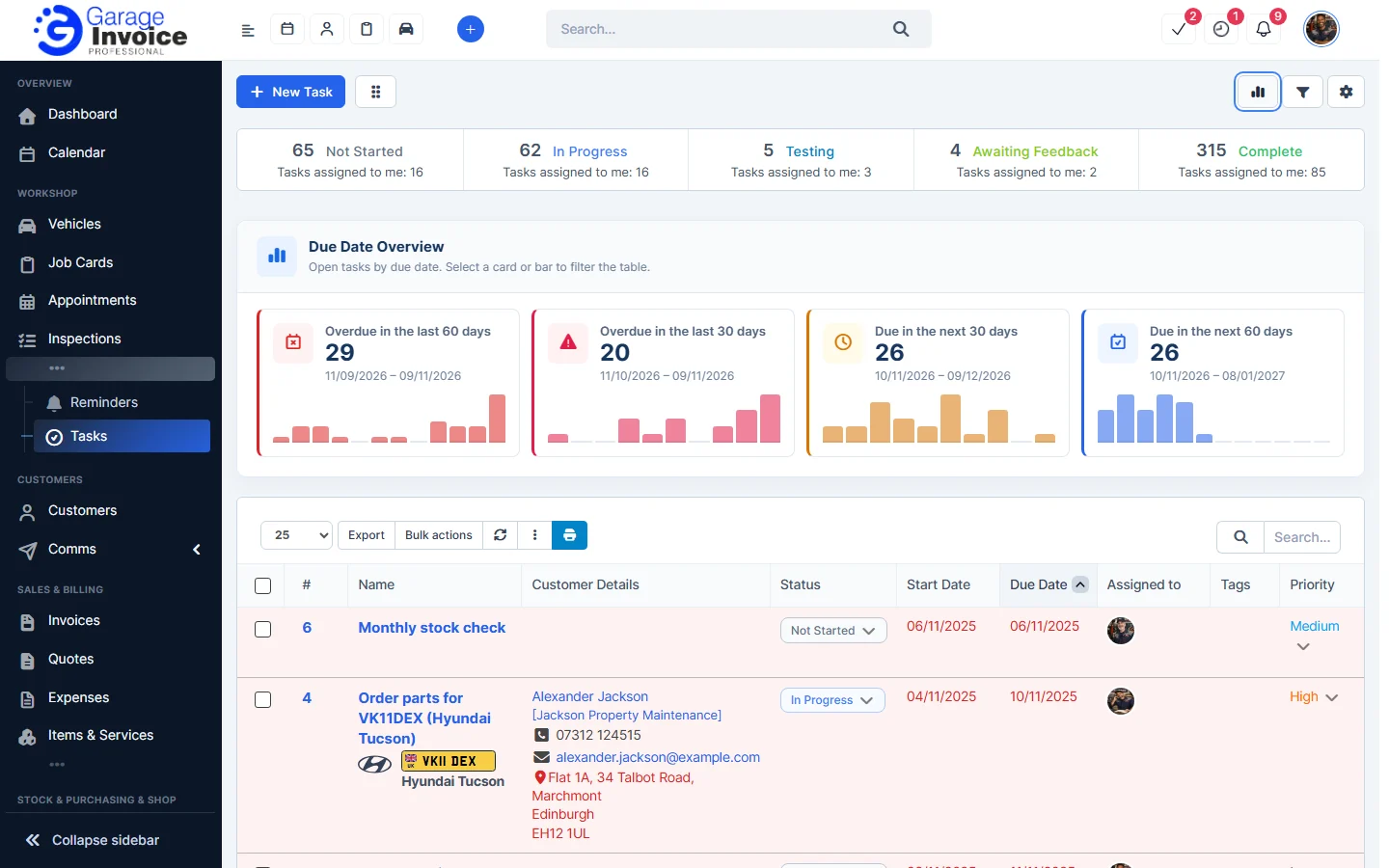
- Click the chart button to see the Due Date Overview: tasks overdue in the last 60 and 30 days and due in the next 30 and 60 days. Click a card or bar to filter the list.
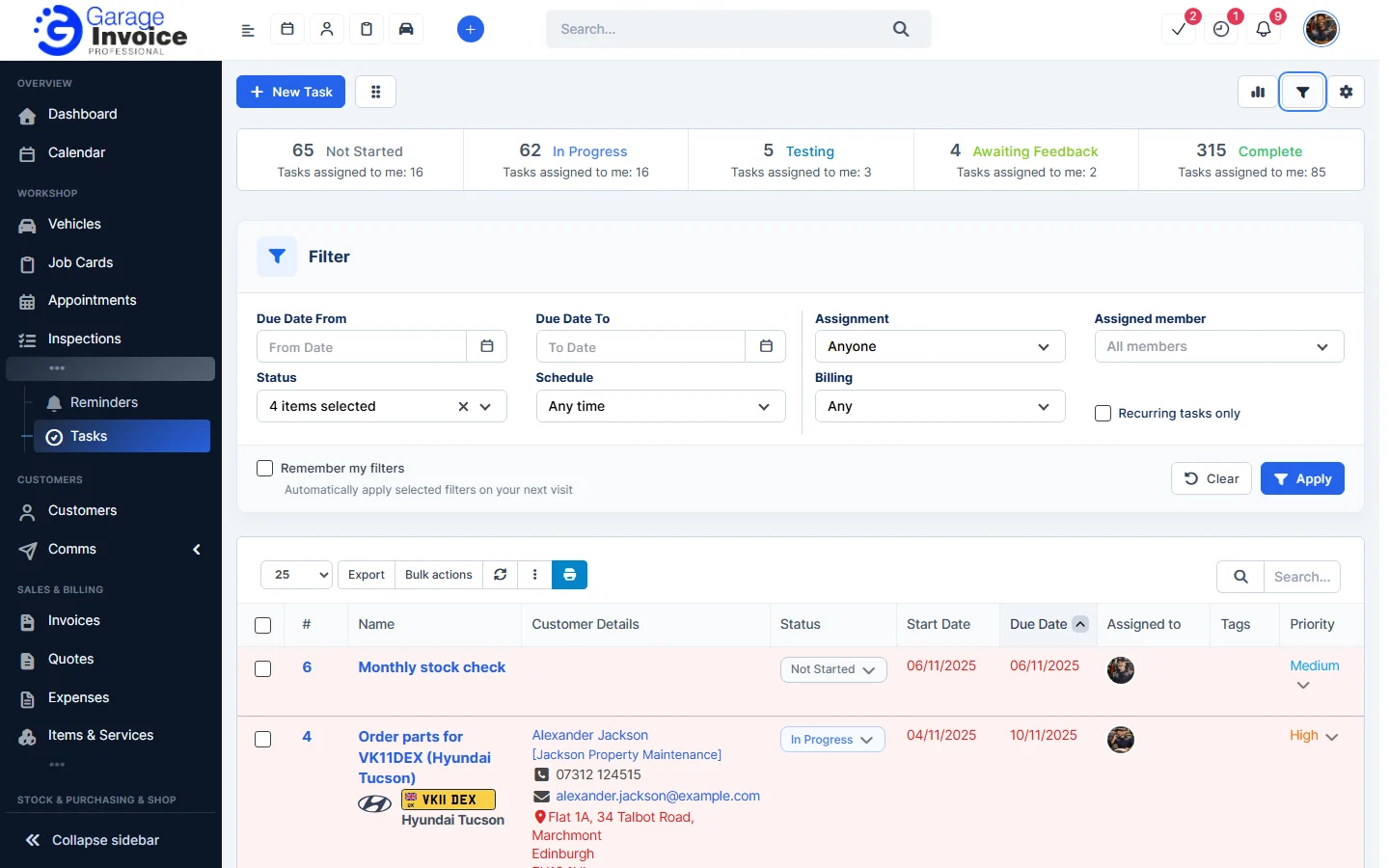
- Click the filter button to filter by due date, Status, Schedule, Assignment, Assigned member, Billing or Recurring tasks only.
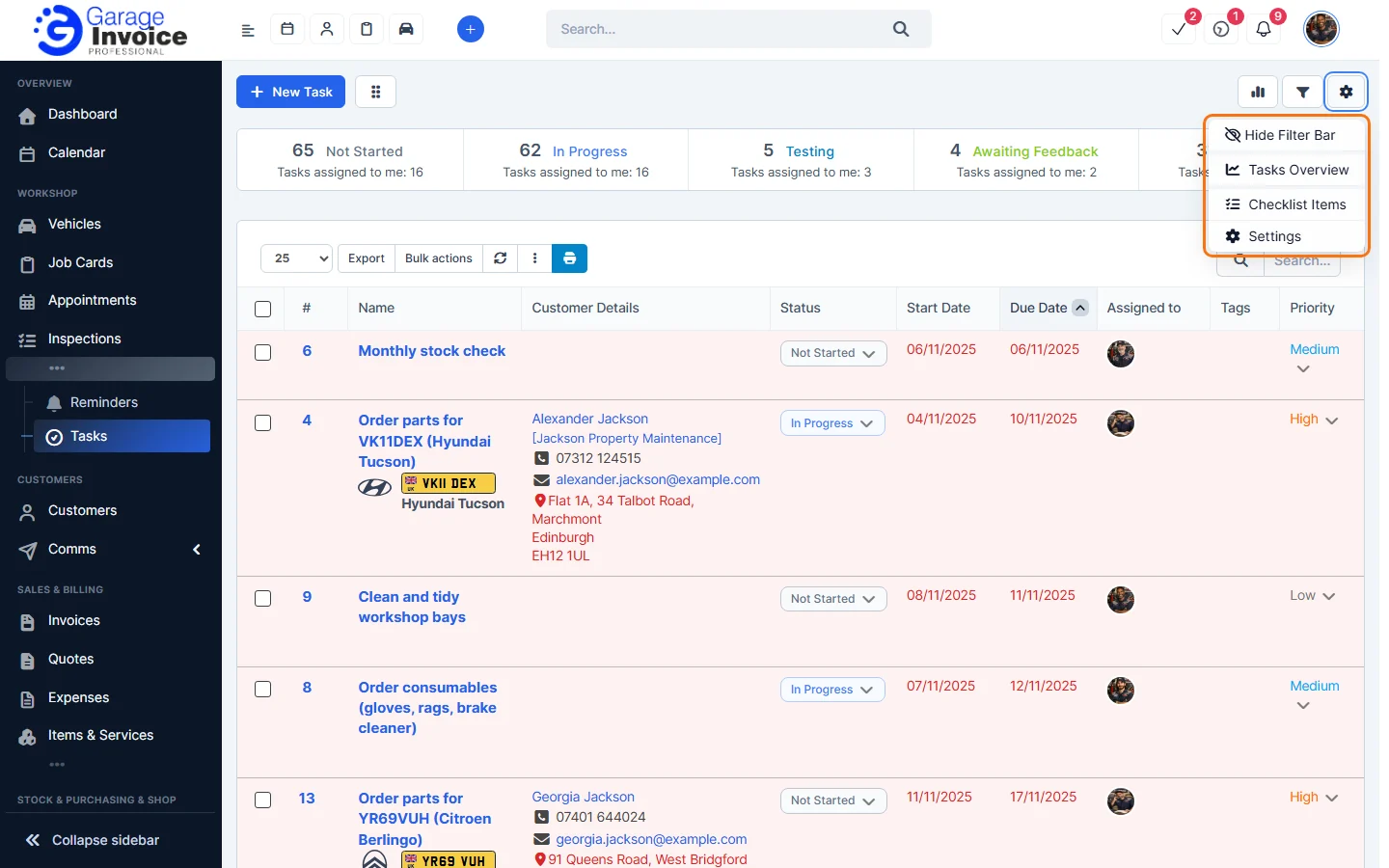
- The gear button has Hide Filter Bar, Tasks Overview, Checklist Items and Settings.
Related: Add New Task · Tasks Kanban View · Task Settings