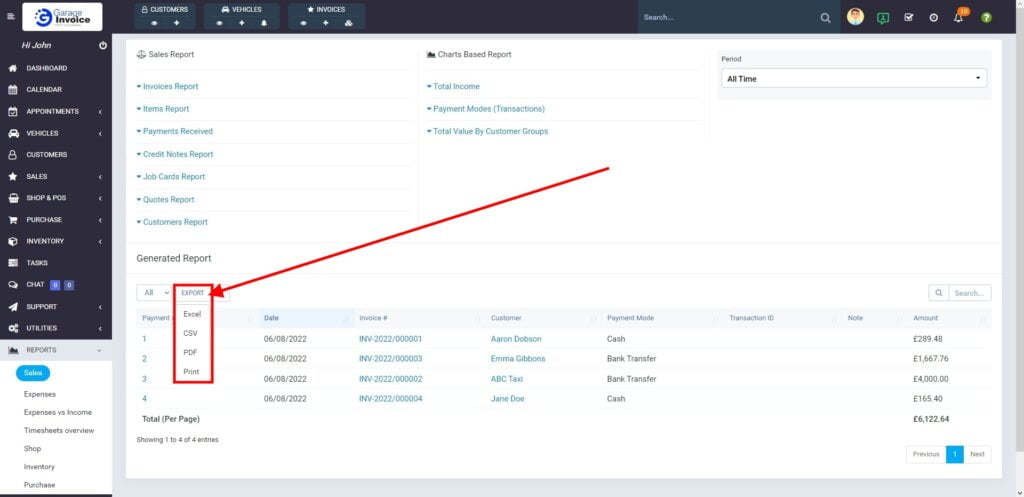
Payments Received/Recorded Report
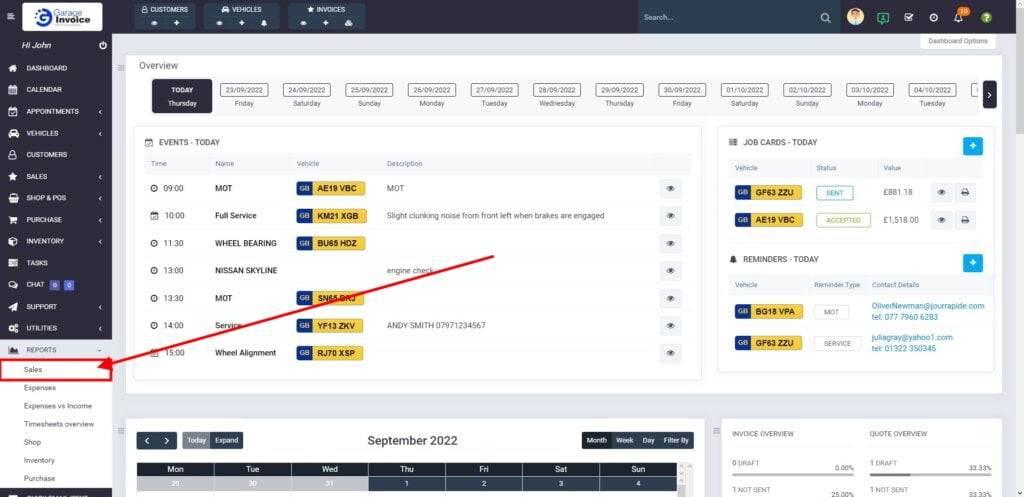
- Click REPORTS, located on the sidebar menu (left-hand side of the screen).

- Click Sales report option.
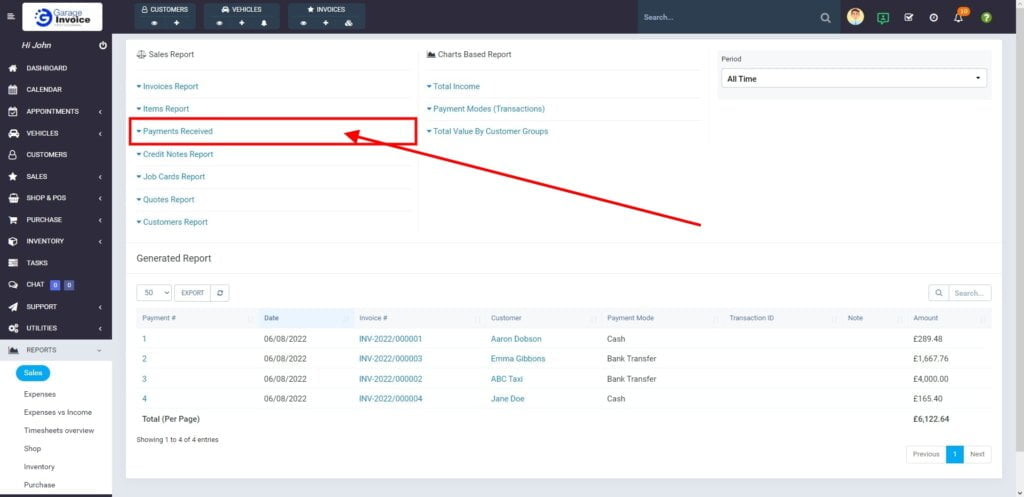
- Select Payments Received option.
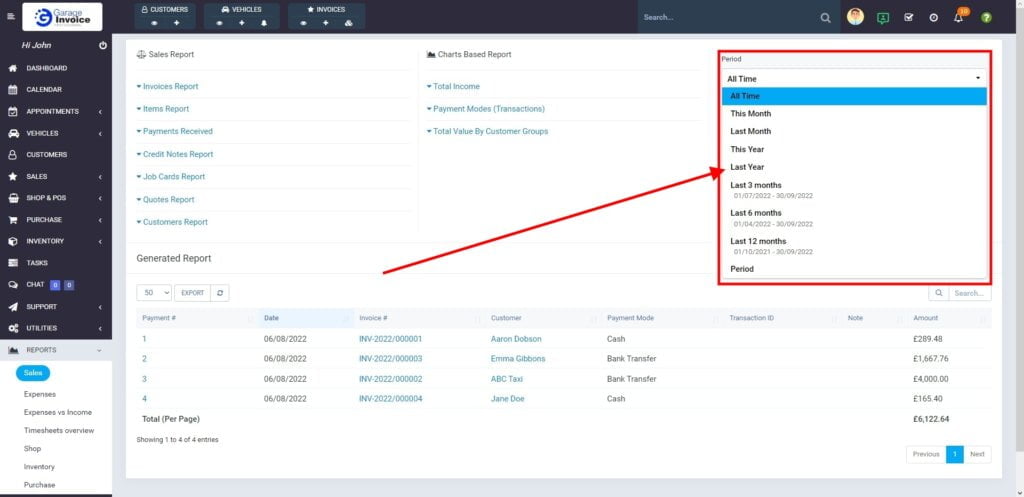
- From the Period drop-down select desired time period (all time, this month, last month, this year, last year, last 3, 6 or 12 months) or select Period option to set custom from and to dates.
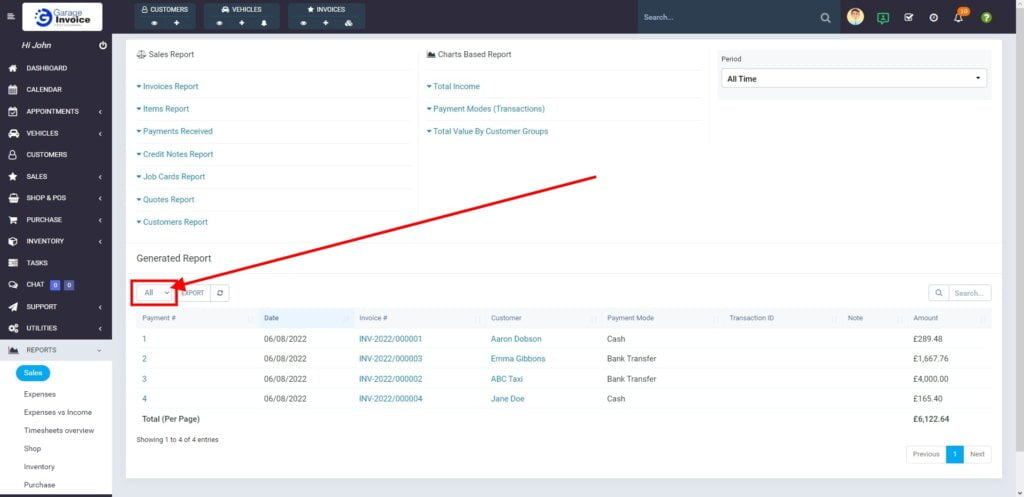
- Ensure that All payments are displayed – set view dropdown to All.
- Click Export button, to export your report to Excel, CSV/PDF file or print it out.