
- Click Settings at the bottom of the sidebar, under Administration. In the panel on the left, open Comms and click Email. Click the Exclusions tab.
- Type the Email address and click Add. Add as many addresses as you need. Each one is listed below, with a button to remove it.
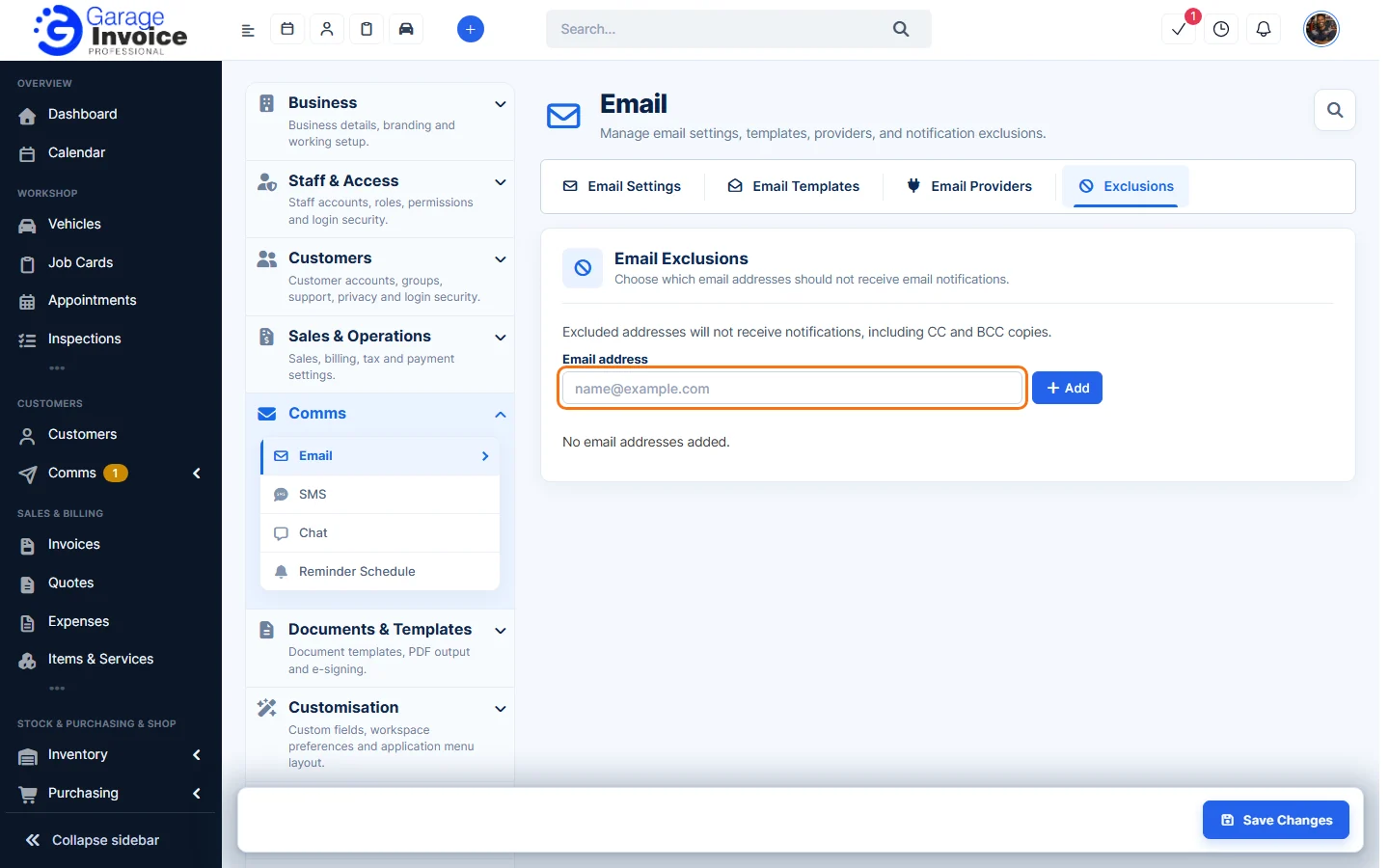
Note: excluded addresses get no email notifications at all, including CC and BCC copies.
Tip: to stop one particular email going to an address, add it to the Email Exclusion List of that email template instead. See Edit Email Template.
Feature Email and SMS notifications: see what it does and how it fits your workshop.